
DigitalXModels – Volume 04 – Road Signs DigitalXModels – Volume 04 – Road Signs max | fbx | obj |…
Read More »Doors, Windows, Railings 3d models
If you’re looking for 3D models of doors, windows, and railings, there are several platforms where you can find high-quality models for use in architectural visualization, game development, or other 3D projects. Here are some popular resources:
1. TurboSquid
- TurboSquid offers a wide range of 3D models, including doors, windows, and railings. You can find models in various formats like OBJ, FBX, and 3DS.
2. Sketchfab
- Sketchfab is a platform where you can browse, buy, and download 3D models. It also allows you to view models in 3D directly in your browser.
3. 3D Warehouse
- 3D Warehouse is a repository of 3D models created by SketchUp users. It’s a great resource for architectural elements like doors, windows, and railings.
4. CGTrader
- CGTrader offers a vast collection of 3D models, including architectural components. You can find both free and paid models.
5. Free3D
- Free3D provides a variety of free 3D models, including doors, windows, and railings. The models are available in different formats and are suitable for various 3D software.
6. BlenderKit
- BlenderKit is an add-on for Blender that provides access to a library of 3D models, including architectural elements. It’s particularly useful if you’re working in Blender.
7. Archibase
- Archibase specializes in architectural 3D models, including doors, windows, and railings. The models are often highly detailed and suitable for professional use.
8. Unity Asset Store
- If you’re working in Unity, the Unity Asset Store has a variety of 3D models, including architectural elements. These models are optimized for use in Unity projects.
9. Unreal Engine Marketplace
- Similar to the Unity Asset Store, the Unreal Engine Marketplace offers 3D models that are optimized for use in Unreal Engine, including doors, windows, and railings.
10. GrabCAD
- GrabCAD is a community-driven platform where engineers and designers share CAD models. You can find detailed models of doors, windows, and railings, often in formats like STEP or STL.
Tips for Choosing the Right Model:
- File Format: Ensure the model is available in a format compatible with your 3D software (e.g., OBJ, FBX, 3DS, etc.).
- Polygon Count: Consider the polygon count, especially if you need the model for real-time applications like games.
- Textures and Materials: Check if the model comes with textures and materials, which can save you time in the rendering process.
- Licensing: Be aware of the licensing terms, especially if you plan to use the model in a commercial project.
These platforms should provide you with a wide range of options for doors, windows, and railings in 3D.

DigitalXModels – Volume 05 – Traffic DigitalXModels – Volume 05 – Traffic
Read More »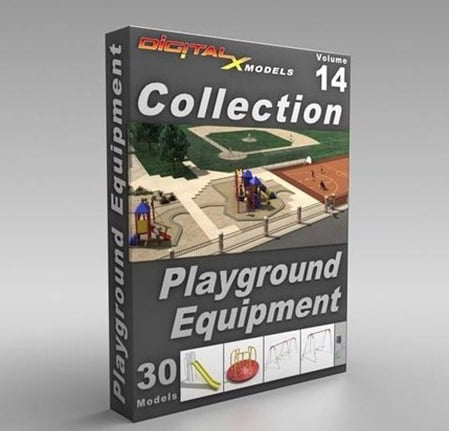
DigitalXModels – Volume 14 – Playground DigitalXModels – Volume 14 – Playground 3ds Max 9 | Universal: .3ds, .obj, .fbx…
Read More »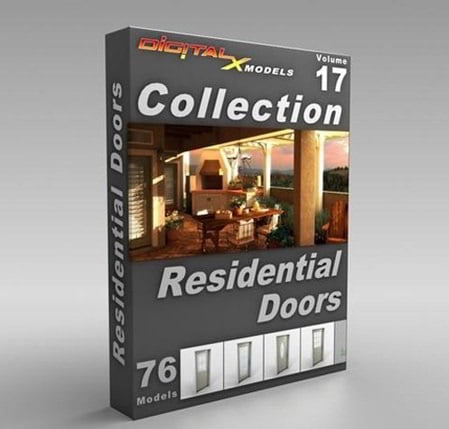
DigitalXModels – Volume 17 – Residential Doors DigitalXModels – Volume 17 – Residential Doors 3ds Max 9 | Universal: .3ds,…
Read More »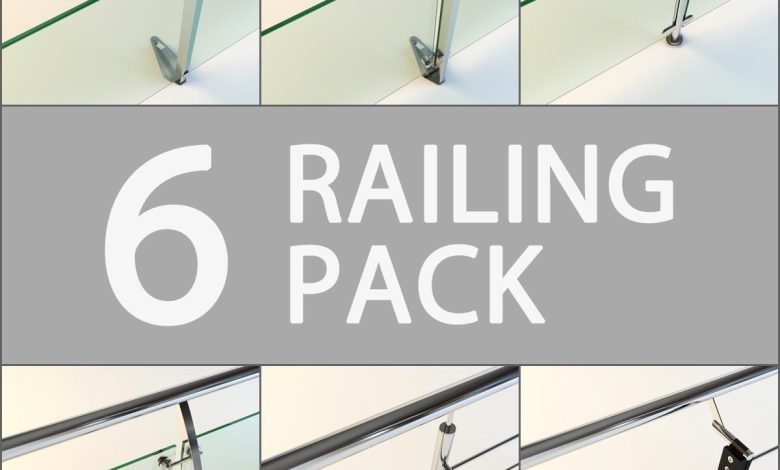
On This page you can download Turbosquid 6 Railing Pack, (architecture/ building components/ 3d railing) with High Speed & Direct…
Read More »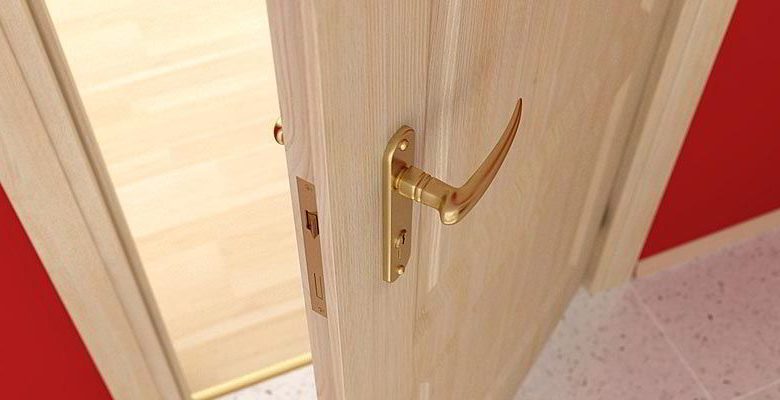
On This page you can download Evermotion – Archmodels vol. 4 : 3d models of doors, window, with High Speed…
Read More »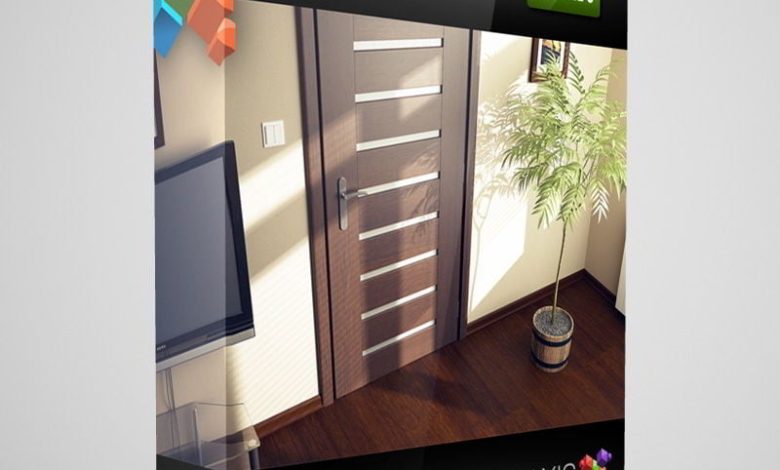
CGAxis Models Volume 3 Doors One of the most important elements of interior design is the entrance doors (detailed models…
Read More »