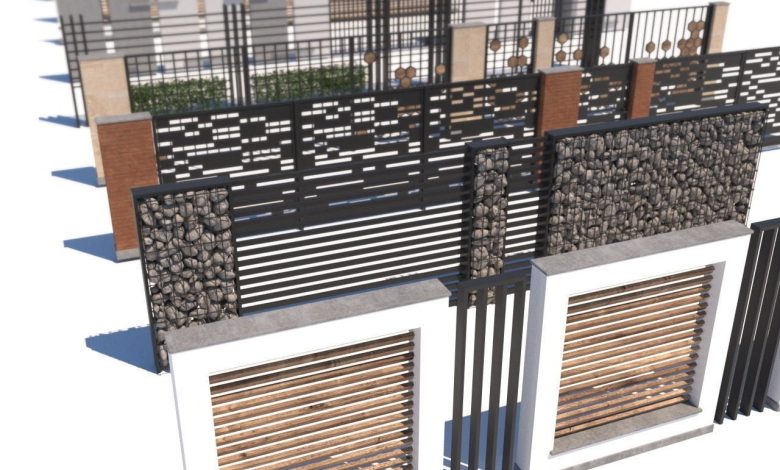
CGTrader – Modern fence collection VR / AR / low-poly 3D models On this page, you can download the modern…
Read More »Street elements 3d models
Street elements 3d models free
Creating or sourcing 3D models of street elements can be a great way to enhance architectural visualizations, game environments, or urban planning projects. Here are some common street elements you might want to include, along with resources and tips for finding or creating 3D models:
Common Street Elements for 3D Models:
- Roads and Pavements:
- Asphalt roads, cobblestone streets, sidewalks, crosswalks, and bike lanes.
- Street Furniture:
- Benches, trash bins, bus stops, street lamps, bollards, and public signage.
- Vehicles:
- Cars, buses, bicycles, motorcycles, and delivery trucks.
- Vegetation:
- Trees, shrubs, grass patches, flower beds, and planters.
- Buildings and Structures:
- Storefronts, residential buildings, fences, and walls.
- Utilities:
- Manhole covers, fire hydrants, utility poles, and electrical boxes.
- Traffic Elements:
- Traffic lights, stop signs, pedestrian signals, and road barriers.
- Decorative Elements:
- Fountains, statues, public art, and decorative lighting.
Resources for 3D Models:
If you’re looking for pre-made 3D models, here are some popular platforms:
- Free Resources:
- SketchUp 3D Warehouse: Offers a wide range of free street elements.
- TurboSquid Free Models: Occasionally has free high-quality models.
- Free3D: A repository of free 3D models, including street elements.
- OpenStreetMap (OSM) + Blender: Use OSM data to generate 3D street layouts in Blender.
- Paid Resources:
- TurboSquid: High-quality models for purchase.
- CGTrader: A marketplace for 3D models, including street elements.
- Unity Asset Store: Great for game-ready assets.
- Unreal Engine Marketplace: Offers high-quality models for real-time rendering.
- Envato Elements: Subscription-based service with a variety of 3D assets.
- Software for Creating 3D Models:
- Blender: Free and open-source, great for creating custom street elements.
- Autodesk 3ds Max: Industry-standard for architectural visualization.
- Cinema 4D: Popular for motion graphics and design.
- SketchUp: Easy-to-use for creating simple 3D models.
Tips for Creating Custom 3D Street Elements:
- Reference Images:
- Use real-world photos or Google Street View for accurate proportions and details.
- Modular Design:
- Create modular pieces (e.g., sections of road or sidewalk) for easy reuse.
- Texturing:
- Use high-resolution textures for asphalt, concrete, and other materials.
- Scale and Proportions:
- Ensure all elements are to scale for realistic integration.
- Optimization:
- For real-time applications (e.g., games), optimize models with low poly counts and efficient UV mapping.
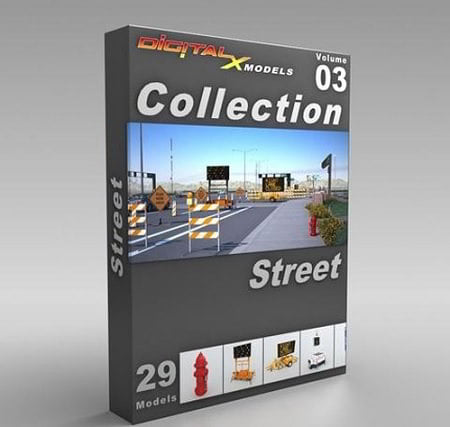
DigitalXModels – Volume 03 – Street This collection contains 29 models that will beef up the credibility of your 3D…
Read More »
DigitalXModels – Volume 04 – Road Signs DigitalXModels – Volume 04 – Road Signs max | fbx | obj |…
Read More »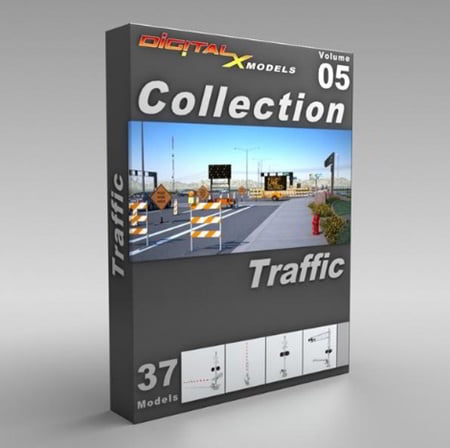
DigitalXModels – Volume 05 – Traffic DigitalXModels – Volume 05 – Traffic
Read More »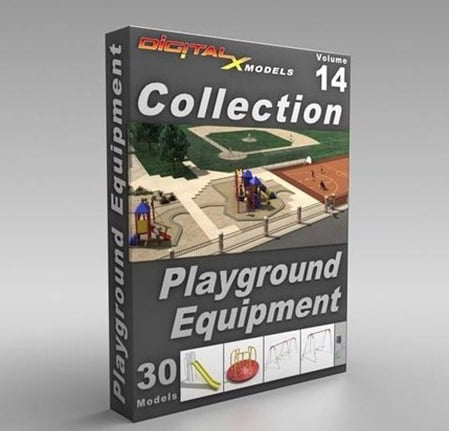
DigitalXModels – Volume 14 – Playground DigitalXModels – Volume 14 – Playground 3ds Max 9 | Universal: .3ds, .obj, .fbx…
Read More »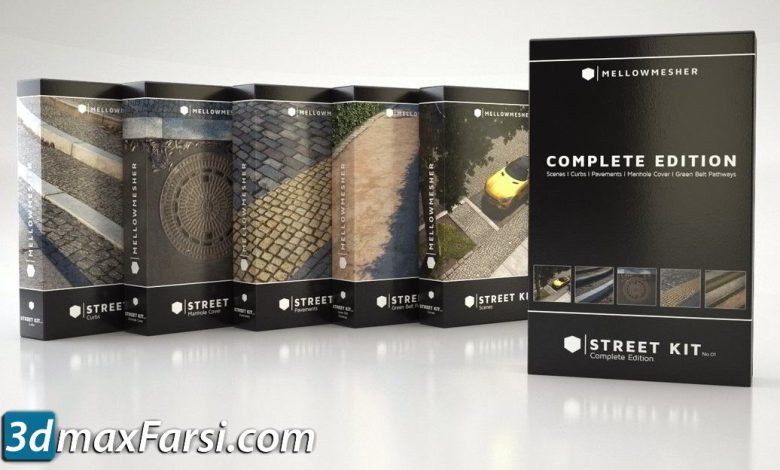
On This page you can download TurboSquid – Street Kit 01 Complete Edition 3D Models, (3d models collections) with High…
Read More »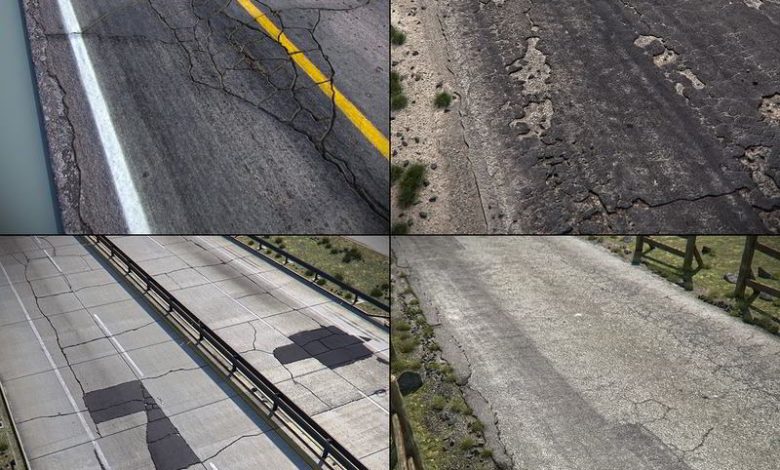
3d-models collections, architecture, urban design, infrastructure, roadway On This page you can download TurboSquid – Detailed Roads Collection, (road pbr…
Read More »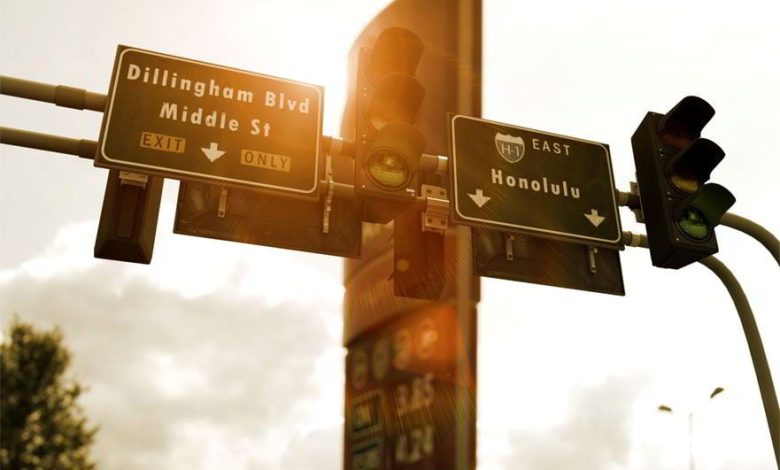
On This page you can download Evermotion – Archmodels vol. 13 : lamps, benches or telephone boxes, with High Speed…
Read More »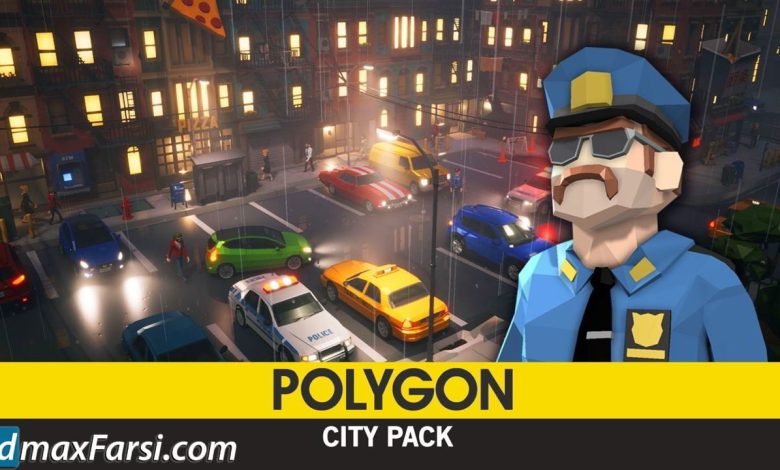
On This page you can download CGTrader – POLYGON – City Pack Low-poly & Complete Colored Lowpoly Standing People, (3d…
Read More »