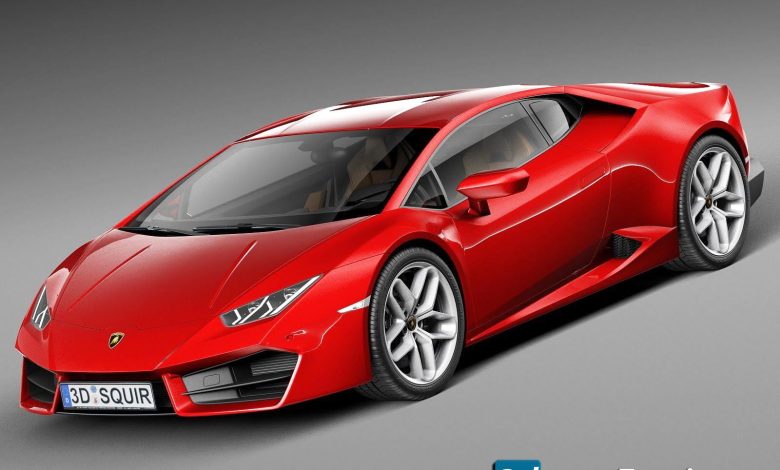
On This page you can download TurboSquid – Lamborghini Huracan LP580-2 2017, (sport car+ 3d-models vehicle transport) with High Speed…
Read More »Cars 3D Models
Cars & Vehicles 3D models
If you’re looking for 3D models of cars, there are several platforms and resources where you can find high-quality models for various purposes, such as gaming, animation, 3D printing, or visualization. Here are some popular options:
1. 3D Model Marketplaces
These platforms offer both free and paid 3D car models:
- TurboSquid: One of the largest libraries of 3D models, including cars. You can find models in various formats (OBJ, FBX, Blender, etc.).
- CGTrader: Offers a wide range of car models, from realistic to low-poly versions.
- Sketchfab: A platform where you can view and download 3D models, including cars. Many are free or available for purchase.
- 3DExport: Specializes in 3D models for games and animations, with a large selection of cars.
2. Free 3D Model Websites
If you’re looking for free car models:
- Free3D: Offers a variety of free car models, though some may require attribution.
- Clara.io: A cloud-based 3D modeling platform with a library of free models, including cars.
- BlenderKit: A great resource for Blender users, offering free and paid car models.
3. Game Assets
For low-poly or stylized car models (suitable for games):
- Unity Asset Store: Offers car models and packs for game development.
- Unreal Engine Marketplace: Provides high-quality car models for Unreal Engine projects.
4. CAD Models
For engineering or 3D printing purposes:
- GrabCAD: A community-driven platform with CAD models of cars and car parts.
- Thingiverse: Primarily for 3D printing, but you can find car models and parts here.
5. Software-Specific Resources
- Blender: Check out Blender communities like Blender Artists for free car models.
- Autodesk 3ds Max/Maya: Many car models are available on Autodesk’s forums or marketplaces.
- Cinema 4D: Look for car models on C4D-specific sites like C4D Cafe.
6. Custom Car Models
If you need a custom car model, consider hiring a 3D artist on platforms like:
- Fiverr: https://www.fiverr.com
- Upwork: https://www.upwork.com
- ArtStation: https://www.artstation.com
Tips for Choosing a 3D Car Model
- File Format: Ensure the model is compatible with your software (e.g., FBX, OBJ, STL, Blender, etc.).
- Polygon Count: High-poly models are great for renders, while low-poly models are better for games.
- Textures: Check if the model includes textures or materials.
- License: Verify the license for commercial or personal use.
Let me know if you need help with specific types of car models or software! 🚗
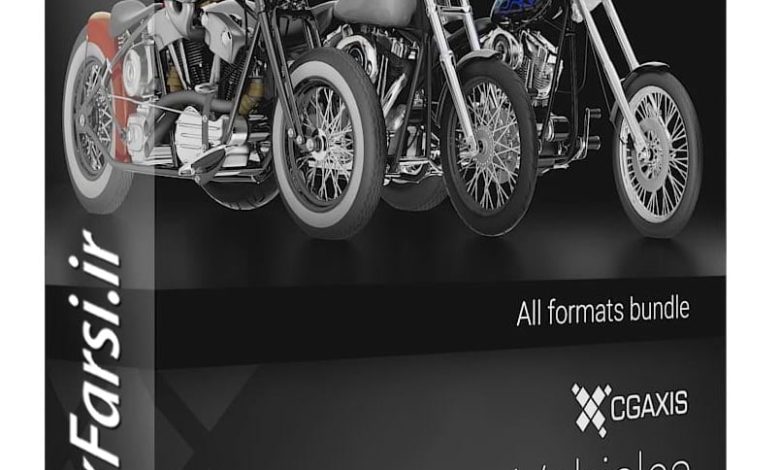
On this page, you can download CGAxis 3D Vehicles Volume 1 3D models from CGAxis. One of the great features…
Read More »