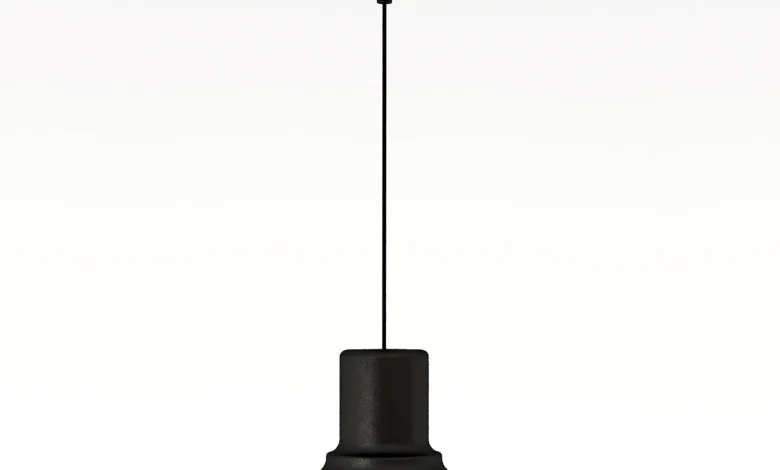
Get a 3D model of Hektar Pendant Lamp Black for 3ds max. 3dsky – Hektar Pendant Lamp Black
Read More »Lighting 3D Models
Lighting 3d models : Ceiling Light + Led
Lighting 3D models is a crucial aspect of 3D rendering and visualization, as it significantly impacts the realism, mood, and overall quality of the final image or animation. Proper lighting techniques can enhance textures, create depth, and emphasize details in your 3D models. High quality files for any industry – games, VFX, real-time, advertising, & VR/AR.
Lighting 3D models refers to the process of adding and adjusting light sources in a 3D scene to enhance realism, create mood, and highlight details. It is a crucial part of architectural visualization, product rendering, game design, and animation.
Types of Lighting in 3D Models
- Natural Lighting – Simulates sunlight or moonlight, often using an HDRI environment or a directional light.
- Artificial Lighting – Includes lamps, spotlights, and area lights, mimicking real-world light sources like bulbs or LEDs.
- Global Illumination (GI) – Simulates how light bounces off surfaces, creating realistic reflections and indirect lighting.
- Ambient Lighting – A soft, uniform light that reduces harsh shadows.
- Three-Point Lighting – A classic method using key, fill, and rim lights to highlight models effectively.
Common Lighting Techniques
- HDRI Lighting – Uses a high-dynamic-range image for realistic environmental lighting.
- Physically Based Rendering (PBR) Lights – Uses real-world light values to improve realism.
- Volumetric Lighting – Adds depth with light beams, fog, or haze.
- Soft Shadows & Caustics – Enhances realism by simulating how light interacts with surfaces.
Since you’re into architectural visualization and 3D product modeling, proper lighting is key to making your renders look professional. Do you need help setting up lighting in Blender, V-Ray, or another renderer?
1. Types of Lighting in 3D
There are several types of lights commonly used in 3D software (e.g., Blender, Maya, 3ds Max, Unreal Engine, etc.):
- Directional Light: Simulates sunlight or a distant light source. It emits parallel rays in one direction.
- Point Light: Emits light in all directions from a single point, like a light bulb.
- Spot Light: Focuses light in a cone shape, similar to a flashlight or stage spotlight.
- Area Light: Emits light from a defined surface or shape (e.g., a rectangle or sphere), creating soft shadows.
- HDRI Lighting: Uses High Dynamic Range Images to create realistic environment lighting and reflections.
- Ambient Light: Provides uniform lighting across the entire scene, often used to simulate indirect light.
2. Key Lighting Techniques
- Three-Point Lighting: A classic setup used in photography and 3D rendering:
- Key Light: The primary light source, usually the brightest and placed at an angle to the subject.
- Fill Light: Softens shadows created by the key light, placed on the opposite side.
- Back Light (Rim Light): Separates the subject from the background by highlighting its edges.
- Global Illumination (GI): Simulates how light bounces off surfaces, creating realistic indirect lighting.
- Ambient Occlusion (AO): Adds subtle shadows in crevices and corners, enhancing depth and realism.
- Image-Based Lighting (IBL): Uses HDRI maps to light the scene realistically, capturing reflections and ambient light.
3. Tips for Effective Lighting
- Study Real-World Lighting: Observe how light behaves in real life, including shadows, reflections, and color temperature.
- Use Shadows Wisely: Soft shadows often look more natural than hard shadows, especially for organic scenes.
- Balance Intensity: Avoid overlighting or underlighting. Adjust light intensity to create a natural look.
- Layer Lights: Combine multiple light sources to build complexity and depth in your scene.
- Color Temperature: Use warm (e.g., 3000K) and cool (e.g., 6000K) light tones to create contrast and mood.
- Test Different Angles: Experiment with light placement to find the most flattering or dramatic angle for your model.
4. Lighting for Different Scenes
- Interior Scenes: Use area lights or emissive materials for lamps, and HDRI for natural light from windows.
- Exterior Scenes: Rely on directional lights for sunlight and HDRI for sky lighting.
- Product Visualization: Use soft, diffused lighting to highlight details and avoid harsh shadows.
- Character Lighting: Focus on three-point lighting to emphasize facial features and expressions.
5. Tools and Software
- Blender: Free and open-source, with powerful lighting tools like Cycles and Eevee render engines.
- Maya: Industry-standard software with advanced lighting and rendering capabilities.
- 3ds Max: Great for architectural visualization and lighting setups.
- Unreal Engine: Real-time lighting with Lumen for dynamic and realistic scenes.
- Substance Painter: Useful for baking lighting details into textures.
6. Common Mistakes to Avoid
- Overusing lights, which can flatten the scene.
- Ignoring light falloff, making the scene look unnatural.
- Neglecting shadows, which can make objects appear to float.
- Forgetting about color theory, leading to unrealistic or unappealing lighting.
By mastering lighting techniques, you can bring your 3D models to life and create visually stunning renders. Practice and experimentation are key to developing your skills! Let me know if you need help with specific lighting setups or software.
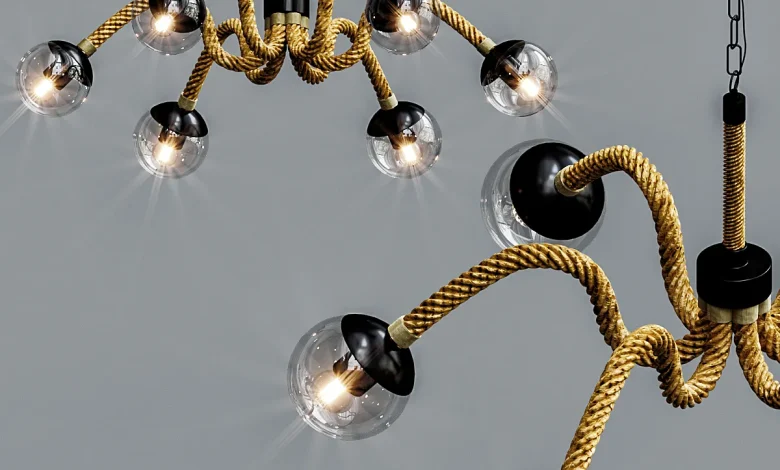
Get a 3D model of Industrial Retro Magic Beans – Pendant light – 3D model for 3ds max. 3dsky –…
Read More »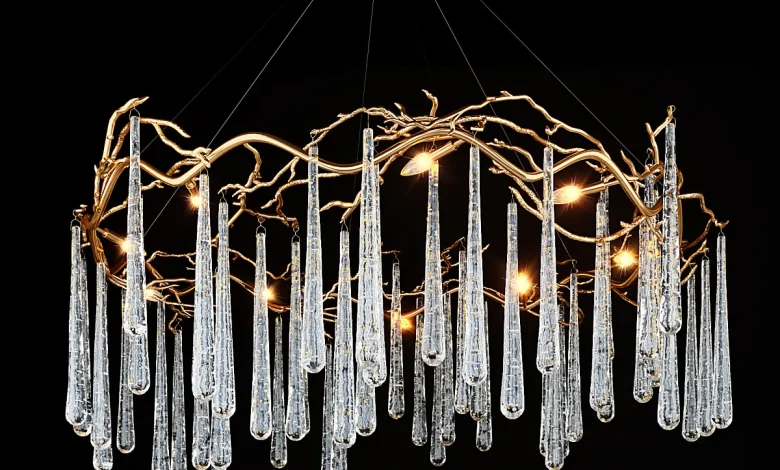
Get a 3D model of John Richard Brass and Glass Teardrop Eight-Light Chandelier – Pendant light – 3D model for…
Read More »
Get a 3D model of 3dsky – Lampada a sospensione futura – Pendant light – 3D model for 3ds max.…
Read More »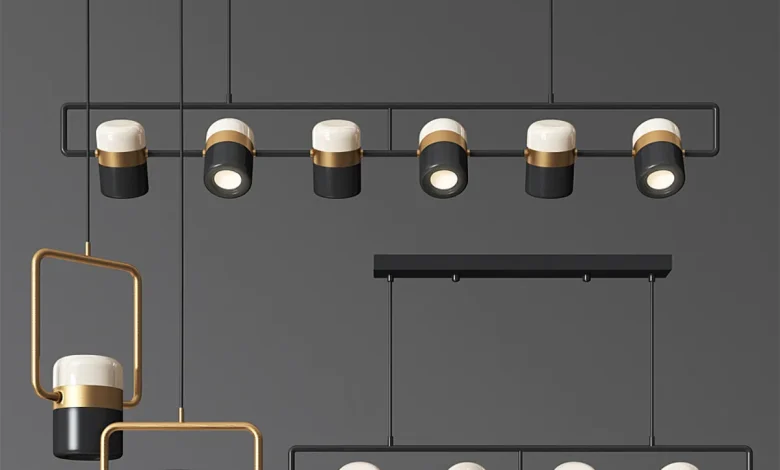
Get a 3D model of 3dsky – Lamptron Ling PL6 Light Set – Pendant light – 3D model for 3ds…
Read More »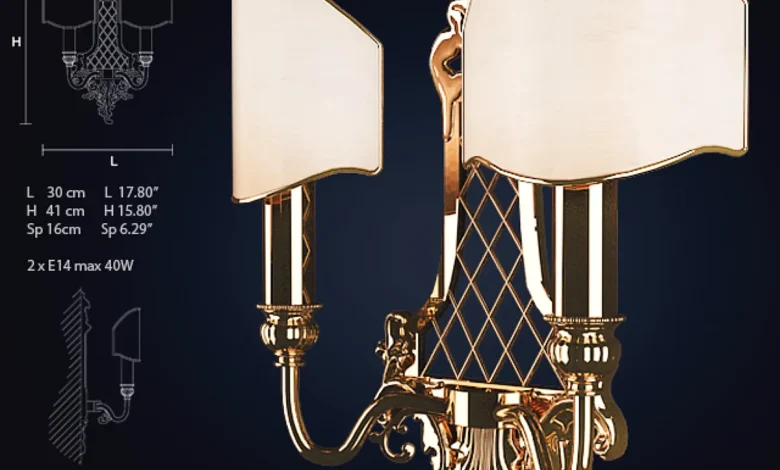
Get a 3D model of 3dsky – Masiero ve 1063 – A2 – Wall light – 3D model for 3ds…
Read More »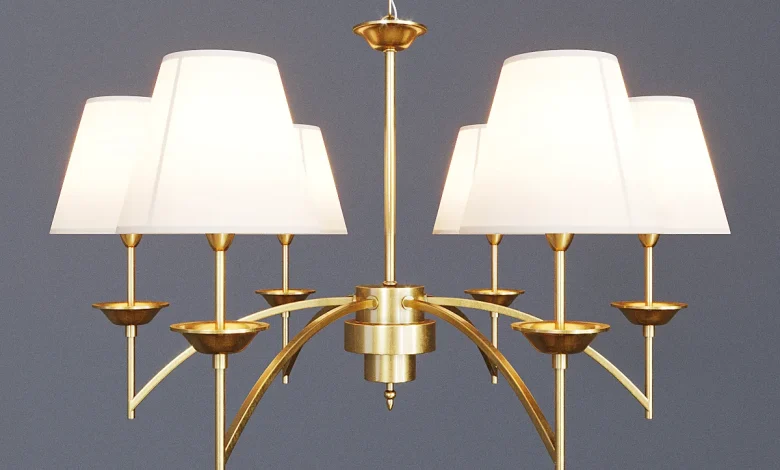
Get a 3D model of 3dsky – Mel house – Pendant light – 3D model for 3ds max. 3dsky –…
Read More »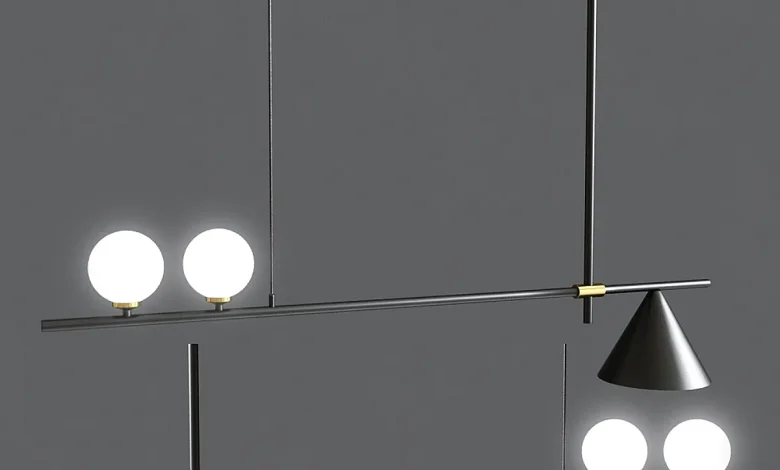
Get a 3D model of 3dsky – Mid Century Modern 3 Light Chandelier With Cone – Pendant light – 3D…
Read More »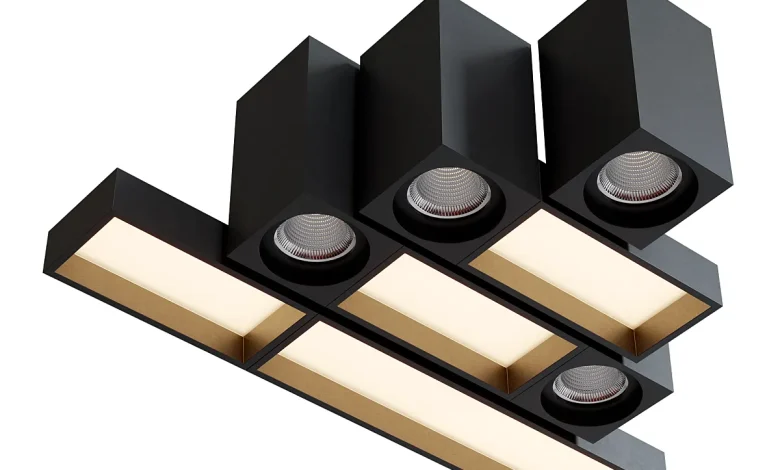
Get a 3D model of 3dsky – Modular Lighting Instruments QBINI Set – Spot light – 3D model for 3ds…
Read More »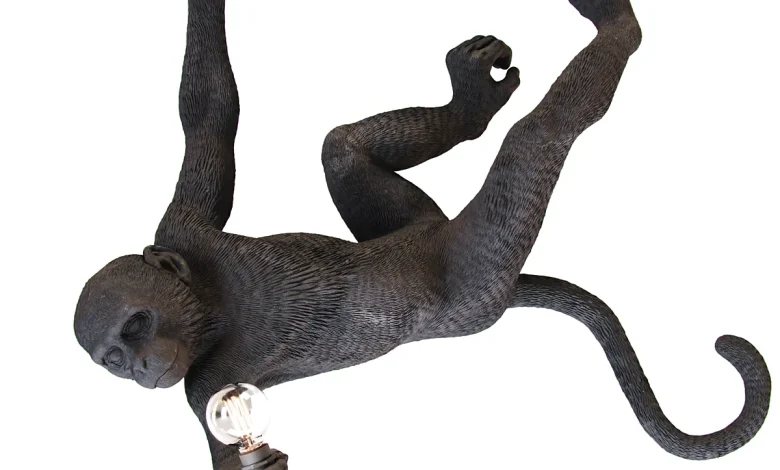
Get a 3D model of 3dsky – Monkey lamp swing – Pendant light – 3D model for 3ds max. 3dsky…
Read More »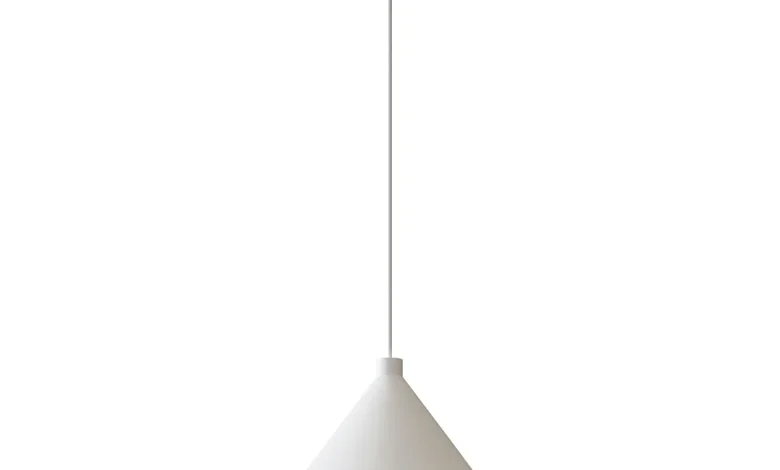
Nevlinge Pendant Lamp White Get a 3D model of 3dsky – Nevlinge Pendant Lamp White, white 33 cm – Pendant…
Read More »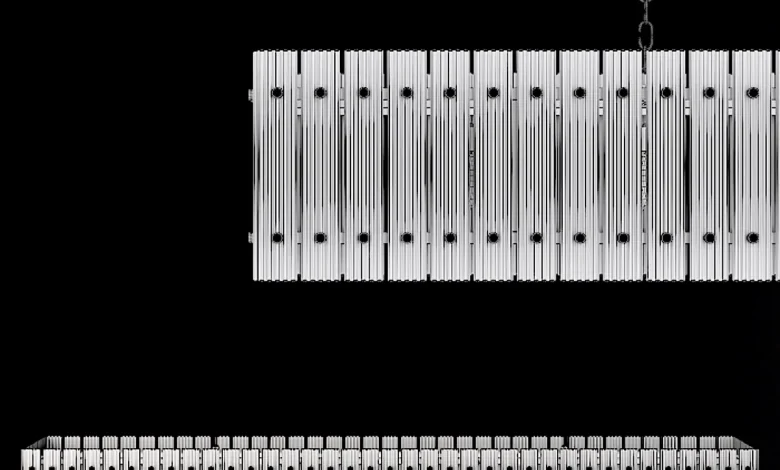
Restoration Hardware SAN MARCO LINEAR CHANDELIER 72 Nickel – Pendant light – 3D model Get a 3D model of 3dsky…
Read More »