Best 3D assets for game development
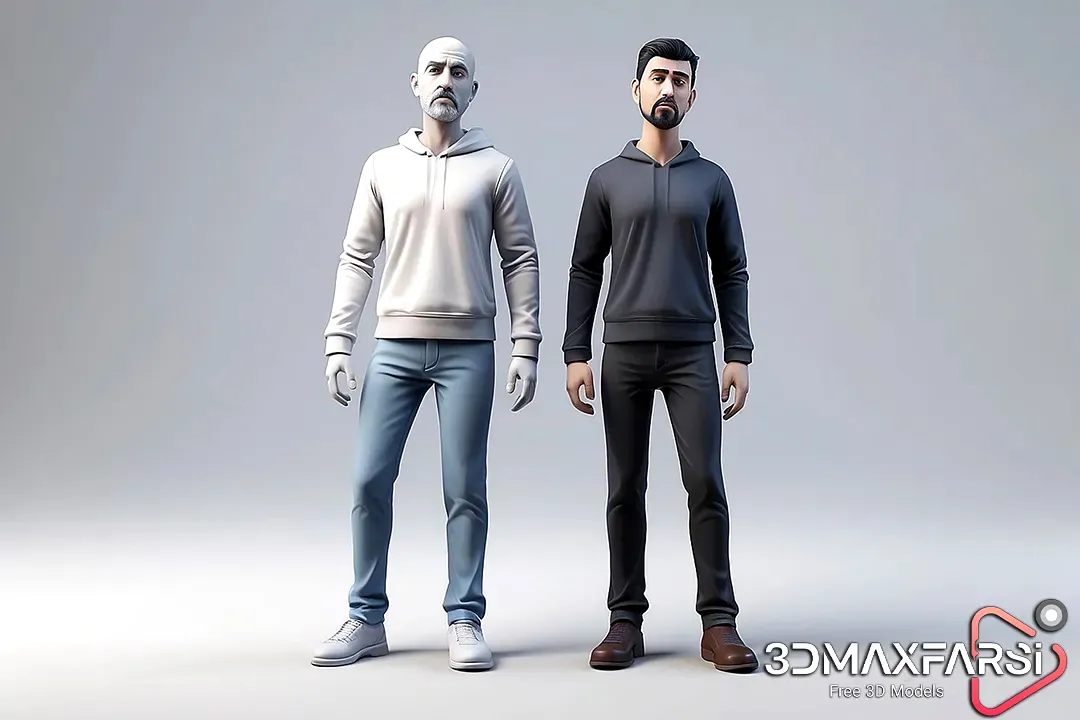
Game development is an exciting but complex process, and one of the most crucial elements is 3D assets—especially high-quality 3D character models. Whether you’re an indie developer or part of a AAA studio, having the right assets can make or break your game.
In this guide, we’ll explore:
✔ Why 3D character models matter
✔ Top sources for high-quality 3D assets
✔ Key features to look for
✔ Common FAQs (with answers!)
Be sure to read: High-Quality 3D Character Models
Why High-Quality 3D Character Models Matter 🚀
Characters are the heart of most games—players connect with them emotionally. A poorly designed model can ruin immersion, while a well-crafted one can elevate the entire experience. Here’s why quality matters:
✅ Visual Appeal – Stunning models attract players.
✅ Animation Readiness – Good topology ensures smooth animations.
✅ Performance Optimization – Low-poly but detailed models improve FPS.
✅ Consistency – A cohesive art style strengthens your game’s identity.
Top Sources for High-Quality 3D Character Models 🛒
Not all 3D asset stores are equal. Here are the best marketplaces for game-ready characters:
| Marketplace | Pros | Cons | Best For |
|---|---|---|---|
| Unreal Marketplace | AAA-quality, optimized for UE5 | Can be expensive | Unreal Engine developers |
| Unity Asset Store | Budget-friendly, wide variety | Some assets lack polish | Unity developers |
| Turbosquid | Huge library, diverse styles | Quality varies greatly | General game dev |
| CGTrader | High-end, professional models | Pricier than others | Premium projects |
| Sketchfab | Free & paid options, real-time previews | Some models aren’t game-ready | Indie devs on a budget |
💡 Pro Tip: Always check poly count, rigging, and texture resolution before purchasing!
Key Features of a Great 3D Character Model 🔍
Not all models are created equal. Here’s what separates the good from the great:
1. Topology & Edge Flow
-
Clean mesh = Better deformation for animations.
-
Avoid n-gons (faces with more than 4 edges).
2. Rigging & Skinning
-
Pre-rigged models save time.
-
Proper weight painting prevents weird deformations.
3. Texture Quality
-
4K PBR textures (Albedo, Normal, Roughness, etc.) = Realistic look.
-
Optimized textures prevent lag.
4. Poly Count
-
Low-poly for mobile games (under 20K tris).
-
High-poly for PC/console (50K+ tris).
5. Modularity
-
Customizable parts (heads, armor, weapons) add flexibility.
Common Questions About 3D Character Models ❓
Q: Can I use free 3D models in commercial games?
A: It depends on the license! Always check:
- CC0 = Totally free, even for commercial use.
- Royalty-Free = Pay once, use forever.
- Editorial Use Only = Can’t be used in games.
Q: How do I optimize a 3D model for games?
A:
- Reduce poly count with retopology tools.
- Use LODs (Level of Detail) for distant objects.
- Compress textures without losing quality.
Q: What’s better—buying or making my own models?
A:
-
Buying = Faster, cheaper for small teams.
-
Making = Full creative control, but time-consuming.
Final Thoughts 🎨
Choosing the best 3D character models is a game-changer (pun intended). Whether you buy or create them, focus on quality, optimization, and style consistency.
🔹 For AAA games: Invest in high-end models from CGTrader or Unreal Marketplace.
🔹 For indie devs: Check Sketchfab or Unity Asset Store for budget-friendly options.
Got more questions? Drop them in the comments! 👇 Happy game devving! 🚀
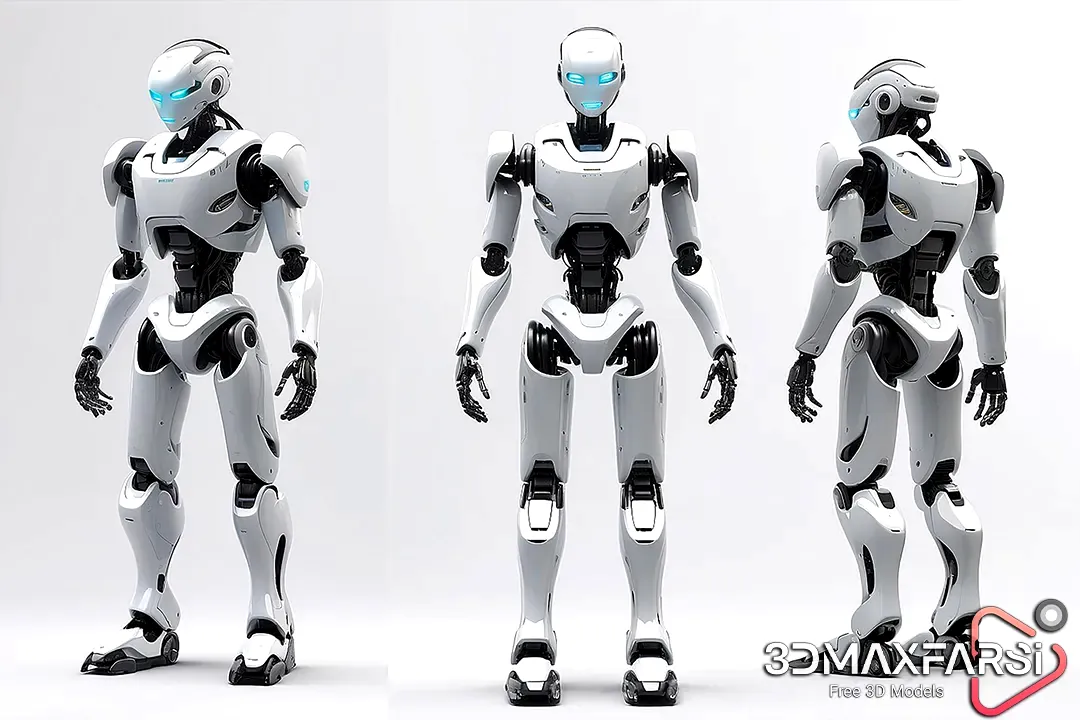
Best 3D Assets for Game Development: High-Quality 3D Character Models (Part 2) 🎮
Welcome back! In the first part, we covered why 3D character models matter, top marketplaces, key features, and FAQs. Now, let’s dive deeper into workflow tips, must-have tools, and future trends in 3D character modeling for games.
Workflow Tips for Integrating 3D Character Models ⚙️
Even the best 3D assets won’t shine if they’re poorly integrated. Here’s how to seamlessly add characters to your game:
1. Importing & Scaling
-
Different engines (Unity, Unreal, Godot) have different scale units.
-
Unity → 1 unit = 1 meter.
-
Unreal → 1 unit = 1 cm.
-
Always check scaling to avoid giant or tiny characters!
2. Retopology for Optimization
-
High-poly sculpts look amazing but must be retopologized for games.
-
Use Blender, Maya, or ZBrush for clean, animation-friendly meshes.
3. Rigging & Animation
-
Auto-Rigging Tools (Mixamo, AccuRig) speed up the process.
-
Custom Rigs give more control but take longer.
4. Material & Shader Setup
-
PBR (Physically Based Rendering) = Best for realism.
-
Stylized Shaders = Great for cartoony/cell-shaded games.
💡 Pro Tip: Use Substance Painter for texture painting—it’s a game-changer!
Must-Have Tools for 3D Character Creation 🛠️
Whether you’re modeling from scratch or modifying existing assets, these tools are essential:
| Tool | Best For | Price |
|---|---|---|
| Blender | Modeling, sculpting, rigging (FREE!) | Free |
| ZBrush software |
High-detail sculpting | Paid ($895+) |
| Maya software | Professional modeling & rigging | Paid ($1,620/yr) |
| Substance Painter software |
Texture painting & materials | Paid ($19.90/mo) |
| Mixamo | Auto-rigging & animations | Free (with limits) |
🔹 Free Alternative: ArmoryPaint (open-source texture painter).
Future Trends in 3D Character Modeling 🔮
The gaming industry evolves fast—here’s what’s coming next:
1. AI-Assisted Modeling 🤖
-
Tools like Kaedim and NVIDIA Omniverse use AI to speed up modeling.
-
Soon, you might just sketch a concept → AI generates a 3D model!
2. Real-Time Collaboration 🌐
-
Cloud-based tools (Blender Cloud, Omniverse) allow teams to work together live.
3. Metaverse-Ready Avatars 🕶️
-
As VR/AR grows, low-poly but highly expressive models will dominate.
4. Procedural Generation 🌀
-
Instead of manually modeling, algorithms create unique NPCs on the fly.
More FAQs About 3D Character Models ❓
Q: How do I make my 3D characters look more realistic?
A:
-
Use PBR textures (metalness/roughness maps).
-
Add micro-details (skin pores, fabric wrinkles).
-
Proper lighting & shadows make a huge difference.
Q: What’s the best polygon count for mobile vs. PC games?
A:
| Platform | Recommended Poly Count |
|---|---|
| Mobile | 5K–20K triangles |
| PC/Console | 30K–100K+ triangles |
Q: Can I modify purchased 3D models?
A:
-
Yes! Most marketplaces allow edits.
-
Check the license for redistribution rules if you plan to resell.
Final Verdict: Build or Buy? 🏆
Still unsure whether to create or purchase 3D character models? Here’s a quick breakdown:
✅ BUY if…
- You’re on a tight deadline.
- You lack modeling skills.
- You need variety (e.g., 100+ NPCs).
✅ BUILD if…
- You want 100% unique characters.
- Your game has a very specific art style.
- You have a skilled 3D artist on the team.
What’s your biggest challenge with 3D characters? Let’s discuss in the comments! 👇
🚀 Happy developing, and may your polygons always be quads! 🚀
Wrapping Up 🎁
High-quality 3D character models can define your game’s success. Whether you buy them or make them, focus on:
✔ Optimization (performance matters!)
✔ Art style consistency
✔ Future-proofing (metaverse, AI tools, etc.)