Best texture packs for product visualization 🛠️
Premium PBR Textures for Rendering: Best Texture Packs for Product Visualization
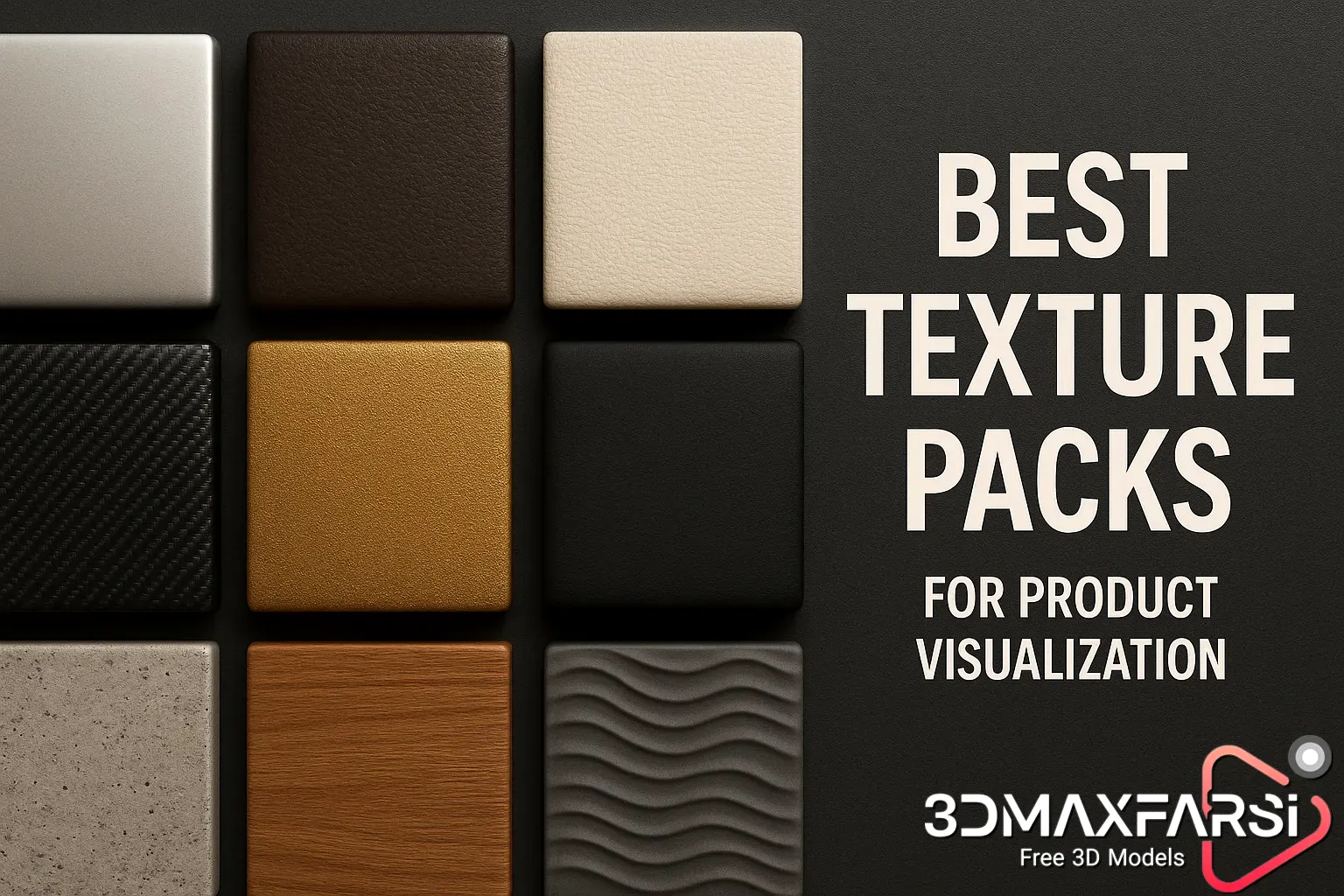
If you’re into 3D rendering, you know that PBR (Physically Based Rendering) textures can make or break your product visualizations. Whether you’re designing sleek gadgets, furniture, or high-end cosmetics, the right textures bring realism, depth, and that “wow” factor to your renders.
But with so many texture packs out there, how do you pick the best ones? 🤔 Don’t worry—we’ve got you covered! In this guide, we’ll break down:
- What makes PBR textures essential for product visualization
- Top texture packs for hyper-realistic results
- Common FAQs (answered!)
- A comparison table of the best options
Let’s dive in! �
Why PBR Textures Are a Game-Changer for Product Renders
PBR textures simulate real-world material properties like roughness, metallicity, and reflectivity, making your 3D models look photorealistic. Here’s why they’re a must-have:
✅ Consistent Lighting – PBR textures react realistically to different lighting conditions.
✅ Seamless Integration – Works flawlessly in Blender, Unreal Engine, Substance Painter, and more.
✅ Time-Saving – No need to tweak materials endlessly—just apply and render!
Best Use Cases for PBR Textures in Product Visualization
| Industry | Key Textures Needed |
|---|---|
| Electronics | Brushed metal, plastic, glass, rubber |
| Furniture | Wood grain, fabric, leather, marble |
| Cosmetics | Glossy plastic, matte finishes, liquid effects |
| Automotive | Carbon fiber, chrome, painted metal |
🔥 Top 5 PBR Texture Packs for Stunning Product Renders
1. Poliigon – Ultimate Realism
- Best for: High-end product design
- Why? Poliigon offers 4K-8K seamless textures with accurate displacement maps. Their metal and fabric textures are unbeatable.
- Price: $20+/month (subscription)
2. Substance Source by Adobe
- Best for: Customizable materials
- Why? Thousands of parametrically adjustable textures—perfect for tweaking roughness and glossiness.
- Price: $19.90/month
3. Texture Haven (Free!)
- Best for: Budget-friendly quality
- Why? Free CC0-licensed PBR textures—great for indie artists and small studios.
- Price: $0 (yep, free!)
4. Quixel Megascans
-
Best for: Ultra-detailed surfaces
-
Why? Used in AAA games and Hollywood films—expect scan-based realism.
-
Price: Free with Unreal Engine, paid plans available
5. CGAxis – Physical Materials
- Best for: Archviz & product design
- Why? Huge library of pre-tiled textures (wood, stone, metals) optimized for quick use.
- Price: $10-$50 per pack
🤔 FAQs: PBR Textures for Product Visualization
Q: Can I use free PBR textures for commercial work?
A: Yes! Sites like Texture Haven and AmbientCG offer CC0 textures (no attribution needed).
Q: What resolution should I use?
A: For close-up product shots, 4K or 8K is ideal. For broader scenes, 2K may suffice.
Q: How do I apply PBR textures in Blender?
A: Use the Principled BSDF shader and plug in the textures (Albedo, Roughness, Normal, etc.).
Q: Are PBR textures better than traditional ones?
A: 100%! They mimic real physics, making renders look more convincing.
Final Verdict: Which Texture Pack Should You Choose?
| Texture Pack | Best For | Price | Realism Level |
|---|---|---|---|
| Poliigon | High-end product design | $$$ | ★★★★★ |
| Substance Source | Customizable materials | $$ | ★★★★☆ |
| Texture Haven | Free & legal textures | $0 | ★★★☆☆ |
| Quixel Megascans | Ultra-detailed surfaces | Free/$$$ | ★★★★★ |
| CGAxis | Quick, pre-tiled textures | $ | ★★★★☆ |
🎯 Pro Tip: Mix & Match for Best Results
Don’t rely on just one pack! Combine Poliigon metals with Substance fabrics for next-level realism.
Ready to Elevate Your Renders?
Grab a free texture pack from Texture Haven first, then level up with premium options when needed. Happy rendering! ✨
Got questions? Drop them in the comments! 👇 #3DRendering #PBRTextures #ProductDesign
Bonus Tips & Advanced Tricks for Using PBR Textures Like a Pro! 🚀
Now that you’ve got the best PBR texture packs, let’s take your product visualization to the next level with some advanced techniques and insider tricks.
🔍 How to Make Your PBR Textures Look Even More Realistic
1. Layer Textures for Complexity
Real-world materials aren’t perfectly uniform. Try:
- Adding subtle dirt/grunge layers (for wear & tear).
- Mixing two wood/plastic textures to avoid repetition.
Example: If you’re rendering a smartphone, add micro-scratches to the metal frame for authenticity.
2. Customize Roughness Maps
A single roughness value won’t cut it for realism.
- Use a noise texture to break up smoothness.
- Hand-paint areas (like fingerprints on glass).
3. Use Displacement & Bump Maps Wisely
- Displacement = Best for close-ups (adds real depth).
- Bump maps = Faster for distant objects.
Pro Tip: In Blender, enable Adaptive Subdivision for ultra-detailed displacement.
💡 Common Mistakes to Avoid
❌ Overusing Imperfections – A little wear is good, but too much looks fake.
❌ Ignoring Scale – A 4K texture on a tiny product = wasted resources.
❌ Forgetting Lighting – Even the best textures look bad in flat lighting.
⚡ Quick Workflow for Fast, High-Quality Renders
- Start with a Base Material (e.g., polished metal).
- Add Variation (scratches, fingerprints, dust).
- Adjust Roughness/Gloss (matte vs. glossy areas).
- Test Under Different Lights (HDRI lighting works best).
🎨 Free vs. Paid Textures: When to Upgrade?
| Scenario | Free Textures | Paid Textures |
|---|---|---|
| Learning/Practice | ✅ Perfect! | ❌ Not necessary |
| Freelance Projects | ⚠️ Limited options | ✅ Worth investing |
| Studio/Commercial Work | ❌ Risky (quality varies) | ✅ Essential |
🚀 Final Thoughts
PBR textures are the secret sauce for jaw-dropping product renders. Whether you go free or premium, the key is experimentation—mix, tweak, and test until it looks real enough to touch!
- Try procedural textures (like Substance Designer).
- Experiment with anisotropic materials (brushed metals).
- Join 3D art communities for more tips!
What’s Next?
🔥 Now It’s Your Turn! Which texture pack are you trying first? Any tricks we missed?
Let’s discuss in the comments! 👇 #3DArt #RenderingTips #DigitalDesign