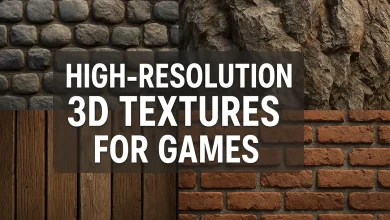
Downloadable 3D furniture models for designers
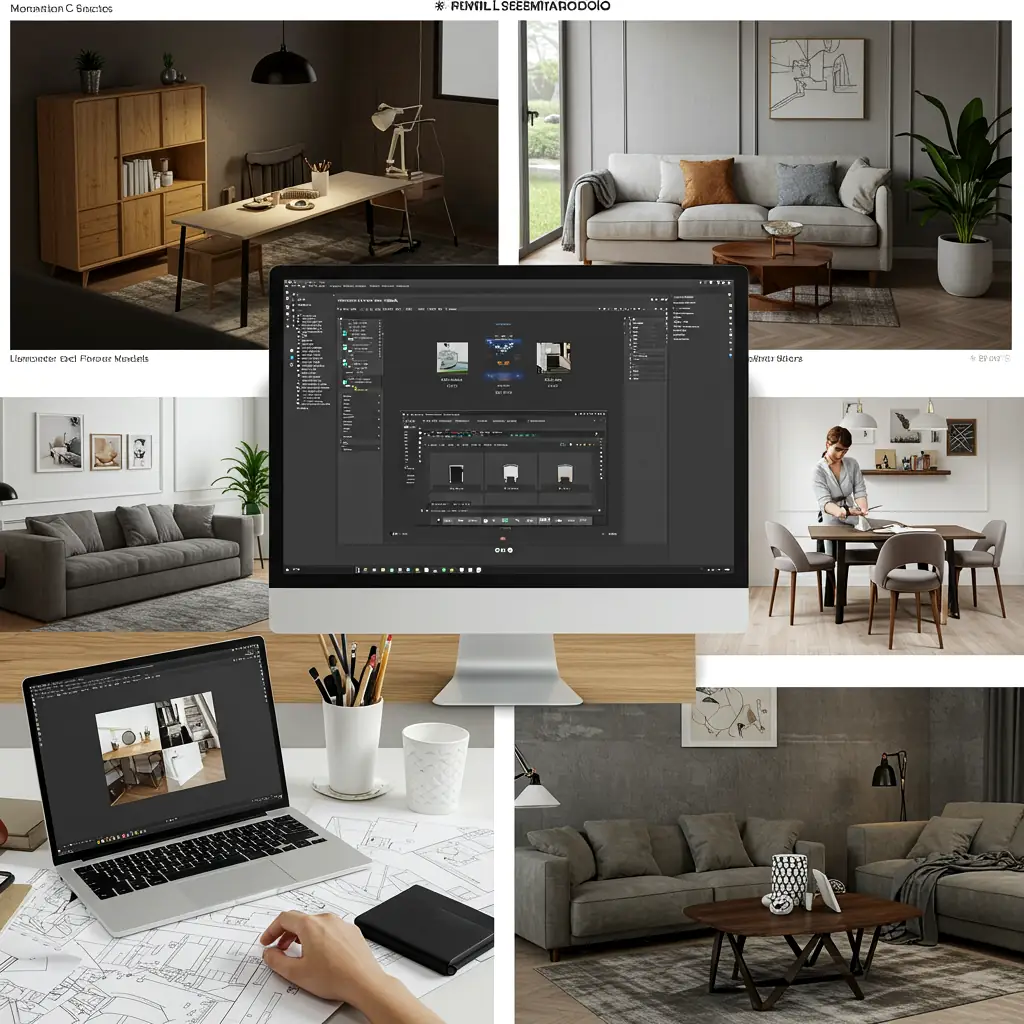
Downloadable 3D Furniture Models for Designers: The Ultimate Guide 🛋️✨
Are you a designer looking for high-quality downloadable 3D furniture models to speed up your workflow? Whether you’re an interior designer, architect, or 3D artist, having a library of ready-to-use furniture models can save you hours of modeling time.
In this guide, we’ll break down everything you need to know about downloadable 3D furniture models, where to find them, and how to use them effectively. Let’s dive in!
Why Use Downloadable 3D Furniture Models? 🤔
Creating 3D furniture from scratch is time-consuming. Instead, downloading pre-made models allows you to:
✅ Speed up projects – No need to model every chair or table manually.
✅ Ensure accuracy – Professional models come with correct proportions & details.
✅ Experiment freely – Test different styles without extra modeling effort.
✅ Save money – Free & affordable models reduce outsourcing costs.
Who Uses Downloadable 3D Furniture Models?
| User Type | How They Benefit |
|---|---|
| Interior Designers 🏡 | Visualize spaces with real furniture before purchasing. |
| Architects 🏢 | Furnish virtual building models for client presentations. |
| Game Developers 🎮 | Populate environments with realistic furniture assets. |
| 3D Artists 🖥️ | Use high-quality models for renders & animations. |
Where to Find Downloadable 3D Furniture Models? 🌍
Not all 3D model websites are equal. Here are the best sources for furniture models:
1. Free Resources (Great for Beginners & Budget Projects)
- SketchUp 3D Warehouse – Massive free library (ideal for architects).
- TurboSquid Free Models – Some high-quality free options.
- CGTrader Free Section – Occasionally has premium models for $0.
2. Premium Sites (High-Quality & Detailed Models)
- 3Dsky.org – Affordable models with great realism.
- ArchDaily Models – Curated furniture for architectural projects.
- DesignConnected – High-end modern furniture models.
3. Niche Marketplaces (Specialized Options)
- Dimensiva – Focuses on Italian furniture brands.
- Evermotion – Photorealistic models for V-Ray & Corona.
Common Questions About Downloadable 3D Furniture Models ❓
Q: Are free 3D furniture models good enough for professional work?
A: Some are! But check polygon count (low-poly for games, high-poly for renders) and texture quality. Free models sometimes lack detail.
Q: What file formats should I look for?
A: The most compatible formats:
- .FBX (Best for animations & game engines)
- .OBJ (Universal, but may need separate textures)
- .SKP (SketchUp’s native format)
- .BLEND (For Blender users)
Q: How do I customize downloaded 3D furniture models?
A: Most models are editable in software like:
- Blender (Free & powerful)
- 3ds Max (Industry standard)
- SketchUp (Easy for beginners)
Tips for Using Downloadable 3D Furniture Models Like a Pro 🚀
- Check License Terms – Some free models require attribution.
- Optimize for Your Project – Reduce polygons if needed for faster rendering.
- Use Real Brands – Some sites offer official brand models (like IKEA or Herman Miller).
- Keep a Library – Organize models by style (modern, vintage, etc.) for quick access.
Final Thoughts 🎯
Downloadable 3D furniture models are a game-changer for designers. Whether you need a quick sofa for a client presentation or a detailed dining table for a render, there’s a model out there for you.
Pro Tip: Bookmark your favorite sites and build a personal library—it’ll save you tons of time in the long run!
Downloadable 3D Furniture Models for Designers (Part 2): Advanced Tips & Future Trends 🔮
Welcome back, design enthusiasts! In Part 1, we covered the basics of downloadable 3D furniture models—where to find them, who uses them, and why they’re awesome. Now, let’s level up with pro tips, industry secrets, and future trends you need to know!
Level Up: Advanced Tips for Working with 3D Furniture Models ⚡
1. Optimizing Models for Different Uses
Not all 3D models work the same way in every project. Here’s how to tweak them:
| Use Case | Optimization Tip |
|---|---|
| Real-Time Rendering (Games/VR) 🎮 | Use low-poly models (under 10K polys) & baked textures. |
| High-End Visualization 🖼️ | Go for high-poly models (50K+ polys) with 4K PBR textures. |
| AR/3D Product Previews 📱 | Ensure models are watertight (no holes) for smooth scaling. |
2. Fixing Common Model Issues
Ever downloaded a model that just won’t work right? Here’s how to fix it:
🔧 Problem: Missing Textures
✅ Fix: Check if textures are packed in a .ZIP file or manually relink them in your 3D software.
🔧 Problem: Non-Manifold Geometry (Bad Mesh)
✅ Fix: Use Blender’s “Mesh > Clean Up” or 3ds Max’s “STL Check” to auto-fix errors.
🔧 Problem: Wrong Scale (Too Big/Small)
✅ Fix: Reset scale in your software (in Blender: Ctrl+A > Scale) or check real-world dimensions before importing.
Future Trends in 3D Furniture Modeling 🚀
The world of 3D furniture models is evolving fast! Here’s what’s coming:
1. AI-Generated 3D Models 🤖
-
Tools like Kaedim and NVIDIA Omniverse are using AI to auto-convert 2D images into 3D models—great for custom furniture!
2. Metaverse & Virtual Showrooms 🕶️
-
Brands like IKEA and Wayfair are releasing official 3D models for virtual spaces.
-
Expect more NFT-based furniture for digital interiors.
3. Real-Time Collaboration 👥
-
Cloud platforms like SketchUp for Web and Blender Cloud allow teams to edit 3D models simultaneously.
Pro Sources for Exclusive 3D Furniture Models 🔍
Looking for rare, hyper-realistic, or branded models? Try these:
🔹 Subscription-Based Libraries
-
- Poliigon ($) – Ultra-realistic materials + models.
- CGAxis ($) – Huge collection of high-poly furniture.
FAQ: Even More Answers to Your Burning Questions 🔥
Q: Can I sell renders made with downloaded 3D models?
A: Yes, but check the license! Some free models forbid commercial use, while paid ones usually allow it.
Q: What’s the best software for editing 3D furniture models?
A: Depends on your needs:
- Blender (Best free option)
- 3ds Max + Corona/V-Ray (Best for photorealism)
- SketchUp (Fastest for quick edits)
Q: How do I make my 3D furniture models look more realistic?
A:
✔ Use PBR textures (Roughness/Metallic maps)
✔ Add imperfections (Scratches, dust)
✔ Proper lighting (HDRI + area lights)
Final Pro Tip: Build Your Own 3D Model Library! 📂
Instead of re-downloading models every time:
- Organize by category (Chairs, Tables, Lighting)
- Tag models (Modern, Vintage, Luxury)
- Backup to cloud storage (Google Drive, Dropbox)
What’s Next?
The future of 3D furniture modeling is AI-powered, collaborative, and ultra-realistic. Start experimenting with AI tools and virtual showrooms to stay ahead!