Downloadable 3D Furniture Models
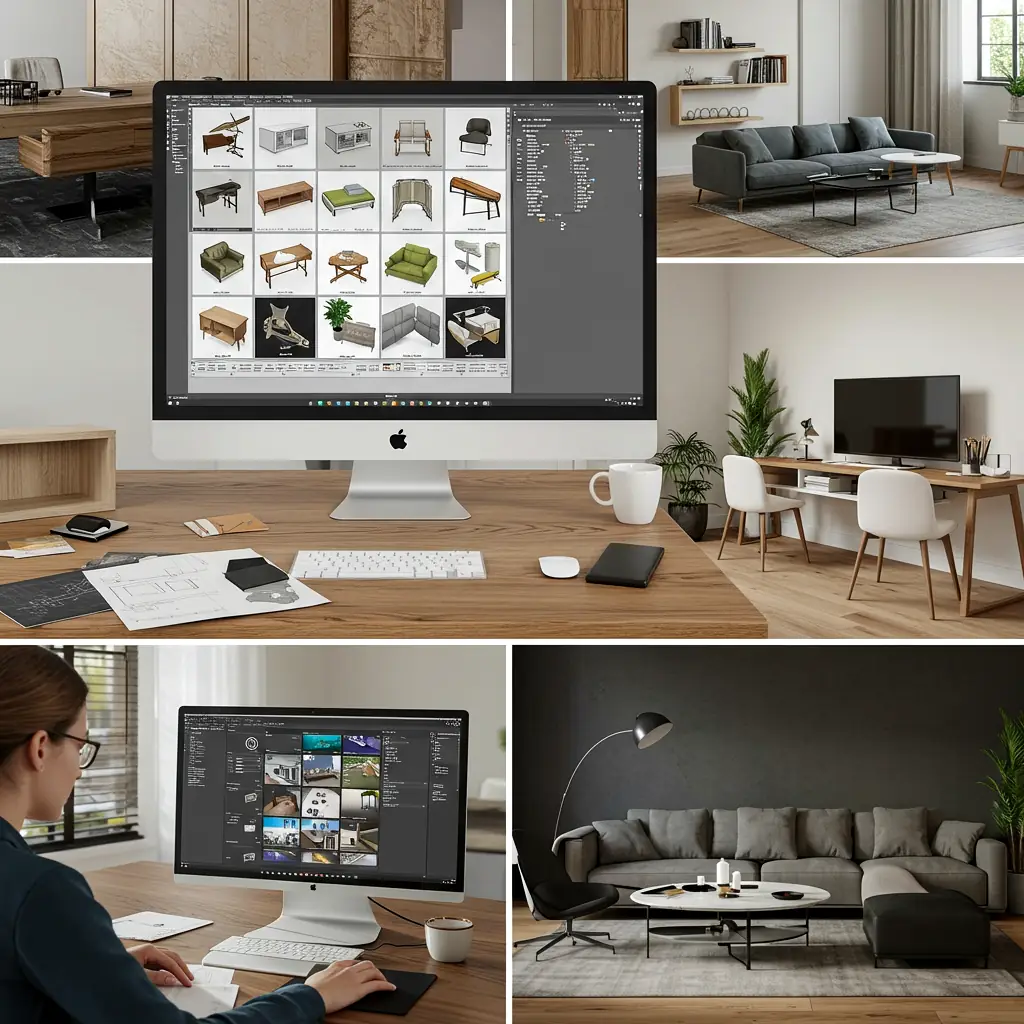
Downloadable 3D Furniture Models: The Ultimate Guide for Designers & Hobbyists 🛋️💻
Looking for high-quality 3D furniture models to spice up your interior designs, game environments, or AR/VR projects? You’re in the right place! This guide covers everything you need to know about downloadable 3D furniture models, including where to find them, how to use them, and why they’re a game-changer.
Why Use Downloadable 3D Furniture Models? 🚀
3D furniture models save time, enhance realism, and streamline workflows for designers, architects, and hobbyists. Here’s why they’re awesome:
✅ Saves Time – No need to model from scratch.
✅ Boosts Realism – High-quality textures & details.
✅ Versatile Use – Great for games, animations, AR/VR, and interior design.
✅ Cost-Effective – Many free or affordable options available.
Where to Download 3D Furniture Models? 🌐
Here are the best websites to grab 3D furniture models:
| Website | Free/Paid | Best For | Format |
|---|---|---|---|
| Sketchfab | Both | High-quality renders | OBJ, FBX, GLTF |
| TurboSquid | Mostly Paid | Professional models | MAX, FBX, C4D |
| CGTrader | Both | Detailed furniture | FBX, OBJ, BLEND |
| Free3D | Free | Budget-friendly | STL, OBJ |
| Thingiverse | Free | 3D printing | STL, OBJ |
💡 Pro Tip: Always check the license before downloading—some models are for personal use only!
Common File Formats for 3D Furniture Models 📂
Not all 3D files are the same! Here’s a quick breakdown:
- OBJ – Universal, good for textures.
- FBX – Best for animations & game engines.
- STL – Used for 3D printing.
- GLTF/GLB – Lightweight, great for web & AR.
- BLEND – Native to Blender, editable.
How to Use 3D Furniture Models? 🛠️
1. For Interior Design 🏠
-
Import into SketchUp, 3ds Max, or Blender for room planning.
-
Use in VR walkthroughs for clients.
2. For Game Development 🎮
-
Drop into Unity or Unreal Engine for realistic environments.
-
Optimize textures for better performance.
3. For 3D Printing 🖨️
-
Ensure the model is watertight (no holes).
-
Scale correctly before printing.
FAQs About Downloadable 3D Furniture Models ❓
Q: Are free 3D furniture models good enough?
A: Yes! Many free models are high-quality, but paid ones often have better details and textures.
Q: Can I modify downloaded 3D models?
A: Depends on the license. Some allow edits, while others don’t—always check the terms!
Q: What software do I need to open these files?
A:
-
Blender (Free)
-
Autodesk Maya/3ds Max (Paid)
-
SketchUp (Free & Paid)
Q: How do I know if a model is optimized for games?
A: Look for low-poly models (under 10K triangles) if performance is a priority.
Final Thoughts 💡
Downloadable 3D furniture models are a must-have for designers, developers, and makers. Whether you’re crafting a virtual room, 3D printing a mini chair, or building a game level, these models save hours of work while delivering stunning results.
Downloadable 3D Furniture Models: Part 2 – Advanced Tips & Industry Insights 🚀
Welcome back! In Part 1, we covered the basics—where to download 3D furniture models, file formats, and common uses. Now, let’s dive deeper into advanced tips, industry trends, and insider tricks to help you master 3D furniture modeling like a pro!
Optimizing 3D Furniture Models for Different Uses ⚡
Not all 3D models are created equal. Depending on your project, you may need to tweak them for better performance or realism.
1. For Real-Time Rendering (Games/VR) 🎮
- Reduce polygons – Use retopology tools in Blender or Maya.
- Bake textures – Convert high-poly details into normal maps.
- Use LODs (Level of Detail) – Swap models based on distance to save GPU power.
2. For High-End Architectural Visualization 🏢
- Increase texture resolution – 4K or 8K PBR textures for photorealism.
- Add wear & tear – Use Substance Painter for realistic scratches & dust.
- Use proper lighting – HDRI environments enhance material realism.
3. For 3D Printing 🖨️
- Check wall thickness – Too thin? It’ll break. Too thick? Wastes material.
- Ensure manifold geometry – No holes or non-manifold edges (use MeshLab to fix).
- Export as STL or OBJ – Most slicers (like Cura) prefer these formats.
Top 3D Modeling Software for Custom Furniture 🛠️
If you want to create or modify 3D furniture models, here are the best tools:
| Software | Best For | Price | Learning Curve |
|---|---|---|---|
| Blender | Free, versatile modeling & sculpting | Free 🎉 | Moderate |
| SketchUp Software | Quick prototyping & architectural design | Free/Paid 💲 | Easy |
| 3ds Max Software | Professional-grade modeling & rendering | Paid 💰💰 | Hard |
| Fusion 360 | Parametric & precise engineering models | Free/Paid 💲 | Moderate |
| ZBrush Software | High-detail sculpting (for organic shapes) | Paid 💰 | Hard |
💡 Pro Tip: If you’re new, start with Blender—it’s free and has a massive community for tutorials!
Industry Trends in 3D Furniture Modeling 📈
The world of 3D furniture modeling is evolving fast. Here’s what’s hot in 2024:
🔥 AI-Generated Models – Tools like Kaedim convert 2D images into 3D models automatically.
🔥 Metaverse & Virtual Showrooms – Brands use 3D furniture in NFT galleries & VR stores.
🔥 Sustainable Design – More demand for eco-friendly & modular furniture models.
🔥 AR Shopping – IKEA & Amazon let users preview furniture in their homes via AR.
Common Mistakes to Avoid When Using 3D Furniture Models ❌
Even pros make mistakes! Here’s how to avoid them:
- Ignoring Scale – A 3-meter-long couch in a game? Oops! Always check dimensions.
- Overloading Polygons – A 100K-poly chair will lag your game. Optimize!
- Skipping UV Unwrapping – Without proper UVs, textures look stretched & messy.
- Forgetting Backups – Corrupted files happen. Save incremental versions!
Free vs. Paid Models: Is It Worth Paying? 💰
| Factor | Free Models | Paid Models |
|---|---|---|
| Quality | Mixed (some great, some outdated) | Consistently high 🔥 |
| License | Often restrictive (no commercial use) | Flexible (royalty-free options) |
| Support | Rarely | Sometimes includes updates & fixes |
| Textures | Basic or missing | PBR textures, roughness maps, etc. |
Verdict: If it’s for personal use, free models work. For professional projects, invest in paid ones.
How to Sell Your Own 3D Furniture Models? 💸
Got modeling skills? Turn them into cash! Here’s how:
- Choose a Platform – TurboSquid, CGTrader, or Etsy (for 3D prints).
- Optimize for SEO – Use keywords like *”Mid-Century Modern 3D Chair FBX”*.
- Offer Multiple Formats – FBX, OBJ, and Blender files attract more buyers.
- Show Renders – High-quality previews = more sales.
- Price Smartly – $5-$50 is common for single models.
💰 Bonus: Sell modular furniture packs (e.g., “50+ Sci-Fi Bar Stools”) for passive income!
Final Verdict: Are Downloadable 3D Furniture Models Worth It? ✅
Absolutely! Whether you’re a game dev, interior designer, or 3D printing enthusiast, downloadable furniture models save time, boost quality, and inspire creativity.
🔑 Key Takeaways:
✔ Use free models for practice, paid ones for pro work.
✔ Optimize models based on real-time vs. rendering needs.
✔ Stay updated on AI, AR, and metaverse trends.
✔ Avoid common mistakes like bad scaling & messy UVs.
🚀 **Now go forth and create something amazing!