Extensive library of 3D cityscape models
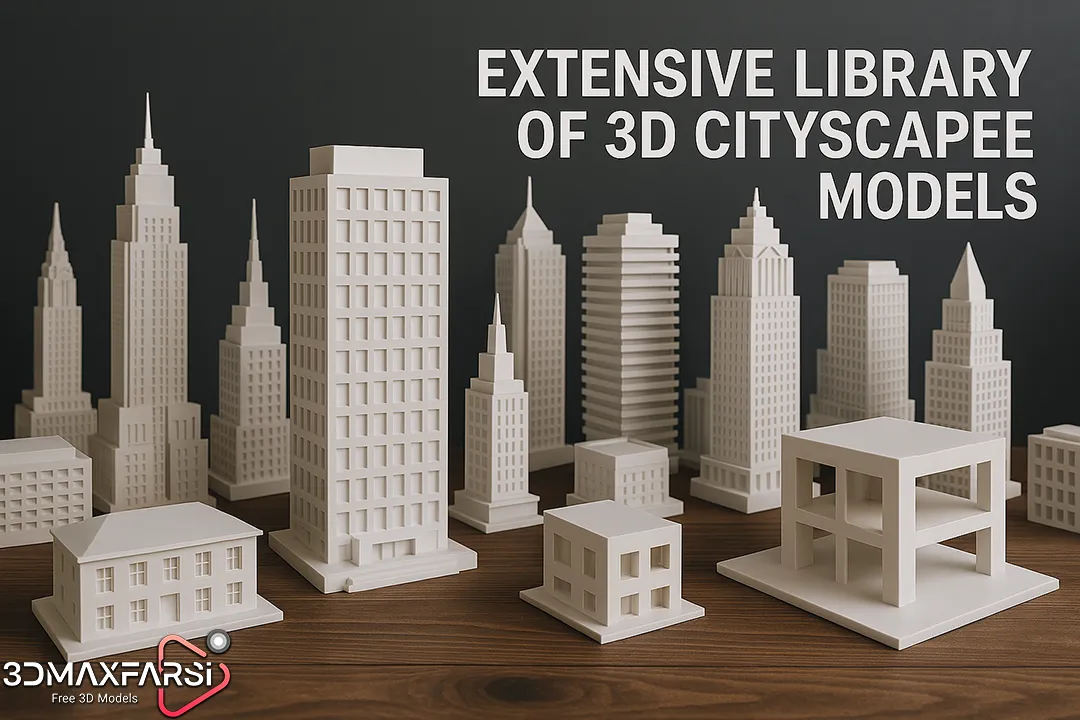
Best 3D Models for Architecture
If you’re an architect, urban planner, or 3D artist, you know that high-quality 3D models can make or break your project. But with so many options out there, how do you pick the best ones? And what if you need a massive library of 3D cityscape models to bring your vision to life?
Don’t worry—we’ve got you covered! In this guide, we’ll break down:
✅ The best 3D models for architectural visualization
✅ Where to find extensive cityscape libraries
✅ Key factors to consider before downloading
✅ Common FAQs answered
Let’s dive in! 🚀
Why 3D Models Matter in Architecture 🏗️
Before we jump into the best models, let’s talk about why they’re essential:
-
Realistic Visualization – Clients love seeing photorealistic renders.
-
Time-Saving – No need to model everything from scratch.
-
Consistency – Maintain a uniform style across projects.
-
Scalability – Easily modify models for different designs.
And when it comes to cityscape models, they’re a game-changer for:
✔️ Urban planning projects
✔️ Skyline visualizations
✔️ VR/AR walkthroughs
✔️ Marketing & real estate presentations
Top 5 Sources for High-Quality 3D Architectural Models 🏆
Here’s a curated list of the best platforms offering architectural 3D models, with a focus on cityscape collections:
| Platform | Specialty | Cityscape Models? | Pricing |
|---|---|---|---|
| SketchUp 3D Warehouse | User-friendly, vast library | ✅ Yes (Limited) | Free + Paid |
| Turbosquid | High-detail commercial models | ✅ Extensive | $$ |
| CGTrader | Professional-grade assets | ✅ Large collection | $$-$$$ |
| Evermotion | Ultra-realistic arch-viz | ✅ Yes (Premium) | $$$ |
| Quixel Megascans | Photorealistic textures & models | ❌ Mostly natural assets | Free (Unreal) + Paid |
💡 Pro Tip: For cityscapes, Turbosquid and CGTrader have the most variety, while Evermotion offers ultra-HD models for high-end projects.
What Makes a Great 3D Cityscape Model? 🏢
Not all models are created equal. Here’s what to look for:
1. Detail & Accuracy
-
Are buildings proportionally correct?
-
Do textures look realistic up close?
2. Scalability
-
Can you easily modify skyscrapers, roads, and parks?
-
Are models optimized for different software (Blender, 3ds Max, Revit)?
3. File Formats
-
Look for .FBX, .OBJ, or .SKP files for compatibility.
4. Licensing
-
Royalty-free models save legal headaches.
-
Check if commercial use is allowed.
FAQs: Your Burning Questions Answered 🔥
❓ Where can I get free 3D city models?
-
SketchUp Free (limited options)
-
OpenStreetMap + Blender (DIY approach)
-
Turbosquid Free Section (occasional gems)
❓ Are pre-made cityscapes customizable?
✅ Yes! Most models allow editing in software like Blender, Rhino, or 3ds Max.
❓ Which software is best for architectural 3D modeling?
-
Beginners: SketchUp 🛠️
-
Intermediate: Revit 🏛️
-
Advanced: 3ds Max + V-Ray 🎨
❓ How do I optimize 3D city models for rendering?
-
Use LOD (Level of Detail) techniques.
-
Reduce polygon count where possible.
-
Bake textures to save render time.
Final Thoughts: Build Your Dream Cityscape 🌆
Whether you’re designing a futuristic metropolis or a cozy urban neighborhood, having a solid library of 3D cityscape models is crucial. Stick to high-quality sources, check for scalability & licensing, and always optimize for performance.
Now, go bring your architectural visions to life—one 3D model at a time! 🚀
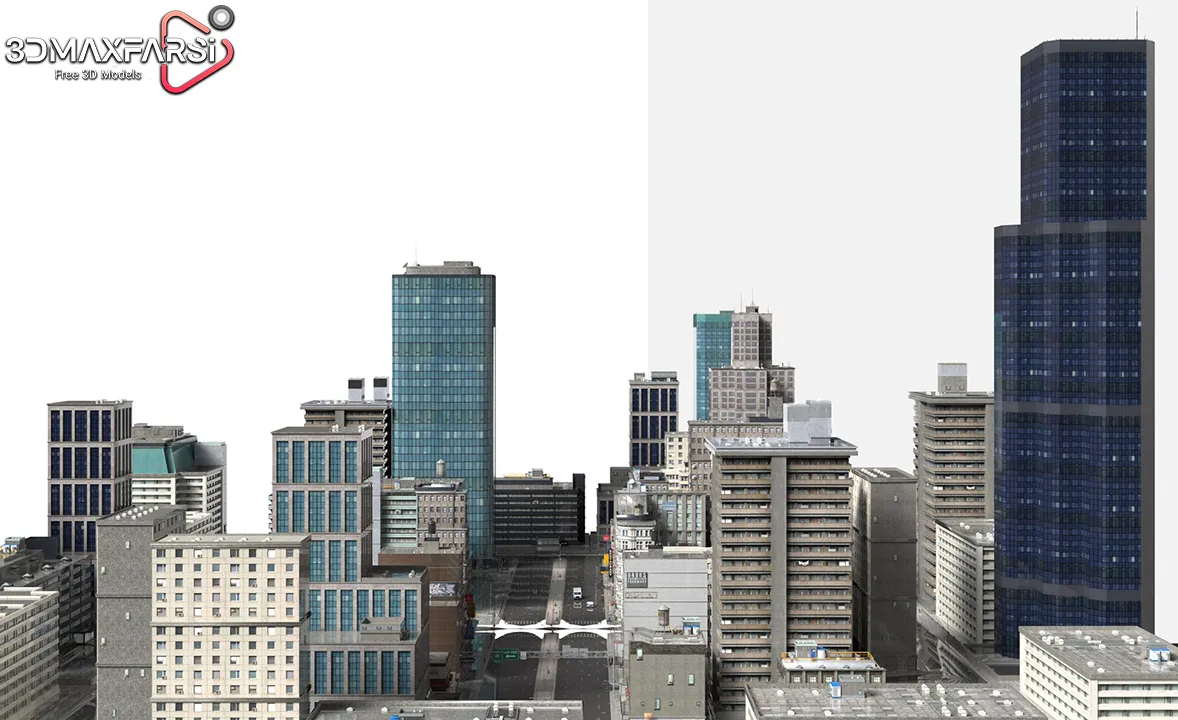
Part 2: Advanced Tips for Using 3D Cityscape Models Like a Pro 🚀
Now that you know where to find the best 3D models for architecture, let’s level up your workflow! Here’s how to maximize efficiency, realism, and creativity when working with cityscape models.
🚀 Pro Techniques for Stunning City Renders
1. Layer Your Cityscape for Realism
A great city isn’t just a bunch of buildings—it’s depth, life, and movement. Try this:
-
Foreground (Detailed buildings, pedestrians, cars)
-
Midground (Key landmarks, mid-rise structures)
-
Background (Simplified skyscrapers, fog for depth)
📌 Pro Tip: Use low-poly models for distant buildings to save render time.
2. Mix Procedural & Hand-Placed Models
-
Procedural Generation (Great for large-scale cities in tools like Blender’s Geometry Nodes or Unreal Engine’s PCG)
-
Hand-Placed Models (Ideal for key focal points like iconic towers)
3. Lighting That Brings the City to Life 🌇
-
Golden Hour (Warm lighting for marketing renders)
-
Night Scenes (Neon signs, car headlights, window glows)
-
Overcast (Moody, cinematic feels for urban planning)
💡 Bonus: Use HDRI skies for ultra-realistic reflections.
🔥 Top 3D Cityscape Trends in 2024
| Trend | Why It’s Hot | Best For |
|---|---|---|
| AI-Generated Cities | Fast, customizable layouts | Concept art, pre-viz |
| Modular Kits | Build faster with reusable pieces | Game dev, VR walkthroughs |
| Drone-Scanned Models | Ultra-accurate real-world cities | Urban planning, film VFX |
🚀 Future Watch: Metaverse-ready cities are booming—think NFT-based virtual real estate!
💻 Software Showdown: Best Tools for City Modeling
| Software | Strengths | Weaknesses |
|---|---|---|
| Blender | Free, powerful, Geometry Nodes | Steeper learning curve |
| Unreal Engine 5 | Real-time rendering, Nanite tech | Heavy on hardware |
| SketchUp | Easy to learn, great for quick concepts | Less detail for high-end work |
| 3ds Max + V-Ray | Industry standard for arch-viz | Expensive, complex |
🎯 Pick based on:
-
Budget (Blender vs. 3ds Max)
-
Realism needs (Unreal vs. V-Ray)
-
Project scale (SketchUp for small, UE5 for massive cities)
🤔 FAQ Round 2: Advanced Questions
❓ How do I avoid a “generic” look in my city renders?
-
Add imperfections (graffiti, uneven sidewalks)
-
Use real-world references (Study NYC vs. Tokyo vs. Paris)
-
Custom textures (Avoid overused PBR materials)
❓ Can I use game engines like Unreal for architectural cityscapes?
✅ Absolutely! UE5’s Lumen lighting and Nanite geometry make it perfect for real-time arch-viz.
❓ What’s the biggest mistake beginners make with 3D cities?
⚠️ Overcrowding! Too many high-poly models = slow renders & crashes. Optimize!
❓ How do I make a destroyed/post-apocalyptic city?
-
Break models (Use fracture modifiers in Blender)
-
Add debris & dust (Quixel Megascans has great assets)
-
Adjust lighting (Harsh shadows, smoky atmosphere)
🎨 Creative Inspiration: Unusual Cityscape Ideas
Want to stand out? Try these unique twists:
-
Floating Cities (Sci-fi meets luxury)
-
Underground Metropolises (Cyberpunk vibes)
-
Eco-Cities (Green rooftops, solar-panel roads)
-
Historical + Futuristic Mashups (Medieval towers with neon signs)
📌 Example: Check out “Neo-Tokyo” concepts—they blend tradition with cyber-futurism!
📊 Quick-Start Checklist for Your Next City Project
Before you render, ask:
✔️ Are my LODs optimized? (Low-poly for far away)
✔️ Do I have enough variety? (Avoid copy-paste buildings)
✔️ Is the lighting mood set? (Dramatic vs. neutral)
✔️ Are people/cars placed naturally? (No “zombie city” effect)
Final Verdict: Build Cities Faster & Smarter 🏗️
Whether you’re crafting a real estate promo or a dystopian game world, the right 3D cityscape models + smart techniques will save you hours of work. Remember:
🔹 Layer your scenes for depth
🔹 Mix procedural & custom models
🔹 Lighting makes or breaks realism
🔹 Stay updated on trends (AI, metaverse, drone scans)
Now go turn those blank terrains into breathtaking cities! 🌃
Got a tricky cityscape challenge? Ask below—we’ll help! 👇💬