High-definition HDRI environments for 3D scenes
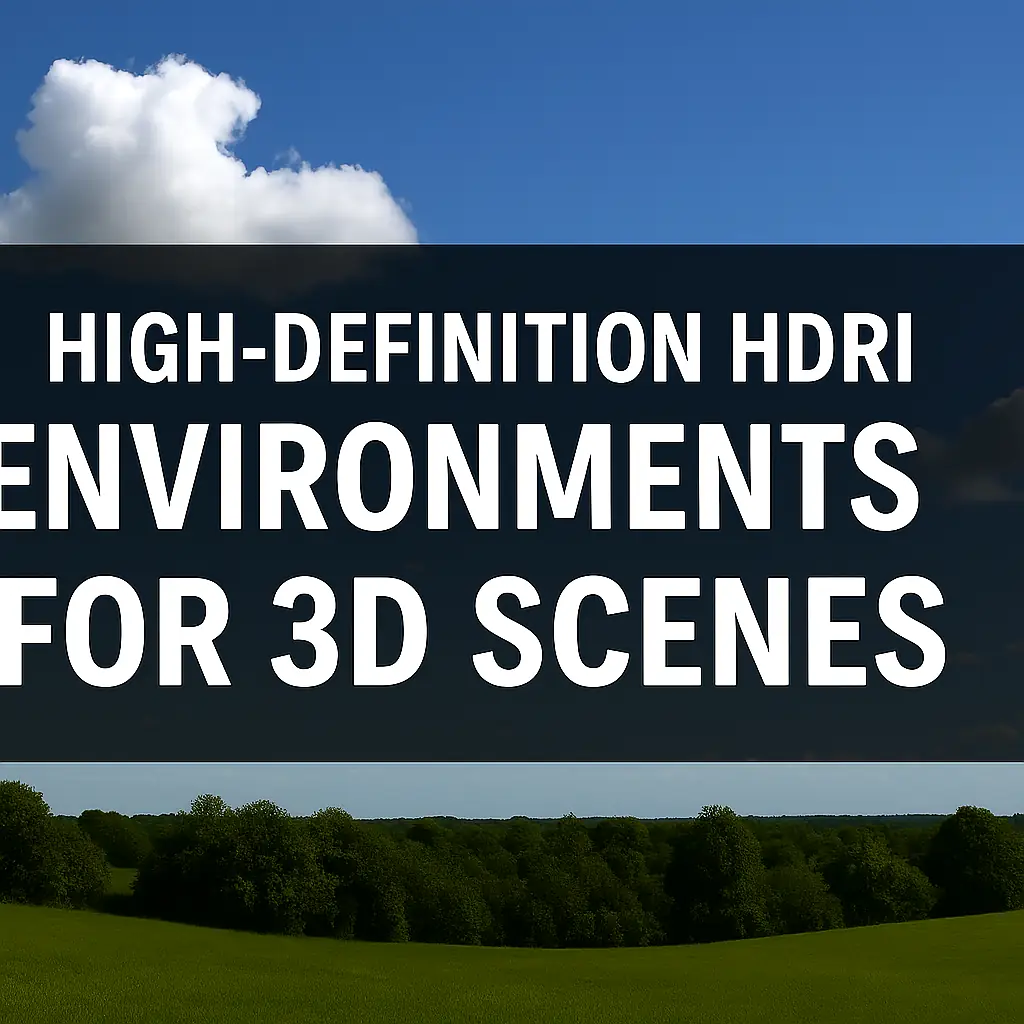
🌟 Best HDRI Maps for Photorealistic Rendering: A Complete Guide
Want to take your 3D renders from “meh” to mind-blowing? The secret sauce? HDRI maps! 🎨 These high-dynamic-range images light up your scenes with ultra-realistic reflections, shadows, and ambiance. But with so many options out there, which ones should you use?
In this guide, we’ll break down:
✅ What makes a great HDRI for photorealism
✅ Top free & paid HDRI sources
✅ How to use HDRIs effectively in 3D software
✅ Common mistakes to avoid
Let’s dive in! 🚀
🔍 What Are HDRI Maps & Why Do They Matter?
HDRI (High Dynamic Range Imaging) maps are 360° images that capture lighting data from real-world environments. Unlike regular textures, they store a wide range of light intensities, making them perfect for:
- Natural lighting (sun, sky, clouds) ☀️
- Accurate reflections (chrome, glass, water) 💎
- Realistic shadows & ambient occlusion 🌑
🖼️ HDRI vs. Regular Textures
| Feature | HDRI Map | Regular Texture |
|---|---|---|
| Dynamic Range | 🌟🌟🌟🌟🌟 | 🌟🌟 |
| Lighting Accuracy | Perfect for realism | Limited |
| Reflections | Ultra-realistic | Flat & fake |
| File Size | Large (20MB-100MB+) | Small |
👉 Verdict: If you want photorealism, HDRI is a must!
Top 5 Best HDRI Map Sources (Free & Paid)
🥇 1. Poly Haven (Free) 🌍
- Why? 100% free, no sign-up, ultra-high-res (16K+).
- Best For: Studio lighting, outdoor environments.
- Link: polyhaven.com/hdris
🥈 2. HDRI Haven (Free) ✨
- Why? Huge library, great for beginners.
- Best For: Natural landscapes, skies.
- Link: hdri-haven.com
🥉 3. TextureXYZ (Paid) 💰
- Why? Super high-quality, perfect for VFX.
- Best For: Hollywood-level projects.
- Price: $20-$100 per pack.
4️⃣ Poliigon (Paid) 🏙️
- Why? Seamless HDRIs + 3D textures.
- Best For: Architectural visualization.
- Price: $10-$50/month.
5️⃣ NoEmotion HDRs (Paid) 🚗
- Why? Best for car renders & product viz.
- Best For: Automotive studios.
- Price: €25-€150.
💡 How to Use HDRI Maps for Photorealistic Renders
Step 1: Load the HDRI into Your Software
- Blender: World Shader → Environment Texture → Open HDRI.
- 3ds Max: Environment Map → Bitmap → Select HDRI.
- Unreal Engine: Sky Light → HDRI Texture.
Step 2: Adjust Settings
✔ Rotation: Match the sun angle for realism.
✔ Strength: Lower if too bright, increase for drama.
✔ Blur: Soften reflections if needed.
Step 3: Combine with Other Lights
HDRI alone ≠ perfect lighting. Add:
- Sun Light (for sharper shadows)
- Area Lights (fill light)
- Emissive Objects (glow effects)
❌ Common HDRI Mistakes (And How to Fix Them)
| Mistake | Fix |
|---|---|
| Overexposed lighting | Lower HDRI intensity or use a lower EV value. |
| Stretched/distorted reflections | Use equirectangular HDRIs (not spherical). |
| Slow rendering | Use a lower-res HDRI (8K instead of 16K). |
| Flat-looking scene | Add additional light sources for contrast. |
🔥 FAQ: Quick HDRI Answers
Q: Can I use HDRIs for animations?
A: Yes! Just ensure the HDRI is seamless (no visible edges).
Q: What resolution should I use?
A:
- 4K-8K → Fast renders, decent quality.
- 16K+ → Ultra-realistic, but slower.
Q: Are free HDRIs good enough?
A: For most projects, yes (Poly Haven & HDRI Haven are amazing). For commercial work, consider paid HDRIs for extra detail.
🏆 Final Verdict: Best HDRI for You
| Use Case | Best HDRI Source |
|---|---|
| Beginners | HDRI Haven (Free) |
| Archviz | Poliigon (Paid) |
| VFX/Cinematic | TextureXYZ (Paid) |
| Product Renders | NoEmotion HDRs (Paid) |
🚀 Time to Render Like a Pro!
Now that you know the best HDRI maps, go light up your scenes like never before! 🌟 Drop your favorite HDRI source in the comments—we’d love to hear your picks!
#3DRendering #HDRI #CGI #Photorealism #Blender #VFX