High-Quality 3D Character Models for Animation 🎮✨
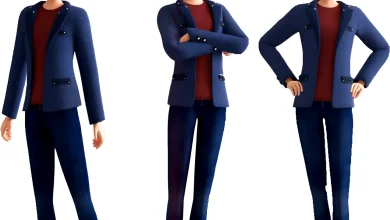
Looking for high-quality 3D character models for animation? Whether you’re an indie game developer, a filmmaker, or a hobbyist, having top-notch 3D characters can make or break your project. In this guide, we’ll explore where to find them, what makes them “high-quality,” and how to choose the best ones for your needs.
Whether you need realistic humans, stylized creatures, or cartoon characters, high-quality 3D character models for animation are a game-changer. Stick to trusted sources, check reviews, and always preview before buying!
Be sure to read: High-Quality 3D Character Models
Why High-Quality 3D Character Models Matter 🏆
Not all 3D models are created equal. Here’s why high-quality 3D character models are essential:
✅ Better Realism & Appeal – Detailed textures, proper rigging, and smooth animations make characters look professional.
✅ Saves Time & Money – Instead of modeling from scratch, download ready-made assets.
✅ Optimized for Animation – Good models have clean topology and proper bone structures for smooth movement.
✅ Wide Compatibility – Works in Blender, Maya, Unreal Engine, Unity, and more.
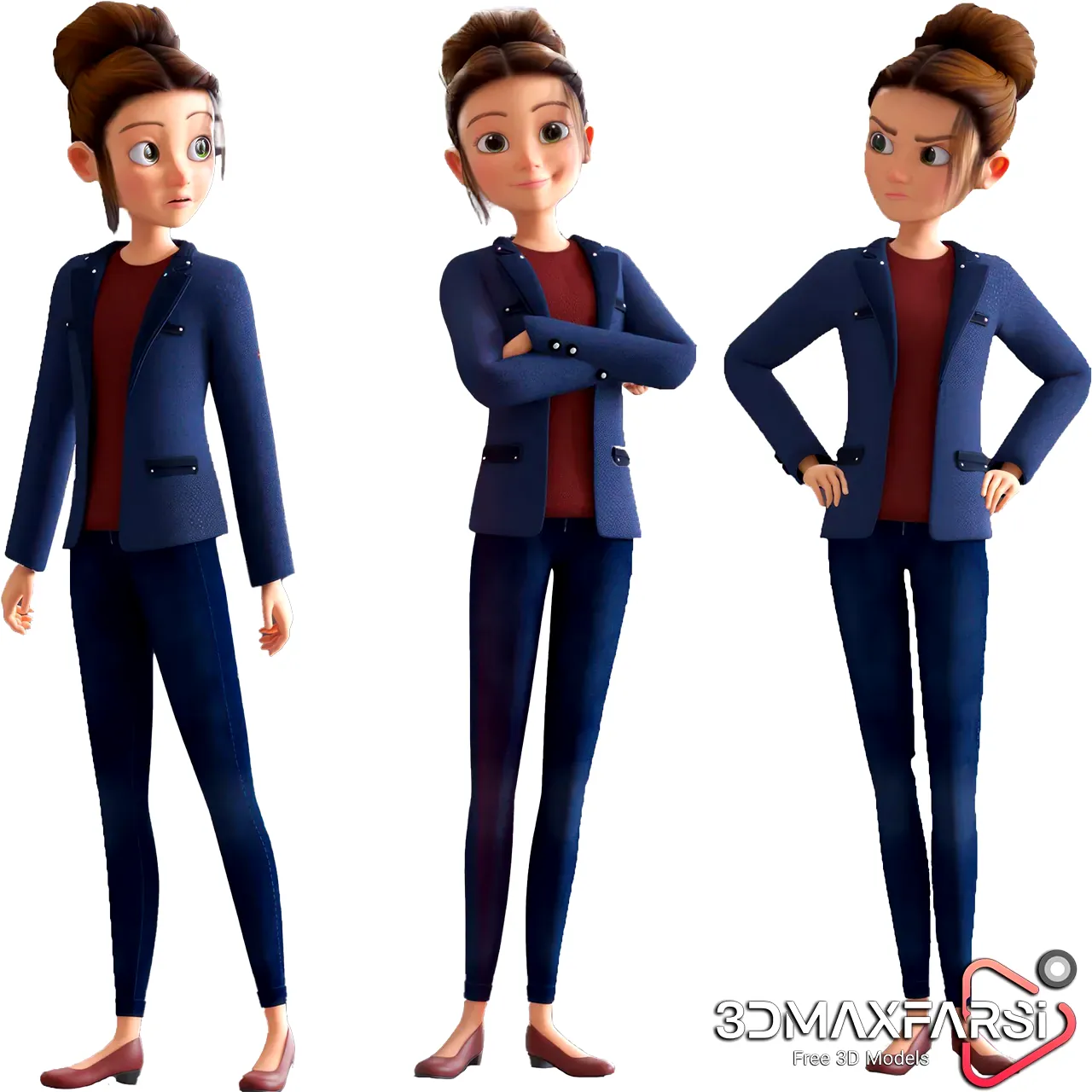
Where to Download High-Quality 3D Character Models 🚀
Here are the best websites to find animation-ready 3D characters:
| Website | Price Range | Key Features |
|---|---|---|
| Turbosquid | $$$ | Huge library, professional-grade models |
| CGTrader | $$-$$$ | High-poly & game-ready models |
| Sketchfab | Free & Paid | Interactive previews, VR-ready |
| Unity Asset Store | $-$$$ | Optimized for Unity projects |
| Unreal Marketplace | $-$$$ | Perfect for Unreal Engine |
| Mixamo (Free) | Free! | Auto-rigging & motion capture animations |
💡 Pro Tip: Always check polygon count, rigging, and texture resolution before downloading!
What Makes a 3D Character Model “High-Quality”? 🧐
Not sure if a model is worth downloading? Look for these features:
✔ Clean Topology – No unnecessary polygons, smooth deformations.
✔ Fully Rigged – Ready for animation (bones, IK controls).
✔ 4K Textures – PBR (Physically Based Rendering) materials for realism.
✔ Animation-Friendly – No clipping, proper weight painting.
✔ File Formats – FBX, OBJ, or GLTF for wide compatibility.
🚨 Avoid: Models with poor edge flow, broken UVs, or missing textures—they’ll cause headaches later!
Common Questions About 3D Character Models ❓
1. Are free 3D character models good for animation?
Some are! Mixamo and Sketchfab offer free rigged models, but paid ones usually have higher detail and better rigging.
2. What’s the difference between high-poly and low-poly models?
- High-poly = Ultra-detailed (for cinematics).
- Low-poly = Optimized for games (faster rendering).
3. Can I edit downloaded 3D models?
Yes! Most marketplaces allow modifications in Blender, Maya, or 3ds Max.
4. How much do high-quality 3D characters cost?
- Free (basic models)
- 10−50 (mid-range, good for indie projects)
- $100+ (AAA-quality, studio-grade)
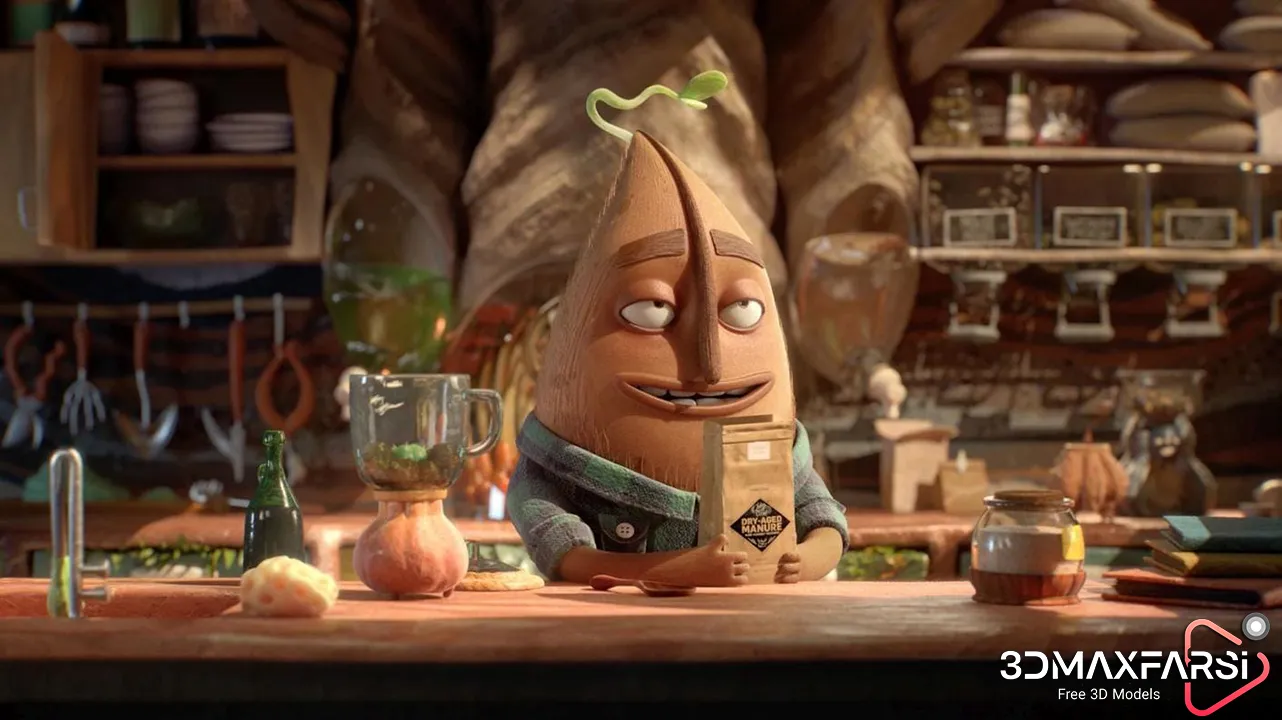
High-Quality 3D Character Models for Animation Download (Part 2) 🚀
Welcome back! In the first part, we covered where to find and what makes a 3D character model high-quality. Now, let’s dive deeper into optimization, customization, and industry trends to help you get the most out of your 3D assets!
Optimizing 3D Character Models for Animation ⚡
Even the best models might need tweaks before they’re animation-ready. Here’s how to optimize them:
1. Reduce Polygon Count (If Needed)
- Use decimation (Blender) or ProOptimizer (3ds Max) to lower poly count without losing detail.
- Ideal for game engines where performance matters.
2. Fix Weight Painting Issues
- Bad weight painting = weird deformations during animation.
- Use Blender’s Weight Paint mode or Maya’s Skin Cluster to smooth out joint influences.
3. Check & Fix UV Maps
- Stretched or overlapping UVs? Fix them in UV editing tools before animating.
- Ensures textures don’t warp during movement.
4. Retopologize for Cleaner Animation
- Some high-poly models need retopology for better edge flow.
- Tools: ZBrush’s ZRemesher, Blender’s RetopoFlow, or Maya’s Quad Draw.
📌 Pro Tip: Always test animations in T-pose or A-pose before finalizing!
Customizing Downloaded 3D Characters 🎨
Want to make a model uniquely yours? Here’s how:
1. Texture & Material Tweaks
- Swap colors, add scars, or change outfits in Substance Painter/Photoshop.
- Use PBR textures (Albedo, Normal, Roughness) for realism.
2. Morph Targets & Blend Shapes
- Adjust facial expressions for lip-syncing or emotions.
- Works great in Unreal Engine’s MetaHumans or Blender’s Shape Keys.
3. Adding Accessories & Gear
- Import separate 3D props (hats, weapons, jewelry) and attach them to bones.
- Use parenting or constraints for dynamic movement.
4. Rigging for Unique Animations
- Need custom movements? Auto-rigging tools like Mixamo or Rigify (Blender) can help.
- For advanced control, manually tweak IK/FK setups.
💡 Fun Fact: Many AAA games use modular character customization—mix and match heads, bodies, and outfits!
Industry Trends in 3D Character Animation 🌍
What’s hot right now in the world of 3D character models?
| Trend | Why It Matters | Best For |
|---|---|---|
| AI-Assisted Rigging | Faster setup, auto weight painting | Indie devs, fast production |
| Real-Time Motion Capture | Use iPhone or Kinect for quick animations | Film, game cutscenes |
| Metaverse Avatars | Stylized, low-poly models for VR/AR | Social VR, virtual worlds |
| Procedural Generation | AI creates endless variations | Open-world games |
| NFT & Digital Ownership | Unique 3D characters as collectibles | Blockchain games, virtual art |
🚀 Future Prediction: AI-generated 3D models (like NVIDIA’s Omniverse) will soon let you describe a character in text and get a fully rigged model!
FAQs – More Burning Questions Answered! 🔥
1. Can I use downloaded 3D characters commercially?
✅ Yes, but check the license! Some are Royalty-Free, while others need extended licenses (especially for NFTs).
2. What’s better—buying individual models or subscribing to a 3D asset library?
- Individual models = Good for one-time use.
- Subscriptions (like Adobe Stock, Unreal Marketplace) = Best for frequent users.
3. How do I know if a model is “game-ready”?
Look for:
✔ Under 50K polygons (for AAA games, under 100K for indie).
✔ Compressed textures (2048×2048 or 4K max).
✔ Tested in Unity/Unreal (mentioned in description).
4. What’s the best software to animate 3D characters?
- Beginners: Mixamo (Auto-Rigging) + Blender
- Professionals: Maya + Motion Capture
- Game Devs: Unreal Engine’s Control Rig
Final Tips Before You Go! 🏁
- Always read reviews before buying a model.
- Test animations early—don’t wait until the end!
- Join 3D communities (Polycount, ArtStation, Discord) for feedback.
🎉 Now go bring your characters to life!