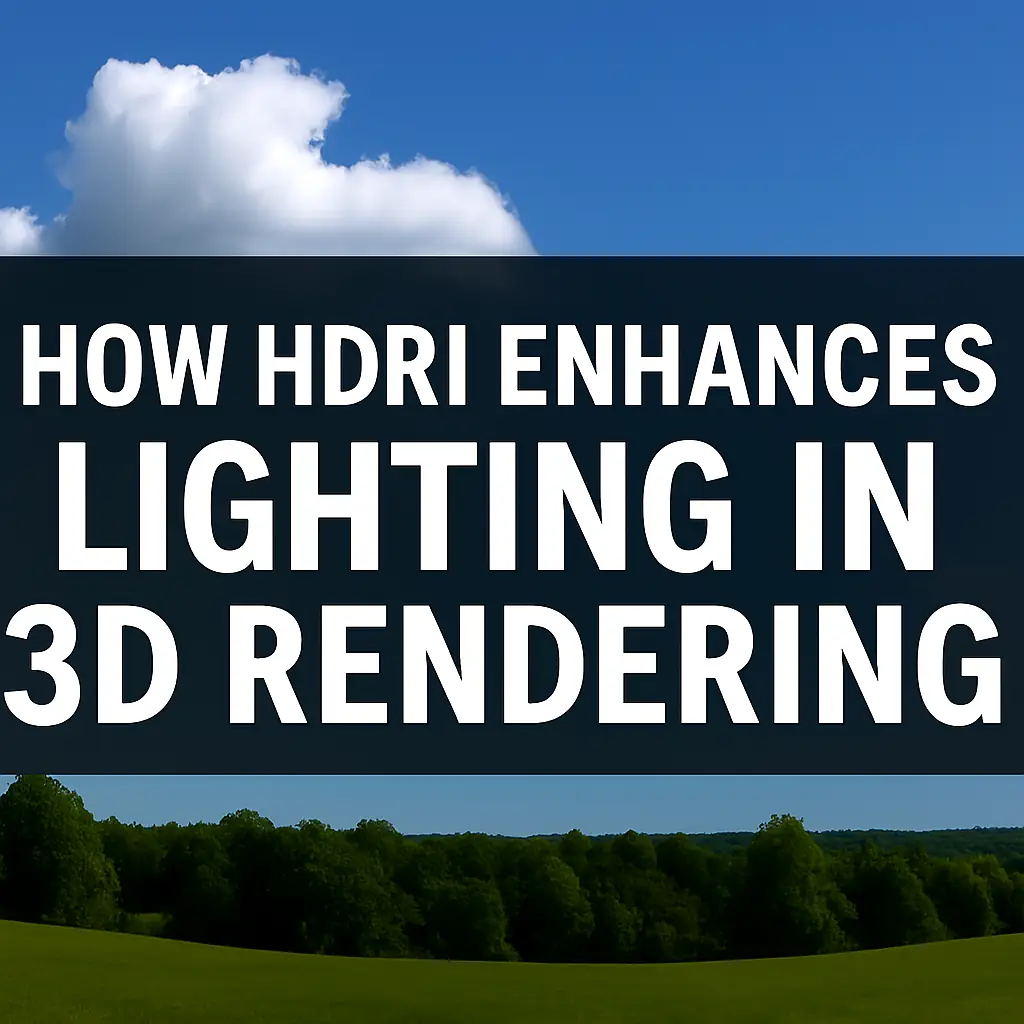
How HDRI enhances lighting in 3D rendering
🌟 Best HDRI Maps for Photorealistic Rendering (And How They Supercharge Your Lighting)
If you’re into 3D rendering, you’ve probably heard about HDRI maps—those magical files that make your scenes look insanely realistic. But what makes them so special? And where can you find the best ones?
In this guide, we’ll break down:
✔ What HDRI maps are (and why they’re a game-changer)
✔ How HDRI enhances lighting in 3D rendering
✔ The best HDRI sources (free & paid)
✔ Common questions answered (with pro tips!)
Let’s dive in! 🚀
🔍 What Are HDRI Maps?
HDRI (High Dynamic Range Imaging) is a type of image file that captures a broader range of light and color than standard images. Unlike JPEGs or PNGs, HDRIs store extreme brightness and shadow details, making them perfect for lighting 3D scenes realistically.
Why Use HDRI in 3D Rendering?
- Ultra-realistic lighting – Simulates real-world environments (sunlight, reflections, ambient glow).
- Seamless reflections – Perfect for shiny surfaces like glass, metal, and water.
- Faster workflow – No need to manually set up complex light rigs.
💡 How HDRI Enhances Lighting in 3D Rendering
1. Natural Global Illumination 🌎
HDRI maps act as 360° light sources, bouncing light just like in real life. This creates soft shadows and subtle color bleeding, which fake lights can’t replicate.
2. Accurate Reflections & Refractions ✨
Ever noticed how a car’s paint changes under different skies? HDRI maps provide real-world reflections, making materials like chrome, water, and ceramics look believable.
3. Consistent Lighting Across Shots 🎬
If you’re rendering an animation, HDRI ensures uniform lighting in every frame—no flickering or weird shadows.
4. Mood & Atmosphere Control 🌆
Swap an HDRI, and you instantly change the vibe:
- Sunny HDRI → Bright, cheerful scene
- Overcast HDRI → Moody, cinematic look
🏆 Best HDRI Map Sources (Free & Paid)
Here’s a comparison table of top HDRI providers:
| Source | Price | Quality | Best For |
|---|---|---|---|
| HDRI Haven | Free | Ultra-High | All-purpose, outdoor scenes |
| Poly Haven | Free | High | Studios, interiors |
| NoEmotion HDRIs | Paid ($10-$50) | Professional | Automotive, product viz |
| Poliigon | Paid ($20-$100) | Ultra-High | Architectural renders |
| VizPeople | Paid ($30-$150) | High | Commercial projects |
Free HDRI Recommendations:
- “Kiara 1 Dawn” (HDRI Haven) – Perfect for golden-hour lighting.
- “Industrial Pipe & Valve” (Poly Haven) – Great for gritty, realistic interiors.
Paid HDRI Picks:
- “Clear Blue Sky” (NoEmotion) – Ideal for car renders.
- “Modern Office” (Poliigon) – Super clean for archviz.
❓ HDRI FAQs (Answered!)
Q: Can I use HDRI in Blender/Cinema 4D/3ds Max?
✅ Yes! All major 3D software (Blender, Maya, Unreal Engine, etc.) supports HDRI lighting.
Q: Why does my HDRI look too bright/dark?
🔧 Fix: Adjust the exposure/rotation in your render settings. Also, tweak environment strength.
Q: Do I still need extra lights with HDRI?
💡 Sometimes! HDRI gives a base, but you might need fill lights for dramatic effects.
Q: What resolution should I use?
📏 8K-16K for high-end work, 4K for faster previews.
🚀 Pro Tips for Using HDRI Like a Boss
- Rotate Your HDRI – Find the best light angle without moving objects.
- Mix HDRI + Sun Light – For sharper shadows in outdoor scenes.
- Use Low-Contrast HDRIs for Portraits – Avoid weird skin tones.
- Blur HDRI for Softer Shadows – Reduces noise in interiors.
🎬 Final Verdict: HDRI = Lighting Magic
HDRI maps are essential for photorealism—they handle lighting, reflections, and mood in one go. Whether you grab free ones from HDRI Haven or invest in NoEmotion’s pro packs, your renders will instantly look 10x better.
Now go light up your scenes like a pro! 🔥
🎨 Advanced HDRI Techniques & Creative Uses
Now that you know the basics, let’s level up! Here are some next-level HDRI tricks to make your renders stand out.
🌈 Creative HDRI Hacks for Stunning Renders
1. HDRI + Artificial Light Combos 💡
HDRI alone is great, but mixing it with spotlights or area lights gives you full control.
- Example: Use a soft HDRI for ambient light + a sharp spotlight for dramatic highlights.
2. Custom HDRI Blending 🎭
Some render engines (like Blender’s Cycles) let you blend multiple HDRIs for unique lighting.
- Pro Tip: Layer a sunny HDRI (for direct light) + a cloudy HDRI (for soft fill).
3. HDRI for Matte Painting Backgrounds 🖼️
Instead of modeling entire environments, use HDRI backplates for:
- Cityscapes (skyscrapers, streets)
- Nature scenes (mountains, forests)
4. Animated HDRIs for Dynamic Lighting 🎥
Some studios use time-lapse HDRIs to simulate:
- Sunrise to sunset transitions
- Moving clouds for realism
🔧 Optimizing HDRI Workflow
✅ Best File Formats
| Format | Pros | Cons |
|---|---|---|
| .HDR | Widely supported | Large file size |
| .EXR | High dynamic range | Needs compatible software |
| .TIF | Balanced quality | Less common for HDRIs |
🚀 Performance Tips
- Use lower-res (4K) HDRIs for test renders.
- Enable HDRI caching (in Octane, V-Ray) for faster playback.
- Crop unused areas if your scene doesn’t need a full 360° view.
🤔 “Which HDRI Should I Use?” (Quick Guide)
| Scene Type | Best HDRI Style | Example |
|---|---|---|
| Product Shots | Neutral studio lighting | Poly Haven’s “Studio” HDRIs |
| Car Renders | Clear sky + reflective ground | NoEmotion’s “Car Studio” |
| Archviz | Sunny or overcast urban | Poliigon’s “Cityscapes” |
| Fantasy Art | Dramatic skies (sunset, storms) | HDRI Haven’s “Dramatic” pack |
🛠️ Fixing Common HDRI Problems
❌ Problem: HDRI Looks Washed Out
Fix:
- Lower environment strength (or exposure).
- Use a higher contrast HDRI.
❌ Problem: Weird Color Cast
Fix:
- Try a neutral gray-balance HDRI.
- Adjust white balance in post-processing.
❌ Problem: Slow Rendering
Fix:
- Use compressed EXR instead of uncompressed HDR.
- Reduce HDRI resolution (if reflections aren’t critical).
🏁 Final Thoughts: HDRI = Secret Weapon
Whether you’re doing archviz, product design, or VFX, HDRI maps save time and boost realism. The key takeaways:
🔥 Free HDRIs? HDRI Haven & Poly Haven are goldmines.
💸 Worth paying? If you need specialized lighting (cars, studios).
🎨 Get creative! Mix HDRIs, animate them, or use them as backdrops.
Now go light like a pro—your renders will thank you! 🚀
Got a burning HDRI question? Ask below! 👇💬