Premium PBR Textures for Rendering 🎨✨
Premium PBR Textures for Rendering: The Ultimate Guide (2024) 🎨✨
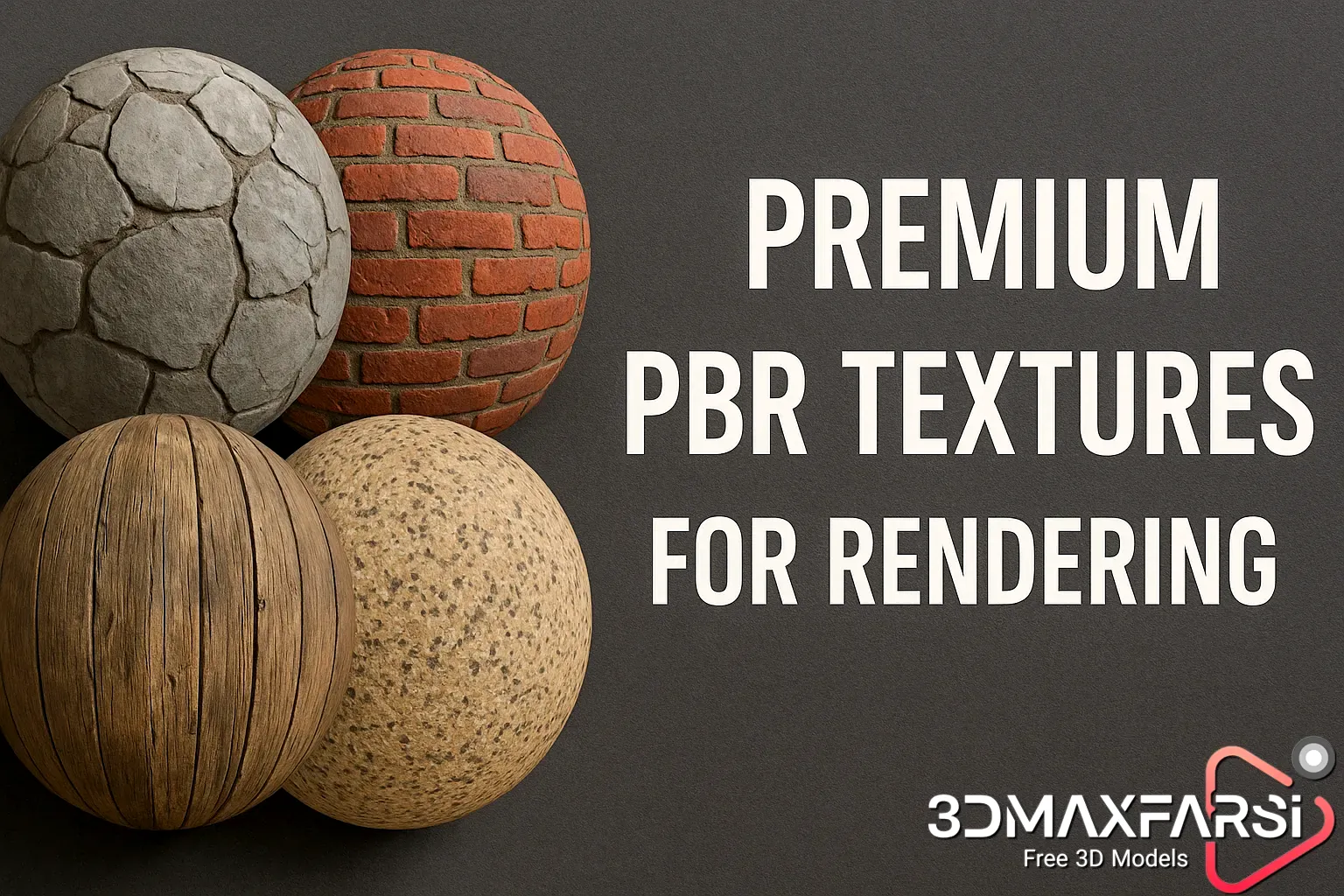
If you’re into 3D modeling, game design, or architectural visualization, you’ve probably heard the term “PBR textures” thrown around. But what makes them so special? And why should you invest in premium PBR textures instead of settling for freebies?
In this guide, we’ll break down everything you need to know—from what PBR textures are to where you can find the best ones. Plus, we’ll answer common questions and even throw in some handy comparison tables. Let’s dive in! 🚀
What Are PBR Textures? 🤔
PBR (Physically Based Rendering) textures are high-quality image files designed to simulate real-world materials accurately. Unlike traditional textures, PBR textures follow real physics principles, making lighting and reflections behave naturally in 3D scenes.
Key Components of PBR Textures:
A full PBR texture set usually includes:
| Texture Map | Purpose | Example Use Case |
|---|---|---|
| Albedo | Base color (no shadows/lighting) | Wood, metal, fabric |
| Normal | Simulates surface details (bumps/dents) | Brick walls, scratches |
| Roughness | Controls how light scatters | Glossy vs. matte surfaces |
| Metallic | Defines metal vs. non-metal surfaces | Gold, steel, plastic |
| AO (Ambient Occlusion) | Adds depth in crevices | Cracks, corners |
| Height/Displacement | Adds real geometric detail | Terrain, deep grooves |
Why Use Premium PBR Textures? 💎
Sure, free textures are great for beginners, but premium PBR textures offer:
✅ Higher Resolution – Crisp details even at 8K or 16K.
✅ Seamless Tiling – No visible edges when repeating textures.
✅ Real-World Accuracy – Scanned from actual materials.
✅ Full PBR Sets – All necessary maps included (albedo, normal, roughness, etc.).
✅ Consistent Lighting Response – Works perfectly in any render engine (Unreal, Blender, Unity).
Free vs. Premium PBR Textures: A Quick Comparison
| Feature | Free Textures | Premium Textures |
|---|---|---|
| Quality | Often low-res | 4K, 8K, 16K available |
| Variety | Limited | Huge libraries (wood, metal, fabric, etc.) |
| Seamless Tiling | Sometimes | Always |
| PBR Accuracy | Inconsistent | Perfectly calibrated |
| Support/Updates | Rare | Regular updates & customer support |
Where to Get the Best Premium PBR Textures? 🌍
Here are some top sources for high-quality PBR textures:
-
- Poliigon – Industry leader, ultra-realistic scans.
- Texture Haven (now Poly Haven) – Free & paid options.
- Quixel Megascans – Used in AAA games & films.
- Substance Source – Adobe’s premium texture library.
- CGTrader / TurboSquid – Great for niche materials.
💡 Pro Tip: Some sites offer subscription models, which can be cost-effective if you need lots of textures regularly.
How to Use PBR Textures in Your Projects? 🛠️
Whether you’re using Blender, Unreal Engine, or Substance Painter, applying PBR textures is straightforward:
-
- Import the texture maps into your software.
- Assign them to the correct material slots (albedo → base color, normal → normal map, etc.).
- Adjust settings (roughness/metallic values) for realism.
- Render & enjoy! 🎉
FAQs About PBR Textures ❓
1. Are PBR textures only for games?
Nope! They’re used in films, product design, VR, and architectural renders too.
2. Can I use PBR textures in Blender?
Absolutely! Blender fully supports PBR workflows.
3. What’s the difference between PBR and non-PBR textures?
PBR textures react realistically to light, while non-PBR textures may look flat or unnatural under different lighting.
4. Do I need all PBR maps?
For best results, yes—but some engines allow simplified setups (e.g., just albedo + normal).
5. How do I make my own PBR textures?
You can scan real materials (using tools like Substance Alchemist) or paint them manually in Photoshop/Substance Painter.
Final Thoughts 🏁
Premium PBR textures are a game-changer for 3D artists. They save time, boost realism, and ensure your renders look professional. While free textures have their place, investing in high-quality PBR assets can take your work to the next level.
🔥 Ready to upgrade? Check out the sources above and start creating stunning renders today! Got more questions? Drop them in the comments! 👇😊
Bonus Tips & Advanced Tricks for Using PBR Textures Like a Pro! 🚀
Now that you know the basics, let’s level up your PBR texture game with some pro tips, optimization tricks, and creative hacks that industry experts use.
1. Mixing & Blending PBR Textures for Unique Materials 🎨
Why settle for one texture when you can combine multiple for ultra-realistic surfaces? Here’s how:
-
- Layering in Substance Painter/Designer: Use masks to blend rust, dirt, and wear on metals.
- Vertex Painting in Unreal/Blender: Paint different textures (mud, grass, snow) onto terrain dynamically.
- Procedural Mixing: Use noise maps to break up repetitive tiling.
💡 Example: Combine a concrete albedo with a cracked normal map and grunge roughness for a weathered urban look.
2. Optimizing PBR Textures for Performance ⚡
High-res textures look amazing, but they can slow down renders or game performance. Here’s how to balance quality and efficiency:
| Optimization Trick | When to Use | Result |
|---|---|---|
| Downscaling 8K → 4K | For distant objects | Faster rendering, minimal quality loss |
| Using BC Compression (DXT/BC7) | Real-time engines (Unreal, Unity) | Smaller file size, GPU-friendly |
| Removing Unused Maps | If a material doesn’t need height/displacement | Reduced memory usage |
| Instancing/Atlas Textures | Repeating textures (bricks, tiles) | Fewer texture calls, better FPS |
Pro Tip: In Unreal Engine, use Virtual Texturing for open-world games to stream only necessary textures.
3. Fixing Common PBR Texture Problems 🛠️
Even premium textures can sometimes look “off.” Here’s how to troubleshoot:
Problem: Texture Looks Too Flat
✅ Solution: Increase normal map intensity or add a height/displacement map.
Problem: Reflections Are Too Sharp/Blurry
✅ Solution: Adjust the roughness map—darker = glossier, lighter = matte.
Problem: Visible Tiling/Repeating Patterns
✅ Solution:
- Use tri-planar mapping (in Blender/Substance).
- Add decals or variation layers (dirt, scratches).
- Mix with a procedural noise texture.
4. Creative Uses for PBR Textures Beyond 3D Renders 🖌️
Who says PBR textures are just for 3D? Try these outside-the-box ideas:
- 2D Game Art: Use PBR metals/woods as bases for stylized paintings.
- Graphic Design: Add realistic textures to logos, posters, or UI elements.
- Photobashing: Blend PBR materials into digital matte paintings.
- 3D Printing: Convert height maps into displacement for physical models.
🎨 Example: A leather PBR texture can be used for a luxury brand’s website background or a game’s UI skin.
5. Future of PBR Textures: AI & Real-Time Trends 🔮
The PBR workflow is evolving fast! Here’s what’s coming:
- AI-Generated Textures – Tools like NVIDIA’s AI Materializer can auto-convert photos into PBR maps.
- Nanite-Like Virtual Textures – Games will stream ultra-detailed textures without performance hits.
- Procedural PBR Materials – Dynamic textures that change based on weather, time, or damage.
🚀 Prediction: In 2-3 years, real-time PBR ray tracing will be standard in games and VR.
Final Pro Tip: Build Your Own PBR Library! 📂
Instead of downloading random textures, organize a personal library for quick access:
- Sort by Material Type (metals, fabrics, organic, etc.).
- Tag by Resolution/Use Case (e.g., “8K_ArchViz,” “4K_GameReady”).
- Backup on Cloud Storage (Google Drive, Dropbox) for team sharing.
🛠️ Recommended Tool: Use Adobe Bridge or PureRef to visually browse textures.
Wrapping Up: Your PBR Texture Mastery Checklist ✅
✔ Understand PBR maps (Albedo, Normal, Roughness, etc.).
✔ Use premium textures for best results.
✔ Optimize for performance (compression, downscaling).
✔ Fix common issues (tiling, flatness, reflections).
✔ Experiment creatively (2D art, photobashing, 3D printing).
✔ Stay updated on AI and real-time PBR trends.
Now go forth and make something jaw-dropping! Share your renders with us—we’d love to see them! 👇😍
What’s Next?🎮
Got more PBR texture questions? Ask below! Let’s keep the conversation going. 🚀🔥
🔗 Premium 3D textures for interior design projects
🔗 Best texture packs for product visualization
🔗 High-resolution 3D textures for material creation