Top-rated 3D assets for game designers
Top 3D Assets for Game Development: Must-Have Resources for Designers 🎮
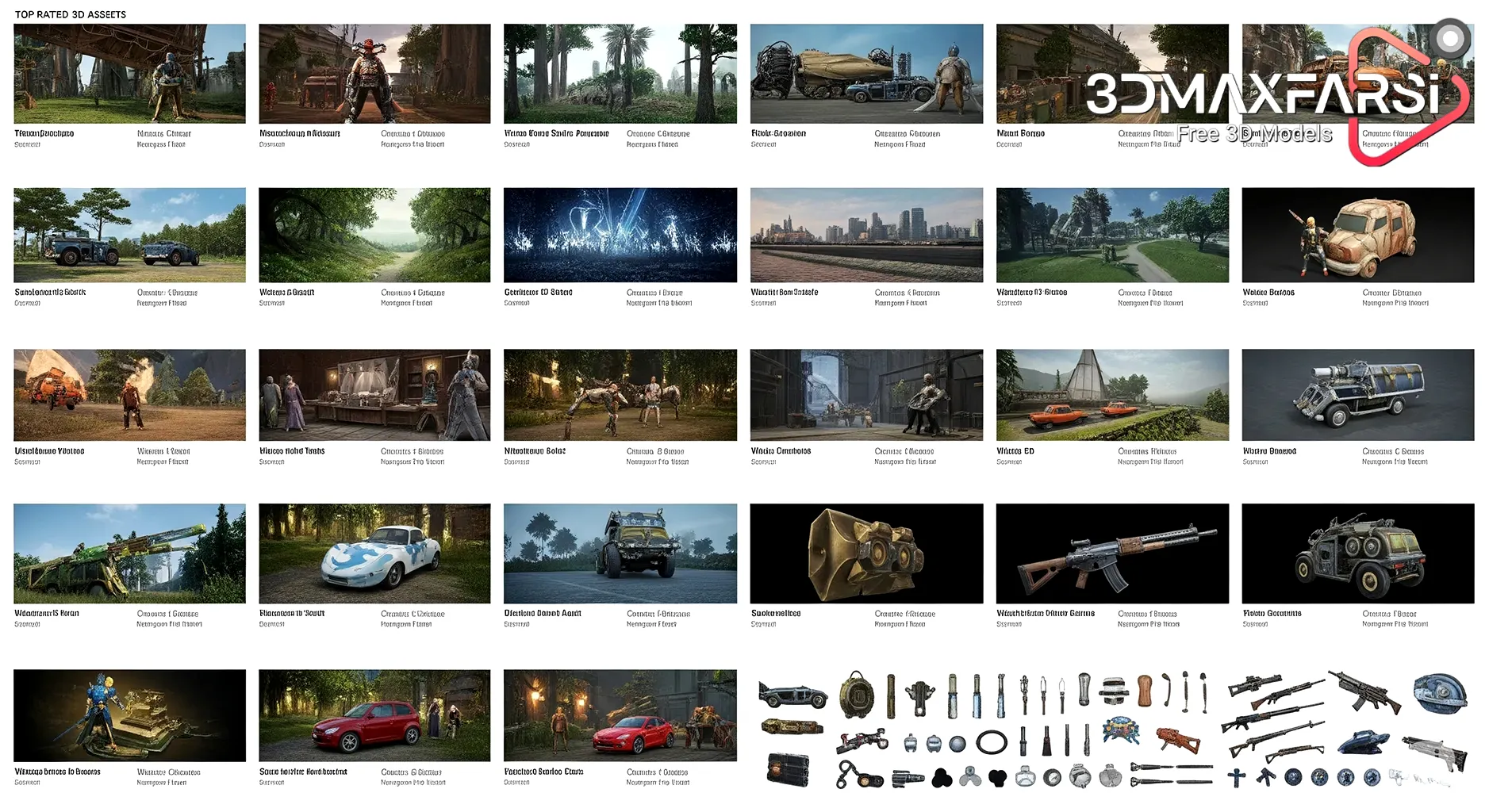
Game development is an exciting but complex process, and having the right 3D assets can save you hours of modeling and texturing. Whether you’re an indie dev or part of a AAA studio, high-quality assets can elevate your game’s visuals and streamline production.
In this guide, we’ll break down:
✔ What makes a 3D asset “top-rated”?
✔ The best sources for game-ready assets
✔ Free vs. paid assets – which should you choose?
✔ Common FAQs about 3D assets
Let’s dive in! �
What Makes a 3D Asset “Top-Rated”? ⭐
Not all 3D assets are created equal. Here’s what separates the best from the rest:
| Feature | Why It Matters |
|---|---|
| Optimized Geometry | Low-poly but detailed models ensure smooth performance. |
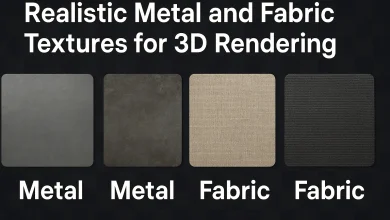
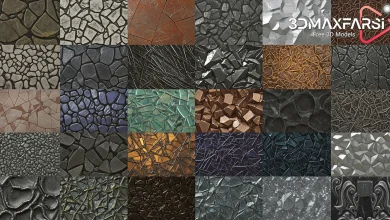
| High-Quality Textures | 4K PBR textures make assets look realistic. |
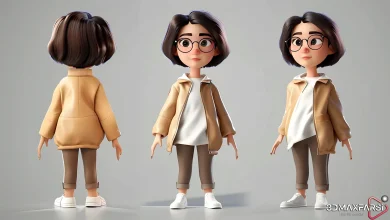
| Rigging & Animation | Pre-rigged models save time for character designers. |
| Modularity | Assets that snap together easily (like dungeon tiles) speed up level design. |
| File Format Support | FBX, OBJ, and glTF compatibility ensures they work in most engines. |
Top Sources for Game-Ready 3D Assets 🛒
Here are the best marketplaces and free resources for game designers:
🔥 Paid Marketplaces (Premium Quality)
-
- Unreal Engine Marketplace – Best for UE developers, with AAA-grade assets.
- Unity Asset Store – Huge library of optimized assets for Unity.
- TurboSquid – A massive collection of high-detail models.
- CGTrader – Great for stylized and realistic assets.
🎁 Free Resources (For Budget-Conscious Devs)
-
- Sketchfab (Free & Paid)
- OpenGameArt.org
- Kenney.nl (Amazing free asset packs)
- Itch.io (Indie-friendly asset bundles)
Free vs. Paid 3D Assets: Which Should You Use? 💰 vs. 🆓
| Factor | Free Assets | Paid Assets |
|---|---|---|
| Quality | Varies (some are great, others outdated) | Consistently high |
| Licensing | Check restrictions (some require attribution) | Usually royalty-free |
| Support | Limited or none | Often includes updates & fixes |
| Unique Style | Hard to find | Custom-made options available |
Verdict: If you’re prototyping or on a tight budget, free assets are fantastic. But for polished, commercial games, investing in premium assets is worth it.
Top 5 Types of 3D Assets Every Game Designer Needs 🛠️
-
- Character Models (Heroes, NPCs, Enemies)
- Environment Packs (Forests, Cities, Dungeons)
- Props & Weapons (Guns, Swords, Interactive Objects)
- UI & VFX Assets (Menus, Particle Effects)
- Modular Kits (Build levels faster with snap-together pieces)
👉 Pro Tip: Look for “game-ready” assets—they’re already optimized for real-time rendering!
FAQs About 3D Assets for Game Dev ❓
1. Can I use free 3D assets in a commercial game?
✅ Yes, but check the license! Some require attribution (CC-BY) or prohibit commercial use (CC-NC). Always read the terms.
2. What’s the best format for game engines?
📁 FBX & glTF are the most widely supported. OBJ works but lacks animation data.
3. How do I optimize 3D assets for better performance?
🔧 Reduce polygons, compress textures, and use LODs (Level of Detail) models.
4. Where can I find stylized (not realistic) assets?
🎨 Check out:
-
- Polyhaven (Stylized PBR assets)
- ArtStation Marketplace (Unique art styles)
Having the right 3D assets can make or break your game’s development. Whether you grab free packs or invest in premium models, always prioritize optimization, quality, and licensing.
🚀 Ready to build your dream game? Start browsing these asset stores today and level up your game design!
Got more questions? Drop them in the comments! 👇 #GameDev #3DModeling #IndieDev
Level Up Your Game Dev Workflow: More Pro Tips on 3D Assets 🚀
So you’ve got your hands on some awesome 3D assets—now what? Let’s talk about how to integrate them smoothly, avoid common pitfalls, and make your game look pro without breaking the bank.
How to Seamlessly Integrate 3D Assets Into Your Game 🧩
1. Keep Art Style Consistent 🎨
Mixing ultra-realistic guns with low-poly cartoon characters? Big no-no.
-
-
Tip: Stick to one visual style (e.g., cel-shaded, pixel-art, hyper-realistic).
-
Fix mismatched assets by tweaking shaders/textures in-engine.
-
2. Optimize for Performance ⚡
Even the best assets can slow down your game if not optimized.
✅ Do this:
-
-
Use LOD (Level of Detail) models for distant objects.
-
Compress textures (but avoid visible quality loss).
-
Batch similar assets to reduce draw calls.
-
❌ Avoid this:
-
-
Importing 8K textures for a mobile game.
-
Using high-poly models for background props.
-
3. Customize to Make Them Unique ✂️
Don’t just drag-and-drop—modify assets to fit your game’s identity.
-
-
Recolor textures.
-
Mix & match modular pieces.
-
Add/remove details in Blender or Maya.
-
Hidden Gems: Underrated 3D Asset Sources 💎
Beyond the usual marketplaces, check out:
| Website | Best For | Price Range |
|---|---|---|
| Quixel Megascans | Ultra-realistic nature assets | Free (with Unreal Engine) |
| Daz 3D | High-quality characters & poses | Free base models, paid add-ons |
| Mixamo | Auto-rigged character animations | Free |
| Asset Forge | Easy modular asset creation | Paid (one-time fee) |
3D Asset Pitfalls & How to Avoid Them 🕳️➡️🚀
❌ Pitfall 1: Licensing Nightmares
-
Problem: You use a “free” asset, then get hit with a copyright strike.
-
Solution: Always check license type (CC0 = safest for commercial use).
❌ Pitfall 2: Engine Compatibility Issues
-
Problem: Your asset works in Blender but glitches in Unity.
-
Solution: Export as FBX or glTF (most engine-friendly formats).
❌ Pitfall 3: Overloading Your Project
-
Problem: Your game lags because of unoptimized assets.
-
Solution: Use proxy models during development, then swap in HQ assets later.
Quick Checklist Before Buying/Downloading 3D Assets ✅
Before hitting “Download,” ask:
-
- Is it game-ready? (Rigged, textured, low-poly?)
- What’s the license? (Can I use it commercially?)
- Does it match my art style?
- Is it optimized? (Polycount, texture resolution)
- Are there good reviews/ratings?
Final Pro Tip: Build Your Own Asset Library! 📂
Organize assets into folders like:
-
- Characters
- Environments/Forest
- Weapons/Medieval
- UI/Icons
This saves hours of searching later! 🚀 Happy devving! #GameDevTips #3DArt #IndieGame
Your Turn! 🎮
What’s your favorite 3D asset source? Struggling with asset integration? Drop a comment—let’s troubleshoot together!