RappaTools 3.563 for 3ds Max Win
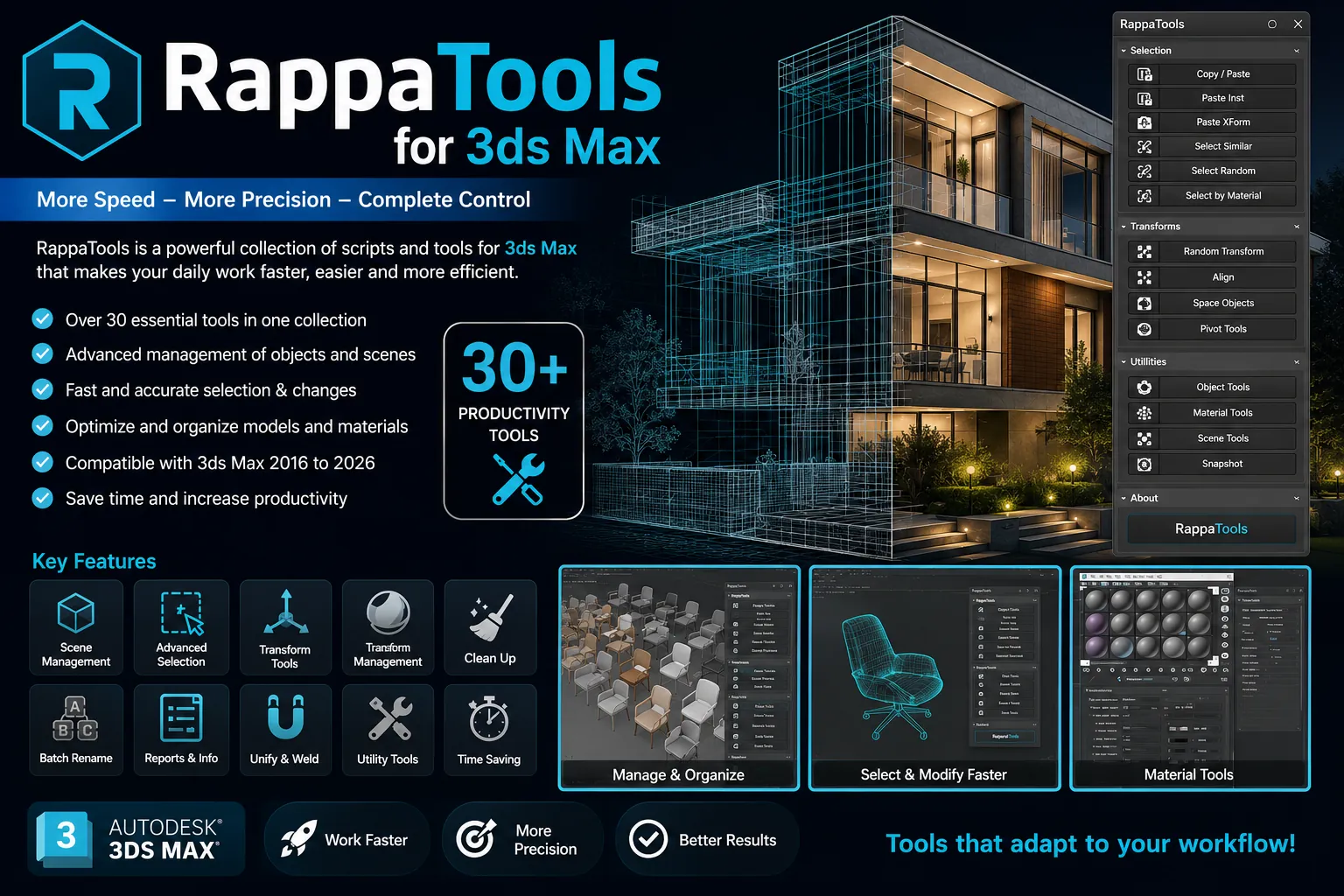
🚀 Download RappaTools 3.563 for 3ds Max (Free & Powerful Modeling Script)
Hey there, fellow 3D artist! 👋 Are you tired of the same old, slow, and repetitive tasks inside 3ds Max? Do you feel like you are clicking a thousand times just to make a simple selection or adjust a few polygons? Trust me, I have been there, and it is a total creativity killer! 😫
But guess what? There is a little superhero script that is going to save your day, and it is totally free. Let me introduce you to RappaTools 3.563. 🦸♂️
This is not just another random plugin. RappaTools is a fantastic, all-in-one modeling toolset designed for 3ds Max 9 Sp1 and all the newer versions. It is packed with smart features that make the boring technical stuff disappear, so you can focus on the fun part: creating awesome 3D art. In this post, I will walk you through exactly what it does and why you need it right now.
RappaTools 3.563 for 3ds Max Win
This content is restricted to paid subscribers
💾 How to Download and Install
Ready to experience this power for yourself? The best part is that this incredible script is available as a free download. Just search for “RappaTools 3.563 download” on trusted CG resource websites, grab the file, and follow the simple installation steps. Usually, you just drag and drop the script file into your 3ds Max viewport, or run it via the “MAXScript” menu. That is it!
🧰 What Exactly is RappaTools?
Think of RappaTools as your friendly digital assistant. It is a powerful MaxScript that offers a huge range of tools to help you create various types of sub-object selections lightning fast. It also includes a set of advanced modeling tools that make everyday tasks way easier and much faster.
But wait, there is more! It also throws in a bunch of super handy extra options like 50% or 25% quick render, a quick light and camera selector, a toggle to turn texture maps on and off in your viewport, random material and wirecolor generators, a tool to create a multi-material from textures in a folder, and many, many more surprises. 🤯
🔧 How to Master the Key Features (Mini-Tutorials!)
Okay, let’s get our hands dirty. Here is how you can use some of the core features to speed up your workflow today:
1. Smart Selection Tools 🎯
Forget clicking on tiny edges or polygons for hours. With RappaTools, you can make complex sub-object selections in a heartbeat. Imagine you need to select every other polygon loop. Instead of manual work, you just find the smart selection set in the panel, choose your pattern, and boom, it is done. It makes organic modeling and hard surface detailing so smooth.
2. The Quick Render Magic 📸
Do you constantly need a fast test render but do not want to wait forever? RappaTools has a one-click solution for a 50% or 25% size render. It is perfect for checking your lighting or material tweaks without the full time commitment. Just hit the button, and you get a fast draft image that lets you see the big picture.
3. Quick Light & Camera Select 💡
This is a lifesaver in heavy scenes. Instead of hunting for your main light or camera in a cluttered list, just use the quick selector. Click the button, pick your light, and adjust it instantly. It is a tiny feature, but it saves you a surprising amount of annoying digging around.
4. Random Material & Wirecolor Fun 🎨
Want to assign random colors to a bunch of objects for better visibility or a playful setup? The random wirecolor tool does it with one click. Even better, if you have a folder full of textures, you can use the magic tool to create a brand new multi-material automatically. It grabs all your images and maps them for you. What a time-saver! 🤯
5. Toggle Viewport Maps 🖼️
Ever needed to quickly see all your textures in the viewport and then turn them off again for faster navigation? There is a simple toggle for that. It helps you preview your scene in full color without needing to go into each material slot, turning it on, then off again.
❤️ A Note from the Developer Community
This wonderful tool was created by a dedicated developer in their free time, between college assignments and other responsibilities. If you enjoy RappaTools and it speeds up your work, especially in a commercial environment, please consider showing some love through a donation. Every bit helps! 💰
Also, the developer has always been open to feedback. Want a new feature? Think the interface could use a different layout? Let them know. The community is what makes tools like this great, and your voice could help shape the final, major version update. Let us support the people who make our creative lives easier.
So, what are you waiting for? Go grab RappaTools 3.563 and make your 3ds Max modeling workflow faster and way more fun. Happy rendering! ✨🚀


![[Download] RapidTools Octopus 3.16 for 3ds Max 2016-2026 Win x64](https://3dmaxfarsi.com/wp-content/uploads/2026/07/rapidtools-octopus-plugin-3ds-max-390x220.webp "[Download] RapidTools Octopus 3.16 for 3ds Max 2016-2026 Win x64 3")