Thinkbox Plug-ins Suite for 3ds Max 2018 to 2026 Win x64
🚀 Free Download: Thinkbox Plugins Suite for 3ds Max (2018 to 2026) – Fully Working!
Hey everyone! 👋 Get ready to seriously level up your 3ds Max workflow. Today, I’m super excited to share something truly special that I’ve been working on for a long time. We all know and love the legendary Thinkbox plugins like Krakatoa and Frost, right? The problem was finding clean, working builds for modern versions of 3ds Max. Well, the wait is finally over! 🎉
This package is my own custom compilation, built from the official open-source code that AWS Thinkbox published on GitHub. It wasn’t just a simple copy-paste job; it was a real mission. Getting them to work was no small task, it required carefully dissecting and replicating the intricate Conan-based build pipeline to run locally. And that was just the beginning. Once the pipeline was in place, I had to track down and apply numerous compatibility fixes to ensure the plugins would compile and run correctly with the latest 3ds Max SDKs. It’s been a long and tedious process, but I’m happy to say the packages are ready to be released! You get all the insane power of particle rendering, meshing, and simulation, running smoothly from 3ds Max 2018 all the way up to 2026. Let’s dive in! 🏊♂️
⬇️ Download Section
So, are you ready to supercharge your particle and FX workflow? Click the link below to download the entire suite. Remember, a single zip file contains all the builds for 3ds Max 2018 to 2026.
Thinkbox Plug-ins Suite for 3ds Max 2018 to 2026 Win x64
This content is restricted to paid subscribers
🧰 What’s Inside This Awesome Suite?
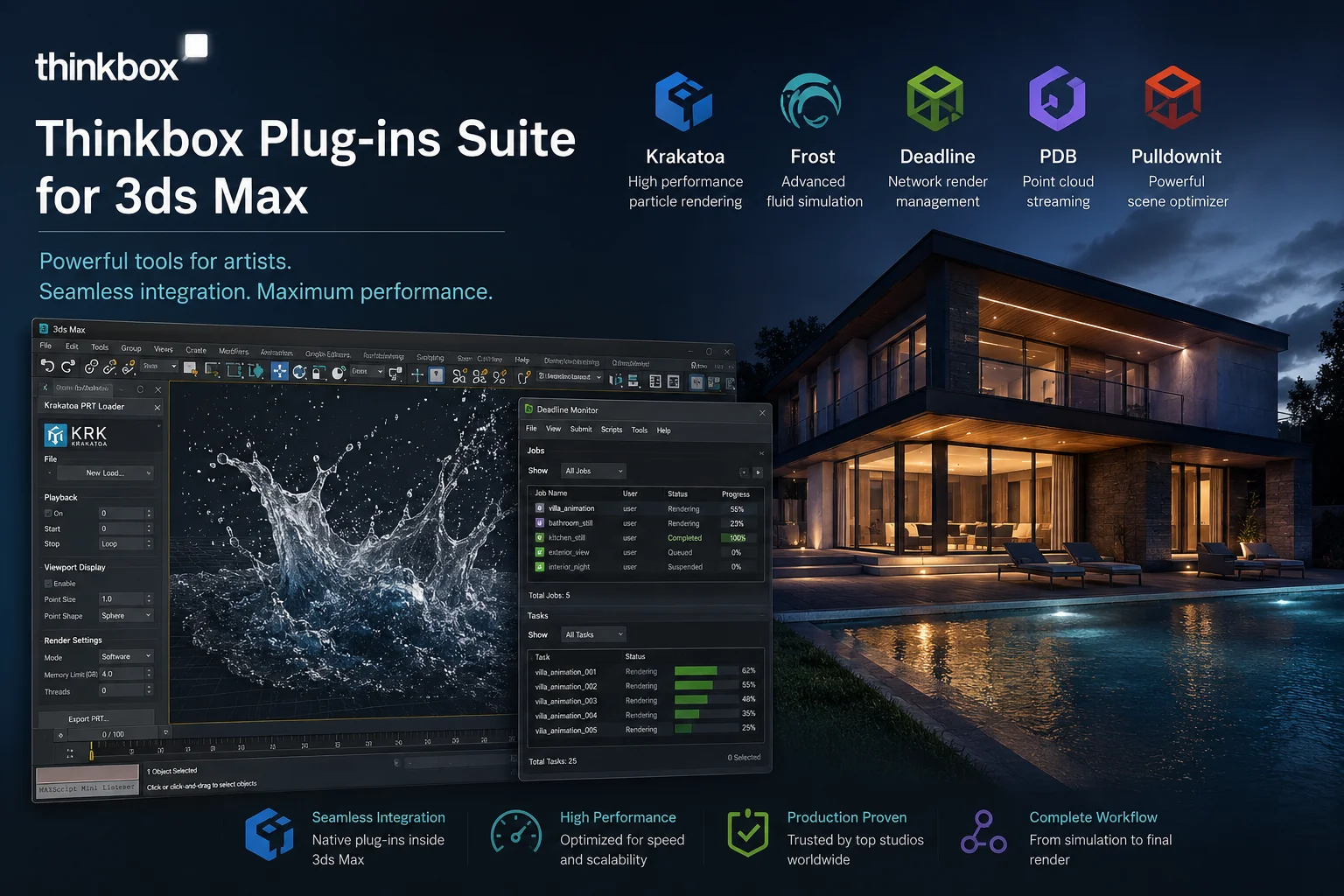
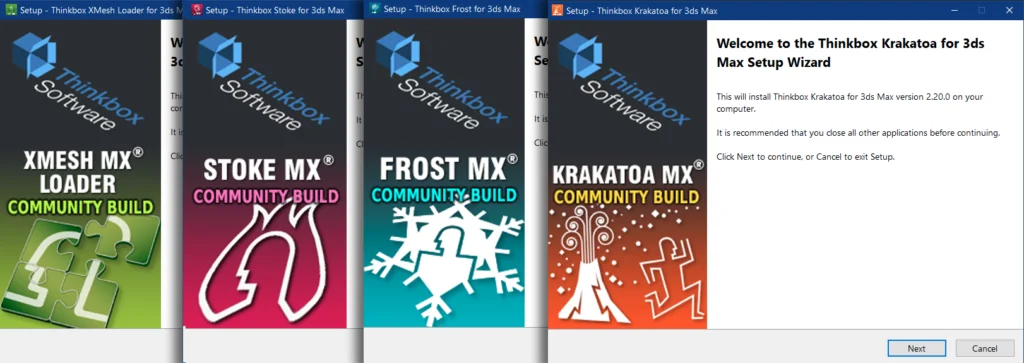
Here’s the full list of the latest builds you’re getting in a single, convenient zip file. This is the complete powerhouse collection:
-
KrakatoaMX 2.1.3 🌋: The ultimate particle renderer. Handle millions, even billions of particles without breaking a sweat.
-
XMesh LoaderMX 1.9.3 📥: Load animated geometry caches with lightning speed.
-
XMesh SaverMX 1.9.3 📤: Save your heavy animated scenes to a super-efficient, external geometry format.
-
StokeMX 2.8.0 💨: A field-based particle simulator. Think smoke, fire, and velocity fields that just feel right.
-
FrostMX 2.5.3 ❄️: Create a beautiful mesh around your particles, vertex maps, or point clouds. Perfect for making your particles look like a solid liquid or surface.
💾 How to Install Your Plugins (The Right Way)
Alright, no complicated installers here. Just follow these simple steps, and you’ll be up and running in a minute. I find this method keeps everything super clean and manageable.
-
First, download the main zip file from the link below. 📦
-
Once it’s downloaded, extract the zip file. You’ll see a bunch of folders inside, each clearly labeled with a 3ds Max version, like
2024,2025, etc. -
Now, you need to decide where to put them. For a system-wide installation that all users can access, the absolute best and most reliable place is the main
Program Filesdirectory. Here is the exact path:
📁C:\Program Files\Autodesk\ApplicationPlugins
Note: If you don’t see an “ApplicationPlugins” folder, just create it yourself! It’s totally safe. -
From the extracted folders, simply copy the folder that matches YOUR specific 3ds Max version (for example, the
2024folder). -
Paste that entire folder directly into the
ApplicationPluginsdirectory. -
Boom! 💥 That’s it. The next time you launch 3ds Max, the plugins will load automatically. You’ll find them ready and waiting in the respective menus, command panel, or modifier list.
A huge, friendly request: 🙏 If you find this useful, please don’t just share the downloaded files. Instead, forward a link to this page. It helps the project more than you know and ensures everyone gets the latest info. You’re the best!
❓ Why Did I Build This From the GitHub Source?
Great question! You might be thinking, “Can’t I just download this from the Thinkbox site?” Things have changed. Since the original code was made open source by AWS, the official pre-built downloads became outdated and broken for newer 3ds Max releases. The source is public, but the build pipeline is incredibly complex, relying on a system called Conan for dependency management. It took countless hours of trial and error to set up a local pipeline that could replicate their build environment, and then even more time to patch up the code so it plays nicely with the latest Max SDK changes. My goal was simple: to do all the hard, tedious work for you, so you get a set of plug-and-play packages that just work. 🤓
✨ Final Thoughts
I poured a lot of late-night coffee into getting these builds stable and ready for all of you. I really hope they help you create some amazing art without the technical headaches. If you run into any weirdness or just want to show off what you make with these tools, don’t be a stranger! Drop a comment below. Let’s get back to creating magic! ✨
Happy rendering! 🖥️💨