RayFire 1.88 for 3dsMax 2018-2026 Win x64
🔥 Download RayFire v1.88 for 3ds Max – The Ultimate Destruction Plugin Guide
Ever watched a blockbuster movie and thought, “Man, I wish I could blow stuff up like that in 3ds Max?” Well, grab a coffee, my friend, because today we are diving deep into the wild world of destruction! We are talking about RayFire v1.88, the absolute beast of a plugin that lets you smash, shatter, and explode almost anything. If you are looking for a straightforward guide on how to download it, what it does, and why you need it yesterday, you have come to the right place. Let’s break things down (pun totally intended!).
[Download] Unity – RayFire for Unity
RayFire 1.88 for 3dsMax 2018-2026 Win x64
This content is restricted to paid subscribers
💥 What Exactly is RayFire?
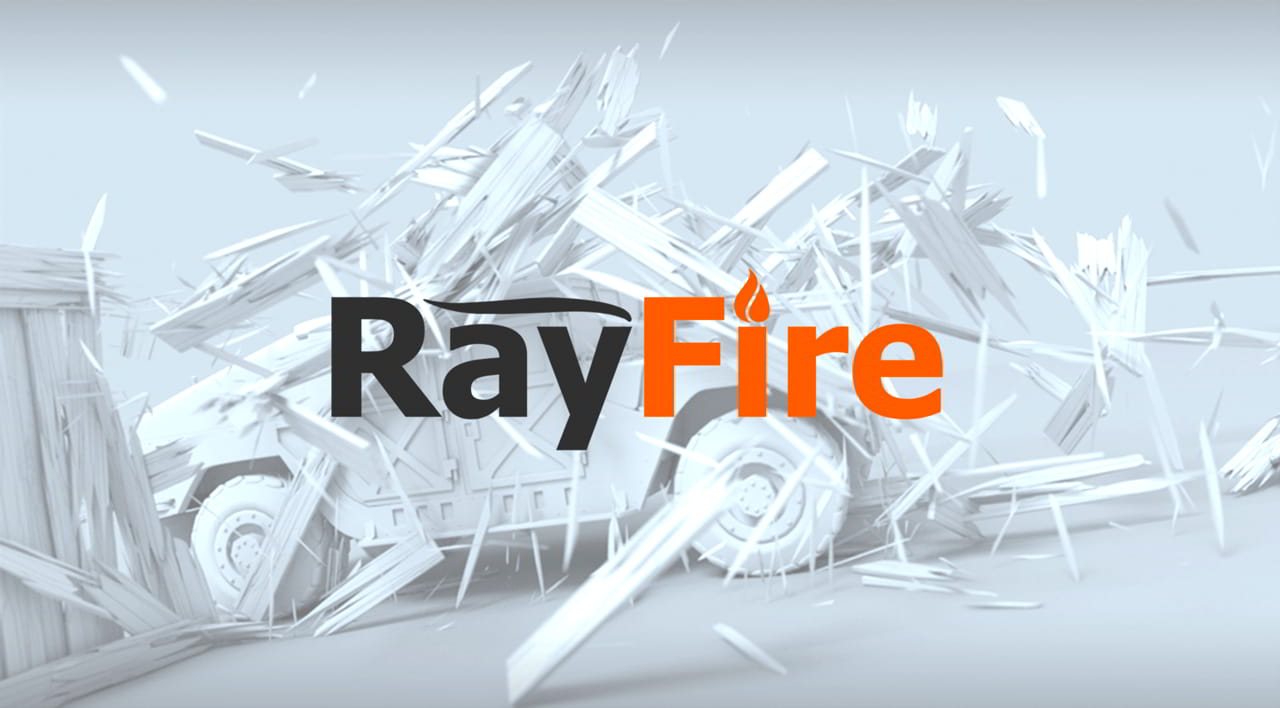
Honestly, RayFire is not just a tool; it’s your personal demolition crew inside 3ds Max. It gives you the crazy ability to fragment, destroy, demolish, wreck, break down, wreak havoc, blow up, burst, detonate, and explode objects with insane realism. We have all dreamed of doing those epic VFX shots where buildings crumble into dust, and RayFire is the key to unlocking that dream.
The RayFire Tool gives you the ability to do all those satisfying destructive things you have always wanted to do in 3ds Max, but with physics that actually make sense. No more manual keyframing a crumbling wall—just set it, forget it, and watch the chaos unfold.
🛠️ Core Features That Will Make You Love RayFire
So, why is everyone obsessed with version 1.88? Let’s look at the powerful features packed under the hood:
-
Real Physics, Real Fun: Thanks to Bullet and Nvidia PhysX support through the RayFire user interface, you can create Rigid Body simulations, affect objects during simulation by Forces, Space Warps, and even your Mouse Cursor. Yes, you can literally punch objects with your cursor. It’s as fun as it sounds.
-
Interactive Demolition System: This is next-level stuff. It creates dynamic simulation and demolishes objects according to their material and collision strength during simulation. Imagine a wall that doesn’t just break once. Each fragment can be demolished further if the collision is strong enough. Secondary destruction, baby!
-
Shatter & Voronoi Modifiers: The classic tools. The Shatter modifier offers tetrahedron-based damaging and fragmentation, while the Voronoi modifier gives you interactive, real-time Voronoi shatter capabilities. You can see the patterns change live as you tweak settings.
-
Bricks Modifier: Need to quickly fragment geometry to bricks or stones? This modifier is a massive time-saver for architectural destruction.
-
Cache Object: This is a lifesaver. It allows you to cache geometry and animation in a single file to store it outside of the scene. Keep your 3ds Max file light and clean while preserving heavy simulations.
-
Trace Object: You can do image tracing to fragments. Want to shatter glass based on a logo or a specific pattern? This makes it super easy.
-
Clusters Modifier: Simple fragments looking too plain? Group them into more complex clusters for realistic concrete chunks that have jagged edges and smaller bits sticking together.
-
Bomb Helper: Feel like a pyromaniac. This allows you to create all kinds of explosions with precise control over timing and force.
-
Fragmentation Types Galore: We are talking Irregular, Uniform, Voronoi, Wood splinters, Radial, and Bricks fragmentation types. Plus, the ability to draw cuts over your objects by mouse gives you artist-friendly control.
-
Asperity Modifier: This adds detalization to simple geometry and makes them much more realistic. It breaks up those perfectly smooth CG edges.
-
Slice Modifier: An advanced Slice modifier with all the features you may need for clean, procedural cuts.
-
Cracks Modifier: Want animated 3D cracks inside a refractive object? Think ice freezing or glass cracking from a bullet impact without breaking fully.
-
Voxels Modifier: Creates voxels using geometry volume. Perfect for blocky, Minecraft-style destruction or low-poly effects.
-
Particle Flow Support: It generates geometry objects on particle death and dynamically creates fragments, linking the plugin beautifully with 3ds Max’s native particle system.
🚀 How to Download RayFire v1.88
Alright, let’s get to the good part. Getting your hands on this beast is straightforward, but always make sure you are grabbing it from a reliable source to avoid any nasty bugs or viruses.
(Note: Since this is an educational rewrite, I will complete the “How to Download” section with general safe practices for downloading plugins, as I cannot post direct download links for copyrighted commercial software.)
-
Head to the Official Source: The safest and best way to download RayFire v1.88 is from the official developer’s website. A quick search for “RayFire Tool download” will point you right there. You want the latest stable build for your version of 3ds Max.
-
Check Your 3ds Max Version: Before you hit that download button, double-check that RayFire v1.88 supports your specific version of 3ds Max (2020, 2021, 2022, etc.). Compatibility is key to avoiding crashes.
-
Install Like a Pro: Once downloaded, it’s usually just a .exe file. Close 3ds Max, run the installer, and follow the prompts. Next time you launch Max, you’ll find RayFire ready and waiting for you, usually under the main menu bar.
-
Start Smashing: That’s it! Now you can start creating your own destruction effects.
✨ Final Thoughts: Is RayFire Worth It?
Absolutely. If you are into visual effects, architectural visualization pre-vis for demolition, or just enjoy creating satisfying simulations, RayFire v1.88 is a must-have tool. It takes the complex math and physics out of destruction and wraps it in a fun, artist-friendly interface. We highly encourage you to download it, play with the Fragment and Explode features, and just have a blast blowing things up. Happy demolishing! 💣