Sigershaders XS Material Presets Studio 7.3.0 for 3ds Max
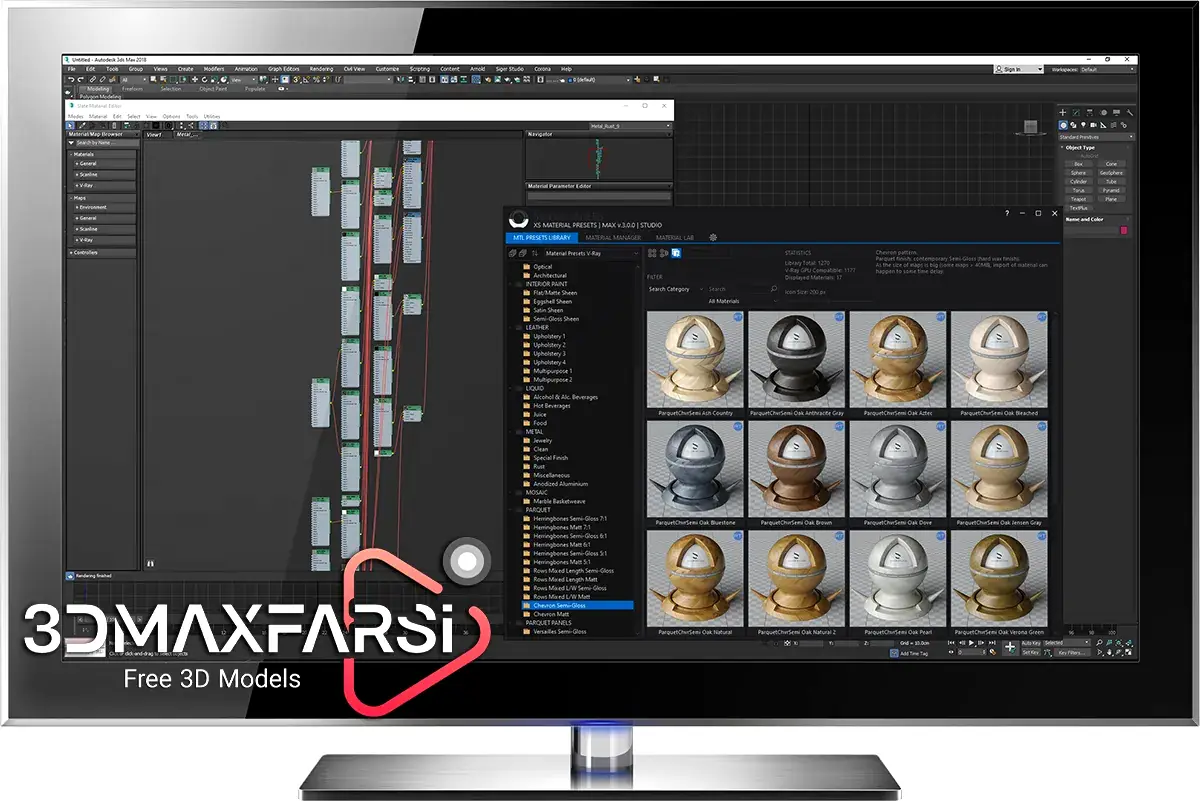
Sigershaders XS Material Presets Studio 7.3.0 for 3ds Max (Vray, Corona, Redshift)
Sigershaders XS Material Presets Studio 7.2.0 for 3ds Max is a plugin designed to enhance the material creation process in Autodesk 3ds Max. It provides a library of pre-configured, high-quality material presets that can be easily applied to objects in your 3D scenes. This tool is particularly useful for artists and designers who want to streamline their workflow and achieve realistic materials quickly.
Sigershaders XS Material Presets Studio Key Features:
- Material Presets Library: Includes a wide range of ready-to-use materials such as metals, glass, wood, fabrics, and more.
- Customization: Allows users to tweak and customize the presets to fit their specific needs.
- Realistic Rendering: Optimized for use with popular rendering engines like V-Ray, Corona, and Arnold, ensuring high-quality results.
- User-Friendly Interface: Simplifies the material application process, making it accessible even for beginners.
- Time-Saving: Reduces the time spent on creating and adjusting materials from scratch.
- Compatibility: Works seamlessly with 3ds Max, supporting various versions of the software.
Sigershaders XS Material Presets Studio Installation and Usage:
- Installation: Download and install the plugin following the provided instructions. Ensure that your version of 3ds Max is compatible with the plugin.
- Accessing Presets: Once installed, you can access the material presets through the 3ds Max material editor.
- Applying Materials: Select an object in your scene, choose a material preset, and apply it directly to the object.
- Customization: Adjust the material parameters within the material editor to achieve the desired look.
Sigershaders XS Material Presets Studio Benefits:
- Efficiency: Speeds up the material creation process, allowing artists to focus on other aspects of their projects.
- Quality: Provides high-quality, realistic materials that enhance the overall visual appeal of 3D renders.
- Versatility: Suitable for a wide range of industries, including architecture, product design, and entertainment.
Sigershaders XS Material Presets Studio System Requirements:
- Software: Autodesk 3ds Max (compatible versions as specified by the plugin).
- Rendering Engines: V-Ray, Corona, Arnold, or other supported renderers.
- Hardware: Standard system requirements for running 3ds Max efficiently.
Conclusion:
Sigershaders XS Material Presets Studio 7.2.0 is a powerful tool for 3ds Max users looking to enhance their material workflow. With its extensive library of presets and easy-to-use interface, it significantly reduces the time and effort required to create realistic materials, making it a valuable addition to any 3D artist’s toolkit.
How to install and Crack Sigershaders XS Material Presets Studio 7.3.0 for 3ds Max
1. Install XSMP Main Plugin from XSMPmaxSetup703.exe.
2. Install XSMP Scenes and Libs for your render engine (Use from version 6.6.0).
3. Unzip the textures folder into a folder of your choice (Use from version 6.6.0).
4. Replace XsmpMax_20xx.dll in “C:\Program Files\Autodesk\3ds Max 20xx\bin\assemblies” with the appropriate file from the Fix folder. For 3ds Max 2020 and 2021 use XsmpMax_2020.dll.
5. Start 3ds Max, start XSMP and specify in the settings the appropriate paths to the scenes and textures.
6. Drag and drop XSMP.v1.0-icon.mzp to viewport to install XSMP icon.
7. Enjoy!
PS1: If when starting 3ds Max it gives an assembly error, right-click on XsmpMax_20xx.dll, select unblock and click apply and then on ok.
PS2: Official installation help is available here: https://www.sigerstudio.eu/xsmp5-setup-and-installation/
- Total size: 27 GB
- Instant download high speed : Yes
SIGERSHADERS XS Material Presets Studio v7.0.3 for 3ds Max 2020-2025 (Vray, Corona, Redshift)
This content is restricted to paid subscribers