V-Ray v5.20.06 for Rhino 6-7
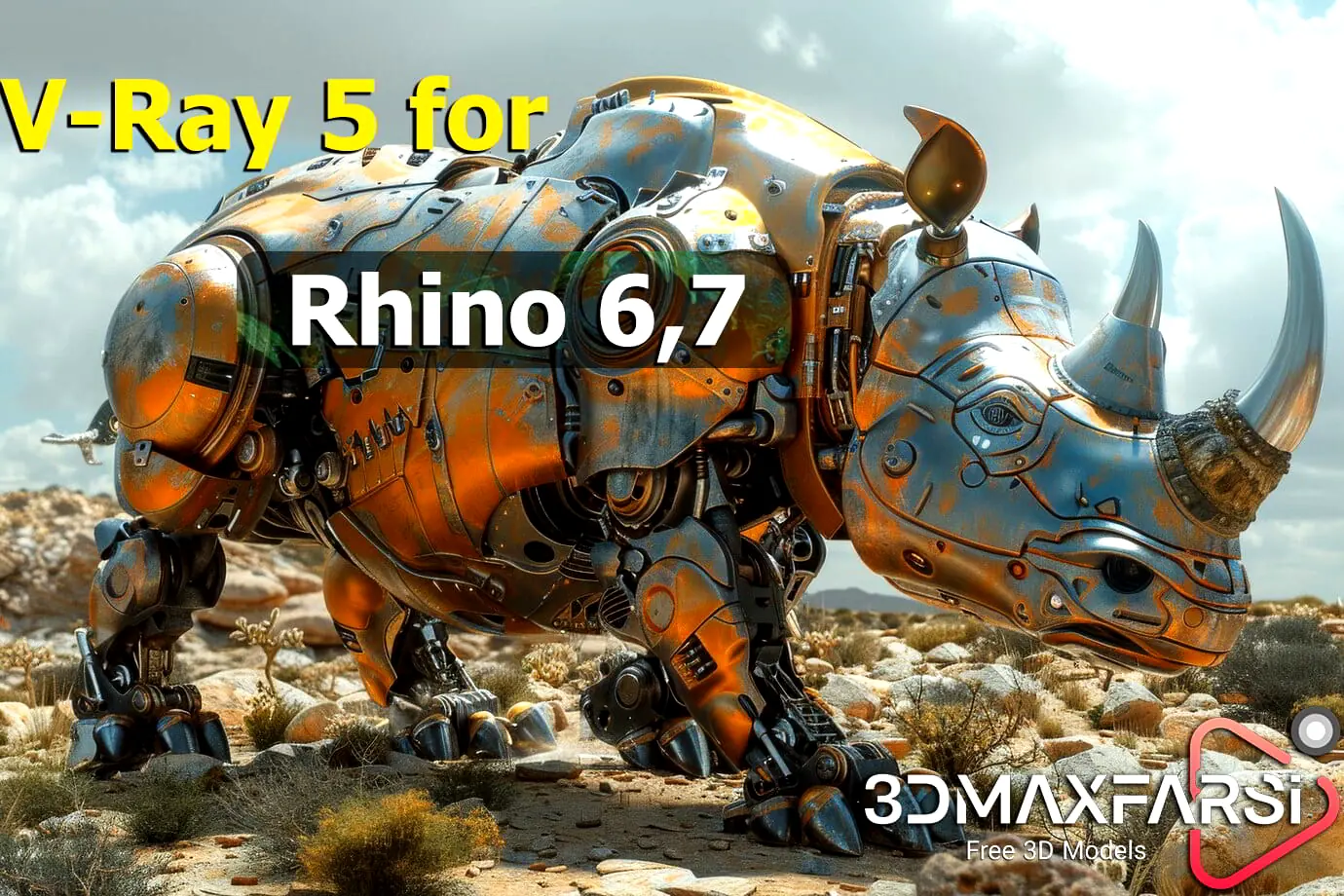
On this page you can download the V-Ray v5.20.06 for Rhino 6-7. You can also download Rhino tutorials from here.
V-Ray is one of the most popular rendering engines used with Rhinoceros (Rhino) to create photorealistic images, animations, and visualizations. It is developed by Chaos Group and is widely used in architecture, product design, and other industries. Below is a guide to using V-Ray for Rhino, including setup, features, and tips for rendering.
How do I install V-Ray 5 in Rhino?
- Installation:
- Download V-Ray for Rhino from this page.
- Follow the installation instructions and ensure your Rhino version is compatible with the V-Ray version you are installing.
- Activation:
- V-Ray requires a license to use. You can purchase a license or use a trial version for evaluation.
- Interface:
- Once installed, V-Ray integrates seamlessly into Rhino. You can access V-Ray tools from the Rhino toolbar or the V-Ray Asset Editor.
Is V-Ray compatible with Rhino?
Compatibility: V-Ray 5 is designed to work specifically with Rhino 6 and 7. You can also try V-Ray for Rhino for free for 30 days. Here’s a summary of what V-Ray 5 for Rhino offers:
Powerful Rendering Engine:
- Combines CPU and GPU rendering for flexibility.
- Delivers high-quality photorealistic images.
Real-time Rendering:
- Enables interactive design and refinement within Rhino.
- Provides a faster workflow for visualizing and iterating on designs.
Integration with Rhino:
- Seamlessly integrates with the Rhino environment.
- Supports Grasshopper for rendering parametric designs.
Advanced Features:
- Includes a wide range of features like realistic lighting, materials, and effects.
- Supports distributed rendering for faster render times.
Key Points:
- Compatibility: V-Ray 5 is designed to work specifically with Rhino 6 and 7.
- Free Trial: You can try V-Ray for Rhino for free for 30 days.
Where to Find More Information:
Chaos Group: The official website for Chaos Group, the developers of V-Ray, is the best source for detailed information, downloads, and support.
What is V-Ray 5 compatible with Rhino?
V-Ray Software Compatibility : V-Ray is compatible with a wide range of 3D software, including:
- 3ds Max
- Maya
- SketchUp
- Rhino
- Cinema 4D
- Revit
- Houdini
- Blender
- Unreal Engine
What’s new in V-Ray 5?
- Improved GPU Rendering: Enhanced performance and stability for GPU rendering.
New Features: Introduced new features like denoising AI, improved materials, and lighting systems.
Usability Enhancements: Streamlined workflow and improved user interface for easier navigation.
V-Ray and Rhino
- Yes, V-Ray is compatible with Rhino 6 and 7.
- It’s considered one of the top rendering choices for Rhino users.
Tips for Better Renders
- Use HDRI Maps:
- High Dynamic Range Images (HDRI) can significantly improve lighting and reflections in your scene.
- Optimize Materials:
- Avoid overly complex materials that can slow down rendering. Use V-Ray’s material presets as a starting point.
- Enable Global Illumination:
- GI is essential for realistic lighting. Use Brute Force or Light Cache for best results.
- Test with Low Settings:
- Use lower resolution and quality settings for test renders to save time. Switch to high settings for the final render.
- Use Denoising:
- V-Ray’s denoiser can clean up noise in your renders, reducing the need for high sample counts.
Operating Systems: Windows, macOS, and Linux
What’s New in V-Ray 5
- Improved GPU Rendering: Enhanced performance and stability for GPU rendering.
- New Features: Introduced new features like denoising AI, improved materials, and lighting systems.
- Usability Enhancements: Streamlined workflow and improved user interface for easier navigation.
Is V-Ray compatible with Rhino?
V-Ray is a strong contender for the best renderer for Rhino due to its powerful features, robust integration, and widespread industry support. Other popular choices include:
- Corona Renderer: Known for its ease of use and fast render times.
- OctaneRender: Offers GPU-accelerated rendering for very fast results.
What is the best renderer for Rhino?
Best Renderer for Rhino: Ultimately, the best renderer for you depends on your specific needs and preferences. It’s recommended to try out free trials of different renderers to see which one best suits your workflow.
V-Ray is a strong contender for the best renderer for Rhino due to its powerful features, robust integration, and widespread industry support. Other popular choices include:
- Corona Renderer: Known for its ease of use and fast render times.
- OctaneRender: Offers GPU-accelerated rendering for very fast results.
Is V-Ray 5 better than Corona?
V-Ray vs. Corona
- V-Ray: More powerful and feature-rich, often considered the industry standard. Can have a steeper learning curve.
- Corona: More user-friendly and generally faster, but may have limitations compared to V-Ray in terms of advanced features.
Is V-Ray 5 worth it?
Yes, if:
- You need the most powerful and versatile rendering engine.
- You’re willing to invest time in learning its advanced features.
- You work on complex projects that require high-quality visuals.
Consider alternatives like Corona if:
- You prioritize ease of use and speed.
- Your projects don’t require the most advanced rendering techniques.
How to Crack V-Ray 5.20.06 for Rhinoceros x64 ?
1) Start the installation package
2) Do not install the local license server
3) Copy/replace cgauth.dll to Rhino 6-7 –>
C:\Program Files\Chaos Group\V-Ray\V-Ray for Rhinoceros\vrayappsdk\bin
4) Enjoy!
V-Ray 5.20.06 for Rhinoceros x64 (free download)

![[Free] Chaos Cosmos Browser [latest version]](https://3dmaxfarsi.com/wp-content/uploads/2025/10/chaos-cosmos-browser-download-390x220.webp "[Free] Chaos Cosmos Browser [latest version] 3")
![[Free] Chaos V-Ray 7.40.01 for Rhino 7, 8, 9 WIP](https://3dmaxfarsi.com/wp-content/uploads/2025/01/Chaos-vray-7-for-rhino-390x220.webp "[Free] Chaos V-Ray 7.40.01 for Rhino 7, 8, 9 WIP 5")