Motion Design School – Motion Beast free download
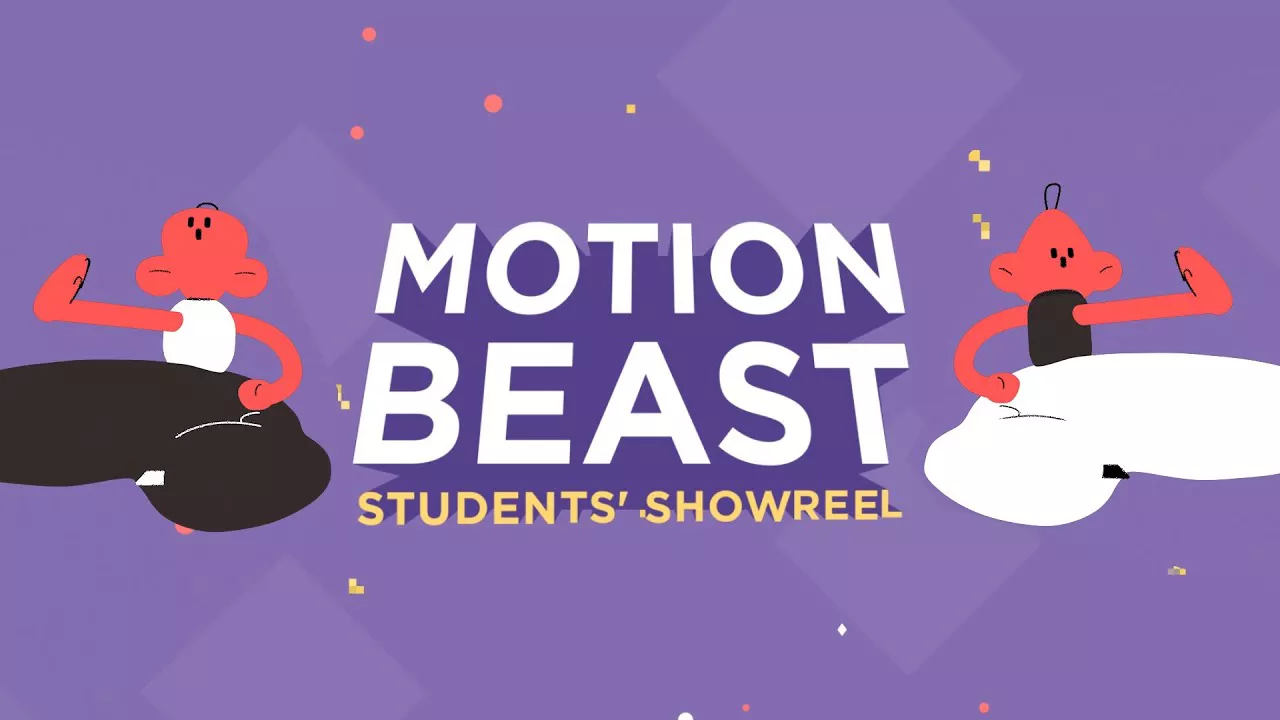
On this page, you can download the Motion Design School – Motion Beast training course and improve your skills in the field of character design, motion graphics, with After Effects software.On this course, we pay special attention to Disney’s animation movement principles that can bring you closer to that desired smoothness.
Motion Beast
Introduction
1. Interface, Transform Properties (16:58)
2. Shape Layers & Masks (35:14)
3. Shape Modifiers (36:59)
-
- How to — 3D Hamburger Menu
- How to — PLAY
- Shape Modifiers
4. Easings (25:21)
-
- Easings
- How to — Homework #3 1
- How to — Homework #3 2
5. Effects & Stylization. Part 1 (20:36)
-
- Effects & Stylization. Part 1
- How to — Homework#4
6. Effects & Stylization. Part 2 (16:55)
-
- How to — Helix with Repeater
7. Loops (13:27)
8. Text Animation (20:59)
9. Morphings (12:02)
10. Lettering Animation (24:41)
11. Optimize Your Workflow (17:39)
12. Logo Animation (15:16)
13. Expressions. Part 1 (23:40)
14. Expressions. Part 2 (21:10)
15. Export to JavaScript and 12 Animation Principles (16:29)
16. Character Animation. Walks (17:17)
17. Character Animation. Runs (17:16)
18. Rigging (29:25)
19. Pseudo 3D & Face Rig (22:49)
20. Facial Animation (25:14)
21. Path Animation (30:06)
22. Frame by Frame animation (44:03)
23. Frame-by-frame Animation p.2 (37:35)
24. Motion Design School-1-11
- Level: basic
- Duration: 14:30
- Required Software: Adobe After Effects
Motion Design School – Motion Beast – Study Motion Graphic in Advanced
This content is restricted to paid subscribers
How to Conquer Motion Design School’s “Motion Beast” Course 🦁
The “Motion Beast” course is a fantastic resource for mastering motion graphics in Adobe After Effects. To get the most out of it, here’s a structured approach:
1. Set Yourself Up for Success 🛠️
- Software & Hardware: Make sure you have a legitimate copy of Adobe After Effects installed. Ensure your computer meets the recommended specs for After Effects – you’ll thank yourself when rendering complex animations! 💻
- Good Internet Connection: The course is likely video-based, so a stable internet connection is crucial for smooth streaming. 🌐
- Dedicated Workspace: Find a quiet, comfortable spot where you can focus without distractions. 🧘♀️
2. Dive into the Course Content 📚
- Follow Sequentially: The “Motion Beast” course is designed to build skills incrementally. Don’t skip ahead! Each lesson likely builds upon the previous one. 📖
- Watch Actively: Don’t just passively watch the videos. Have After Effects open and follow along with the instructor. Pause frequently to try out techniques yourself. ▶️
- Take Notes: Jot down key concepts, keyboard shortcuts, and any tips or tricks shared by the instructor. This will be invaluable for future reference. ✍️
- Re-watch Challenging Sections: If a concept doesn’t quite click, re-watch that specific part of the video until you understand it. Don’t be afraid to rewind! 🔄
3. Practice, Practice, Practice! 💪
- Replicate Examples: After watching a lesson, try to recreate the exact animation shown in the course from scratch. This reinforces your understanding. 🎨
- Experiment with Variations: Once you’ve replicated an example, challenge yourself to change something. What if you use a different shape? A different color palette? A different timing? This builds creative problem-solving skills. 🤔
- Work on Course Projects/Assignments: Many good courses include practical projects. Treat these seriously! They are designed to consolidate your learning. 🏆
- Personal Projects: Apply what you’re learning to your own mini-projects. Think of a simple animation you want to create and try to bring it to life using the techniques from the course. This is where real mastery happens. ✨
4. Leverage Resources & Community 🤝
- Motion Design School Community: See if “Motion Beast” has a dedicated forum, Discord server, or Facebook group. These communities are invaluable for asking questions, sharing your work, and getting feedback. 🗣️
- Adobe After Effects Documentation/Help: If you encounter a specific tool or effect you don’t understand, look it up in Adobe’s official documentation. It’s surprisingly helpful! 💡
- YouTube Tutorials (Supplementary): While the course should be your primary resource, if you need a different perspective on a specific After Effects feature, a quick Youtube can sometimes offer alternative explanations. ➕
- Feedback is Gold: Share your practice animations with others (in the course community or with friends). Constructive criticism is crucial for improvement. 🙏
5. Stay Motivated & Persistent! 🌟
- Break It Down: If the course feels overwhelming, break it down into smaller, manageable chunks. Focus on mastering one concept at a time. 🎯
- Celebrate Small Wins: Acknowledge your progress! Every successful animation, no matter how small, is a step forward. 🎉
- Don’t Get Discouraged: Motion design has a steep learning curve. You will encounter frustrations and moments where things don’t work as expected. This is normal! Take a break, come back with fresh eyes, and persevere. You got this! resiliency 💪
- Have Fun! Motion design is a creative and rewarding field. Enjoy the process of bringing your ideas to life. 😄
By following these steps, you’ll be well on your way to becoming a Motion Beast in Adobe After Effects! Good luck! 🚀