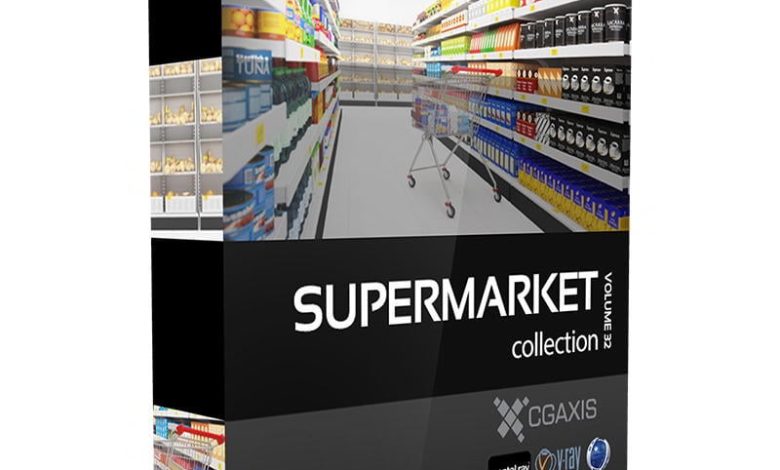
CGAxis Models Volume 32 Supermarket CGAxis Models Volume 32 Supermarket : If you want interior rendering and branding of a…
Read More »Restaurant 3D Models
Restaurant 3D model sketchup, 3ds max, Blender
Creating or finding 3D models for restaurants can be a great way to visualize the space, design interiors, or even create virtual tours. Here are some resources and ideas for restaurant 3D models:
1. 3D Model Marketplaces
You can find pre-made 3D models of restaurant furniture, decor, and layouts on these platforms:
- Sketchfab: Offers a wide range of 3D models, including restaurant-related items like tables, chairs, and kitchen equipment.
- TurboSquid: A popular platform for high-quality 3D models, including full restaurant scenes.
- CGTrader: Features a variety of 3D models for restaurants, from modern to traditional styles.
- 3D Warehouse (by SketchUp): A free resource with user-uploaded 3D models, including restaurant interiors and furniture.
- Unity Asset Store: Great for game developers or VR projects, with restaurant-themed assets.
2. Software for Creating 3D Models
If you want to create custom 3D models for your restaurant, consider these tools:
- Blender: A free, open-source 3D modeling software with a steep learning curve but powerful capabilities.
- SketchUp: User-friendly and great for architectural and interior design, including restaurant layouts.
- 3ds Max: A professional tool for creating detailed 3D models and scenes.
- Cinema 4D: Ideal for creating high-quality 3D visuals and animations.
- Autodesk Revit: Best for architectural design and planning, including restaurant spaces.
3. Types of Restaurant 3D Models
Here are some common 3D models you might need for a restaurant project:
- Furniture: Tables, chairs, bar stools, booths, and counters.
- Kitchen Equipment: Ovens, grills, refrigerators, and sinks.
- Decor: Lighting fixtures, plants, artwork, and signage.
- Layouts: Full restaurant floor plans, including dining areas, kitchens, and restrooms.
- Food Items: 3D models of dishes, drinks, and utensils for realistic visuals.
4. Custom 3D Modeling Services
If you need custom 3D models tailored to your restaurant, consider hiring a professional 3D artist or studio. Platforms like Fiverr, Upwork, or Behance can connect you with skilled designers.
5. Use Cases for Restaurant 3D Models
- Interior Design: Visualize and plan the layout before construction or renovation.
- Marketing: Create realistic renders or animations for your website or social media.
- Virtual Tours: Build immersive 3D experiences for customers to explore your restaurant online.
- Gaming or VR: Use 3D models in virtual reality simulations or video games.
6. Free Resources
- Free3D: Offers a selection of free 3D models for restaurants and related items.
- BlenderKit: A library of free assets for Blender users.
- OpenStreetMap: For creating realistic surroundings for your restaurant model.
3D Restaurant models are ready for animation, games and VR / AR projects. Use filters to find rigged, animated, low-poly
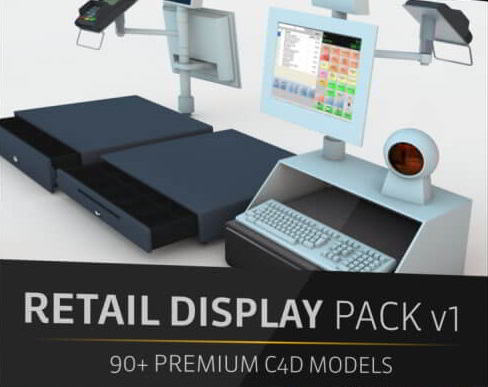
On This page you can download The Pixel Lab – Retail Display Pack V1 Launch, (4k Materials & textures) with…
Read More »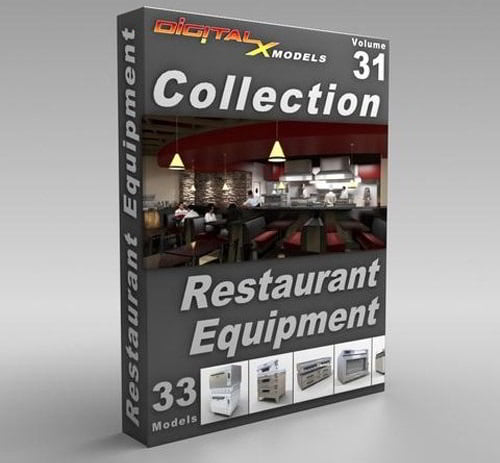
DigitalXModels – Volume 31 – Restaurant Equipment DigitalXModels – Volume 31 – Restaurant Equipment 3ds Max 9 | Universal: .3ds,…
Read More »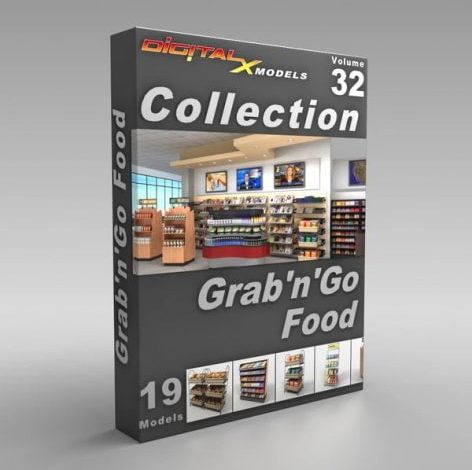
DigitalXModels – Volume 32 – Grab ‘n’ Go Food 3D Models of convenience store food fixtures DigitalXModels – Volume 32…
Read More »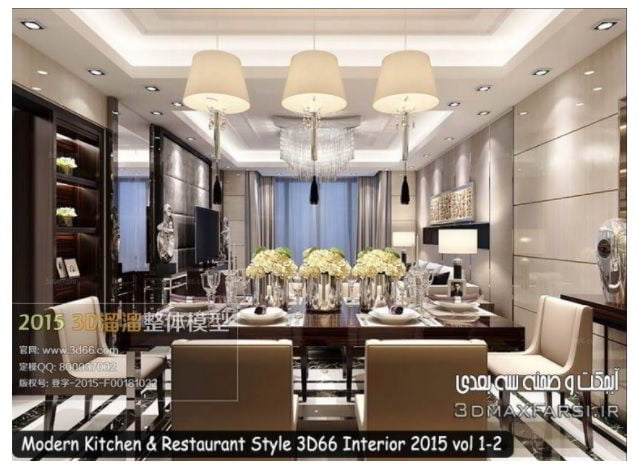
Modern Kitchen & Restaurant Style 3D66 Interior 2015 (vol 1-2) The download file on this page contains 20 wonderful scenes…
Read More »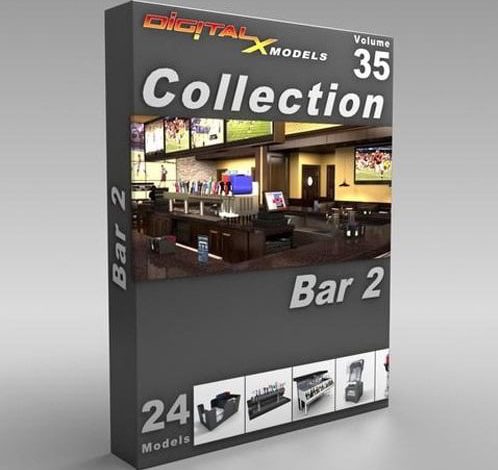
DigitalXModels – Volume 35 – Bar 2 DigitalXModels – Volume 35 – Bar 2 3ds Max 9 | Universal: .3ds,…
Read More »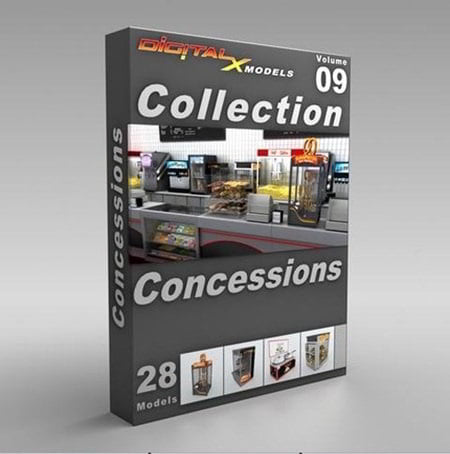
DigitalXModels – Volume 09 – Concessions DigitalXModels – Volume 09 – Concessions
Read More »