
Udemy – twinmotion Real-time 3d architecture visualization (Download) On This page you can download twinmotion Real-time 3d architecture visualization video…
Read More »Twinmotion Tutorial
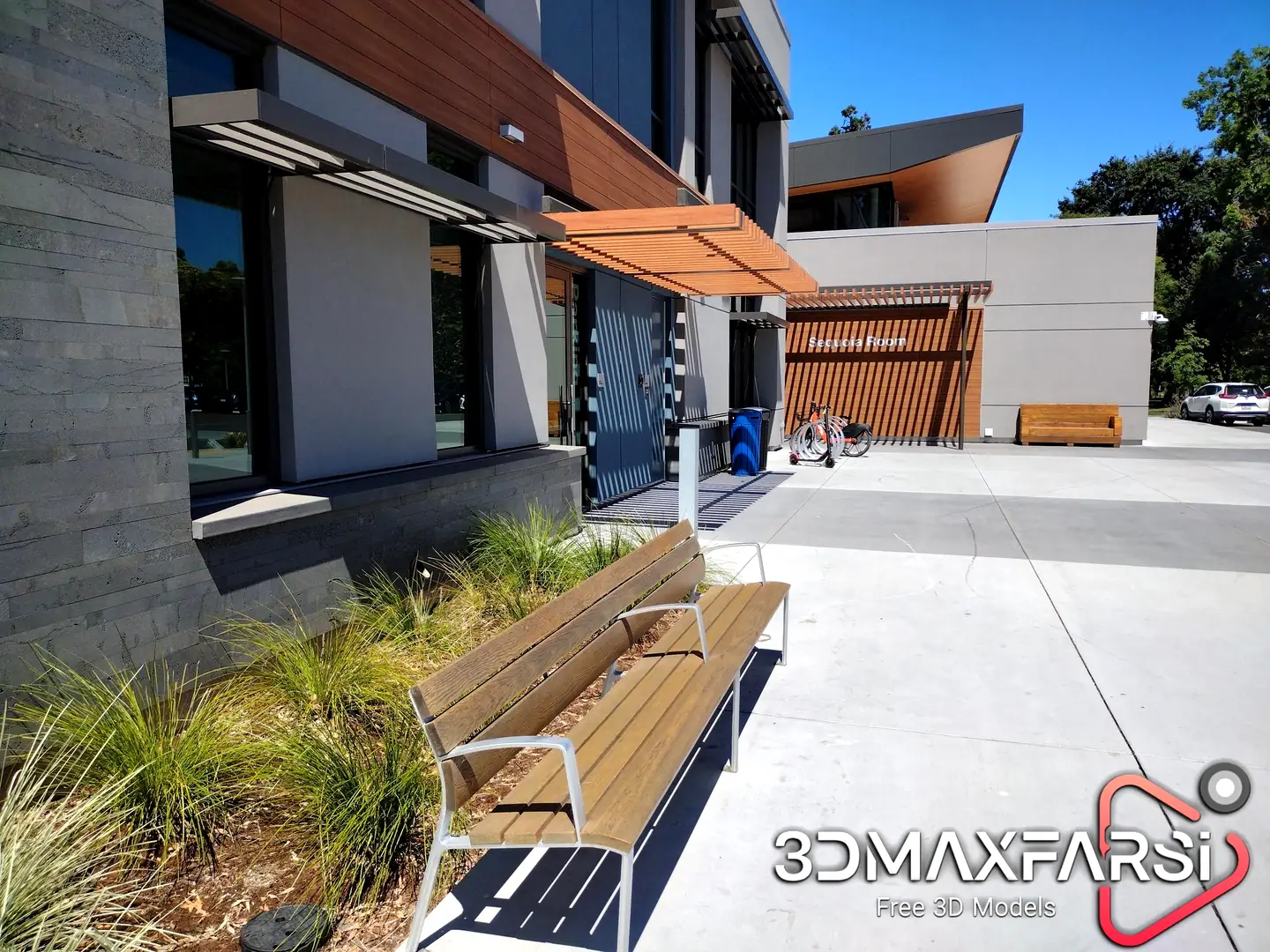
Twinmotion tutorial interior exteriors
Twinmotion is a real-time architectural visualization tool that allows users to create stunning visuals, animations, and VR experiences. If you’re looking for tutorials to get started or improve your skills, here are some resources and topics you can explore:
Official Twinmotion Resources
Twinmotion Learning Portal
- Epic Games (the developer of Twinmotion) offers a comprehensive learning portal with step-by-step tutorials, guides, and videos.
Twinmotion YouTube Channel
- The official Twinmotion YouTube channel has tutorials, tips, and updates.
Twinmotion Documentation
- The official documentation provides detailed explanations of features and workflows.
Beginner Tutorials
Getting Started with Twinmotion
- Learn the basics of the interface, navigation, and importing 3D models.
- Importing models (FBX, SKP, Revit, etc.)
- Applying materials and textures
- Adjusting lighting and shadows
Creating Your First Scene
- Build a simple scene by adding assets, adjusting environments, and rendering images.
- Using the Twinmotion asset library
- Adding vegetation, people, and vehicles
- Setting up cameras for renders
Intermediate Tutorials
Advanced Lighting and Weather Effects
- Learn how to use HDRI skies, adjust sun position, and create realistic weather effects like rain, snow, and fog.
Animations and Paths
- Create walkthroughs, vehicle movements, and animated objects.
- Creating camera paths
- Animating objects and characters
- Exporting videos
Material Customization
- Dive deeper into material settings, including roughness, metallic, and emissive properties.
Advanced Tutorials
VR and Real-Time Presentations
- Learn how to set up and navigate scenes in VR or present them in real-time.
Optimizing Scenes for Performance
- Tips for managing large scenes and improving rendering performance.
Integration with Other Software
- Learn how to sync Twinmotion with Revit, ArchiCAD, SketchUp, and Rhino using the Twinmotion Direct Link feature.
Third-Party Tutorials
YouTube Channels
- Channels like “The Rendering Essentials,” “Show It Better,” and “Twinmotion Tips” offer free tutorials.
Online Courses
- Platforms like Udemy, Skillshare, and LinkedIn Learning have in-depth Twinmotion courses for all skill levels.
Community Forums
- Join forums like the Twinmotion Community or Reddit to ask questions and share tips.
Tips for Learning Twinmotion
- Practice Regularly: Experiment with different tools and features to build confidence.
- Use Sample Projects: Twinmotion provides sample projects to help you understand workflows.
- Stay Updated: Twinmotion frequently releases updates with new features, so check for the latest tutorials.
Let me know if you’d like more specific guidance or links to tutorials!

Skillshare – Twinmotion From Beginning To End – Easy VR and Rendering for Architectural Visualization On This page you can…
Read More »