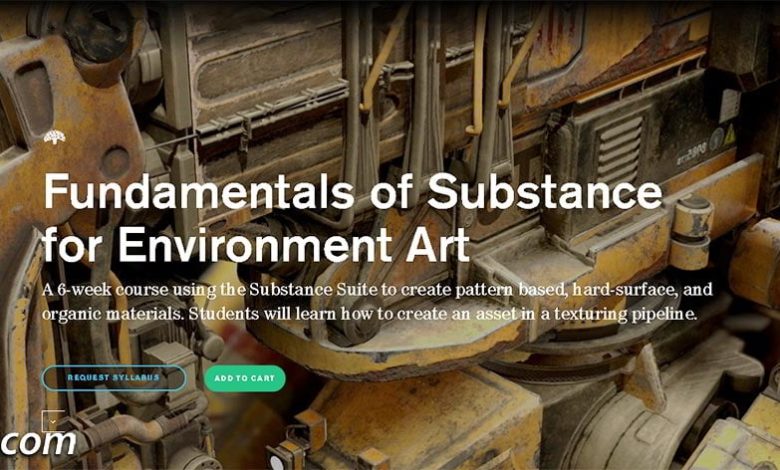
On This page you can download: Intro to Substance for Environment Art, video course from CGMaster Academy with High Speed…
Read More »Substance Painter Tutorial for beginners
Adobe substance 3d painter tutorial
Substance Painter is a powerful 3D painting software used for texturing and creating materials for 3D models. If you’re looking for tutorials to get started or improve your skills, here are some great resources:
Substance Painter is a 3D painting software that enables you to share your texture, render and work. With this software you can use a complete and familiar set of texture tools such as: PBR and particle painting, transparency control brush, material procedural effects, materials and smart masks. Substance Painter is a new 3D painting software that you have never seen before to create a texture for modern games. The software is available as one of the most innovative and user-friendly 3D paintings available. Select the brush, select Material and edit it if necessary, then start painting. Each move is rendered in all channels at the same time and immediately. You can also design multiple materials in one mesh with each map in 4K resolution.
Official Tutorials
Substance 3D Painter Learning Resources (by Adobe)
- These are official tutorials from Adobe, covering everything from beginner to advanced techniques.
Substance Painter YouTube Channel
- Offers a variety of video tutorials and tips directly from the creators of Substance Painter.
Free Tutorials
FlippedNormals
- Offers beginner-friendly tutorials on Substance Painter, including workflows for game assets and realistic texturing.
Polygon Academy
- Focuses on Substance Painter workflows for game development and 3D art.
The Cherno
- While primarily focused on game development, The Cherno has some great Substance Painter tutorials for texturing game assets.
ArtStation Learning
- Free tutorials from industry professionals, including Substance Painter workflows.
Paid Tutorials
Udemy
- Course: Substance Painter Essential Training
- Affordable courses for beginners and advanced users.
CGMA
- Course: Texturing and Shading for Games
- In-depth courses taught by industry professionals.
Gnomon Workshop
- High-quality tutorials for advanced users, focusing on realistic texturing and material creation.
Pluralsight
- Course: Substance Painter Fundamentals
- Comprehensive tutorials for learning Substance Painter from scratch.
Community Resources
Substance Painter Reddit
- Subreddit: r/Substance3DPainter
- A great place to ask questions, share work, and find tips.
ArtStation
- Website: ArtStation
- Search for Substance Painter projects and workflows shared by artists.
Polycount Forum
- Website: Polycount
- A community of 3D artists sharing tips and tutorials.
Key Topics to Learn
Beginner:
-
- UI and navigation
- Baking maps (normal, ambient occlusion, etc.)
- Basic material application
- Layer system and masks
Intermediate:
-
- Smart materials and masks
- Custom material creation
- Texture export settings
- Working with UDIMs
Advanced:
-
- Realistic wear and tear
- Procedural texturing
- Advanced masking techniques
- Integration with game engines (Unreal Engine, Unity)
By combining free and paid resources, you can build a strong foundation in Substance Painter and create stunning textures for your 3D models. Happy texturing! 🎨
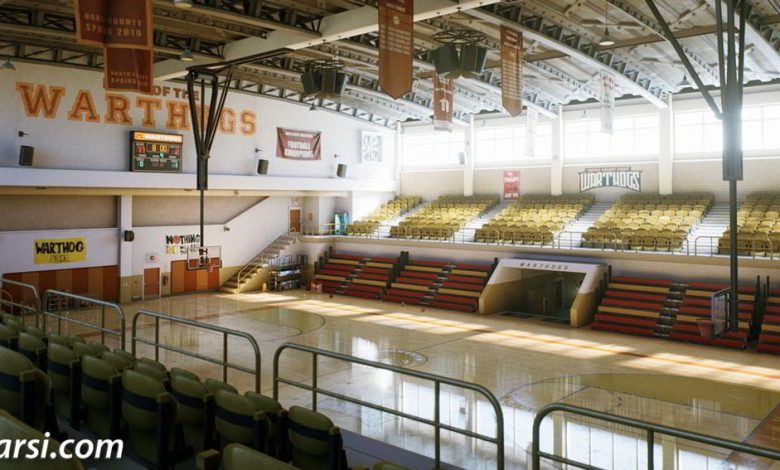
On This page you can download UE4 Modular Environments with Clinton Crumpler video course from CG Master Academy with High…
Read More »