Human Anatomy for Artists using ZBrush & Photoshop! 🎨💻✨
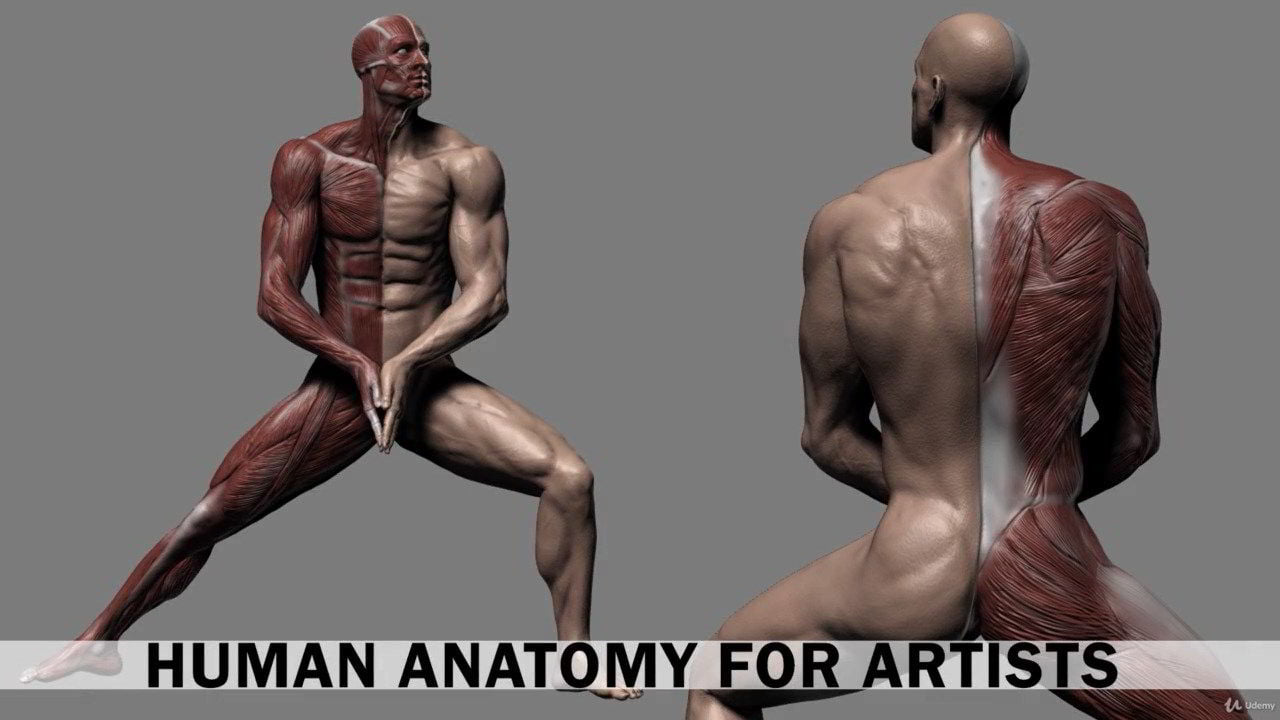 Udemy – Human Anatomy for Artists using Zbrush and Photoshop
On This page you can download Human Anatomy for Artists using Zbrush and Photoshop video course from Udemy with High Speed & Direct link and enhance your skills for 3d digital sculpting
By The End of This training Course, you learned how to Draw & Sculpt 3d Modeling the Character Human Figure using Photoshop & Zbrush software and Get Great at Drawing Sculpting the Anatomy!
- Duration: 21 hours
- Instant download high speed : Yes
Download Udemy – Human Anatomy for Artists using Zbrush and Photoshop
This content is restricted to paid subscribers
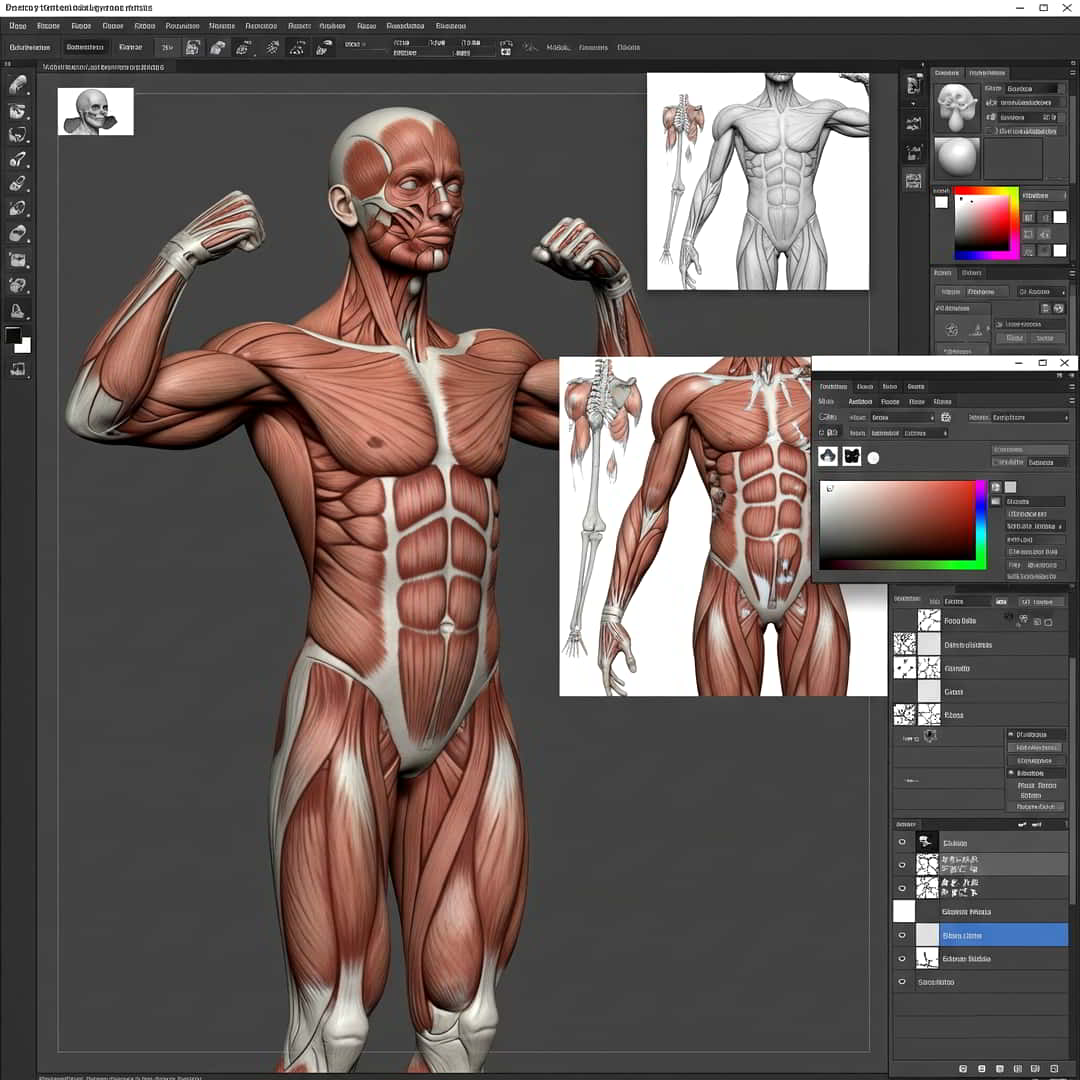
🎨🧠 If you’re diving into human anatomy for artists using ZBrush and Photoshop, you’re in for a powerful combo of sculpting and painting tools.
Here’s a fun and practical guide to Human Anatomy for Artists using ZBrush & Photoshop! 🎨💻✨
1. Start with the Basics: Anatomy Foundations 🦴🧠
- Study Real Anatomy: Use references from books like Gray’s Anatomy or online tools like Anatomy360. 📚🔍
- Focus on Key Structures: Bones, muscles, fat distribution, and skin folds.
- ZBrush Tip: Start with a ZSphere skeleton to block out proportions before sculpting.
2. Block Out Your Sculpt in ZBrush 🏗️🗿
- Use DynaMesh for flexible shaping.
- Start with primitives (spheres, cylinders) to build forms.
- Layers: Work in layers for muscles, fat, and skin details.
3. Refine Muscle & Bone Structure 💪🦵
-
Major Muscle Groups: Deltoids, pecs, abs, glutes, quads.
-
Landmarks: Collarbones, ribcage, pelvis, knee caps.
-
ZBrush Brushes:
-
Clay Buildup for volume.
-
Move Brush for adjustments.
-
Dam Standard for creases.
-
4. Skin & Surface Details 🧤👁️
- Pores & Wrinkles: Use the Skin Pore Brush (Alphas) for realism.
- Veins & Tendons: Subtle strokes with Slash3 brush.
- Symmetry Check: Turn off symmetry for natural asymmetry.
5. Render & Polish in Photoshop 🎨✨
-
Render Passes: Export Diffuse, Specular, Depth from ZBrush.
-
Photoshop Magic:
-
Adjust Lighting (Levels, Curves).
-
Paint Over imperfections.
-
Add Textures (scars, tattoos).
-
6. Practice & Iterate! 🔄🔥
- Daily Sketches: Use ZBrush for 3D, Photoshop for 2D studies.
- Compare with Real Life: Take photos of yourself or use 3D scans.
Bonus Tools & Resources 🛠️📂
- ZBrush Plugins: ZAnatomy Brush Pack (for muscle presets).
- Photoshop Brushes: Kyle’s Anatomy Brushes.
- References: Sketchfab, ArtStation, Pinterest.
Final Tip: Anatomy is 50% science, 50% art—learn the rules, then stylize! �🎭
Would you like a specific body part breakdown (e.g., hands, face)? 😊