Motion Design School – The Magic of Walk Cycles
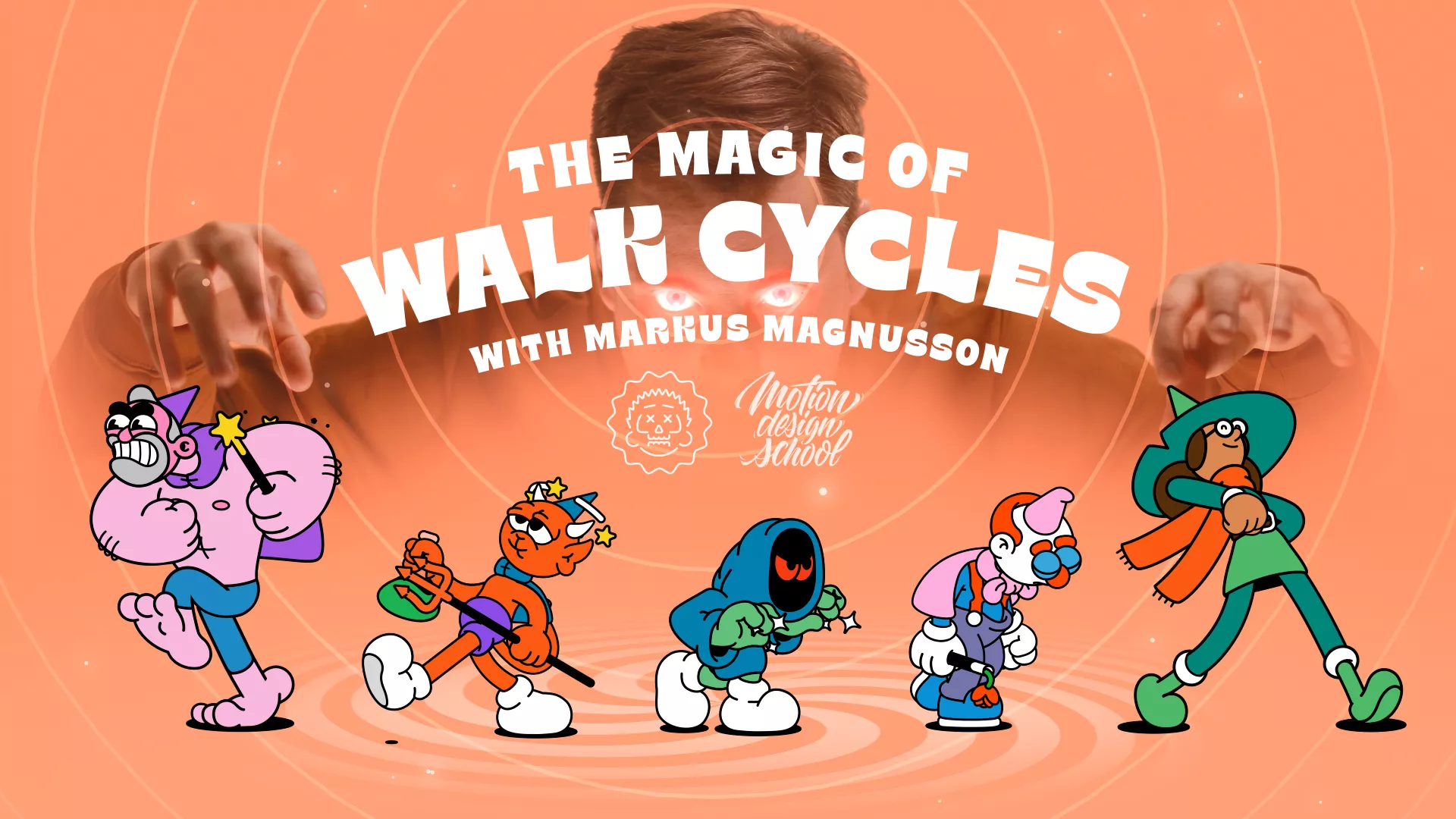
On this page, you can download the Motion Design School – The Magic of Walk Cycles training course and improve your skills in the field of professional animation and motion graphics with After Effects, Adobe Illustrator software.
After months of work, I’ve finally come up with a course that’s both logical and digestible, and leaves no question marks about how to make your character jump through the timeline for so long.
So if you already have a basic knowledge of After Effects and Illustrator, I invite you to my animation magic classes.
- 0. Introduction
- 1. My Walk Cycle Set-up
- 2. Timing the Upper Body
- 3. Leg & Shoe Animation
- 4. Clothes & Hair Animation
- 5. Angry Walk Cycle
- 6. Sneaky Walk Cycle
- 7. Sad Walk Cycle
- 8. Dizzy Walk Cycle
- Level: basic
- Duration: 10:18
- Required Software: Adobe After Effects, Adobe Illustrator
This content is restricted to paid subscribers
Learning “The Magic of Walk Cycles” using Adobe After Effects, is a fantastic way to level up your animation skills! 🚶♀️✨ Here’s a breakdown of how you can approach it:
1. Get the Course and Software 💻
- Enroll in the Course: First things first, make sure you’ve purchased and have access to “The Magic of Walk Cycles” course.
- Adobe After Effects: You’ll need a working copy of Adobe After Effects. If you don’t have it, you can get a subscription through Adobe Creative Cloud.
2. Set Up Your Learning Environment 🧘♀️
- Dedicated Time: Schedule specific times each day or week to focus on the course. Consistency is key!
- Good Workspace: Ensure you have a comfortable setup with a decent monitor. You’ll be spending a lot of time looking at tiny details.
- Second Monitor (Optional but Recommended): If possible, use a second monitor. You can have the course video playing on one screen and After Effects open on the other, making it much easier to follow along.
3. Follow the Course Structure 📚
- Watch Each Lesson Actively: Don’t just passively watch. Pay close attention to what the instructor is doing and saying.
- Take Notes: Jot down key concepts, shortcuts, and tips. This will be invaluable for quick reference later. ✍️
- Pause and Practice: This is crucial! After the instructor demonstrates a technique, pause the video and immediately try to replicate it in After Effects. Don’t move on until you’ve successfully done it yourself.
4. Master the Fundamentals 🔗
The course likely covers these core After Effects concepts, which are vital for walk cycles:
- Keyframes: Understanding how to set, adjust, and interpolate keyframes is the backbone of animation.
- Graph Editor: Learning to manipulate animation curves in the Graph Editor will allow you to create smooth, natural-looking motion. This is where the “magic” often happens! ✨
- Parenting & Linking Layers: Walk cycles often involve connecting different body parts.
- Puppet Tool (Likely): Many walk cycle tutorials heavily utilize the Puppet Tool for deforming characters.
- Pre-Composing: Organizing your animation with pre-comps keeps your project file clean and manageable.
5. Practice, Practice, Practice! 💪
- Recreate Course Examples: After completing a section, try to recreate the walk cycle from scratch without looking at the tutorial.
- Experiment with Variations: Once you’re comfortable, start experimenting. Can you make the character walk faster, slower, or with a different personality? What about a run cycle? Or a skip?
- Apply to Your Own Characters: The ultimate goal is to apply these techniques to your own designs. Try animating a walk cycle for a character you’ve designed or found.
- Motion Design School Community: If the course has a forum or community, engage with other students. Ask questions, share your progress, and learn from others.
- Online Forums/Groups: Share your animations on platforms like Reddit (e.g., r/AfterEffects, r/motiongraphics), Discord servers, or other animation communities. Constructive feedback is incredibly valuable for improvement.
- Don’t Be Afraid to Fail: Animation involves a lot of trial and error. Embrace mistakes as learning opportunities!
By following these steps, you’ll be well on your way to creating captivating walk cycles and unlocking the magic of character animation in After Effects! Good luck! 🎉