Best HDRI maps for realistic 3D rendering
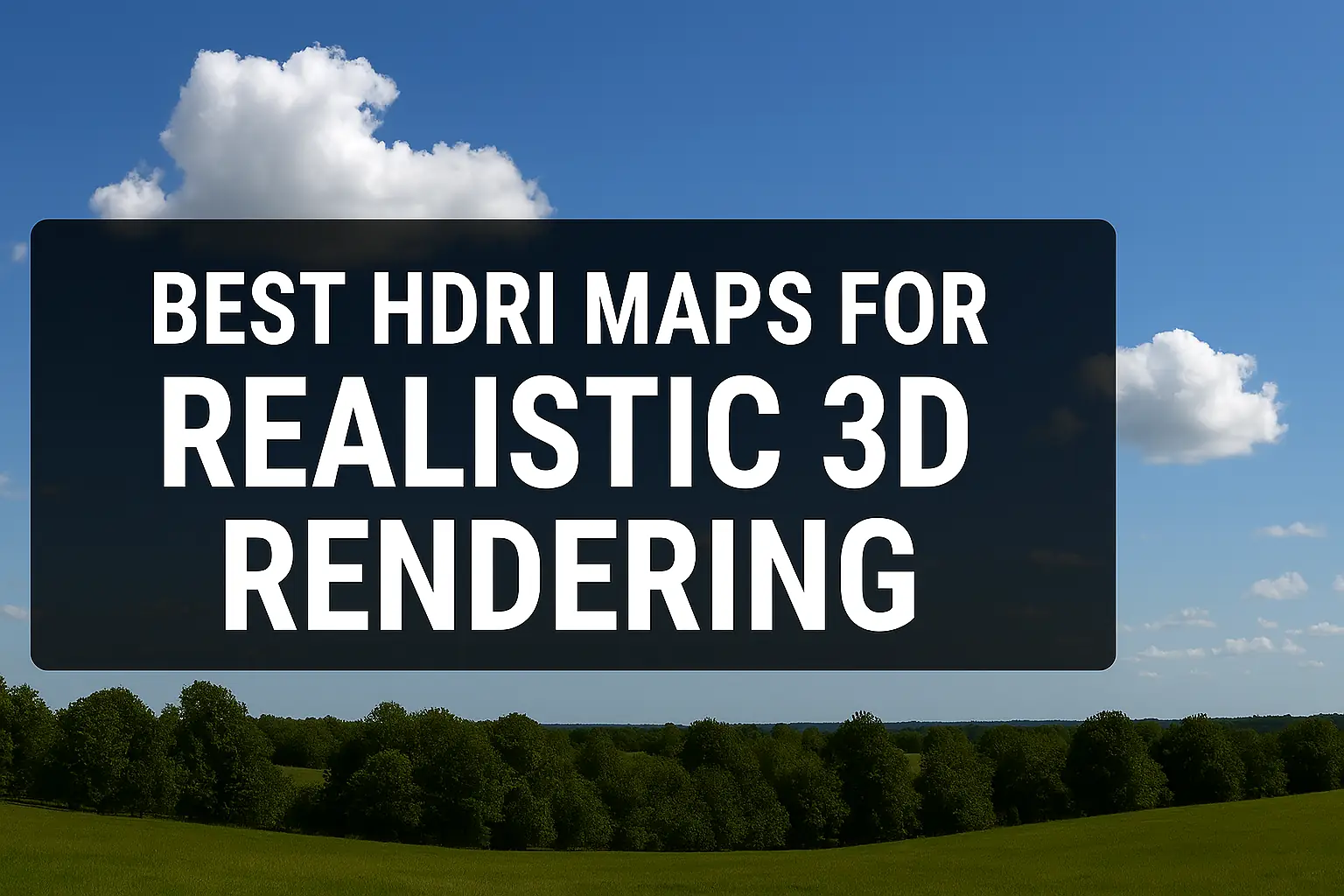
Best HDRI Maps for Photorealistic Rendering 🌟 (Free & Paid Picks!)
If you’re into 3D rendering, you know that lighting can make or break realism—and that’s where HDRI maps come in! 🎨✨ These high-dynamic-range images wrap around your scene, providing ultra-realistic lighting, reflections, and shadows.
But with so many options out there, which HDRI maps are the best for photorealism? 🤔 Let’s break it down—from free resources to premium packs—so you can light your scenes like a pro!
What is an HDRI Map? (And Why It’s a Game-Changer 🚀)
An HDRI (High Dynamic Range Image) is a 360° image that captures lighting data from real-world environments. When used in 3D software (like Blender, Unreal Engine, or V-Ray), it:
✔ Simulates natural lighting (sun, sky, ambient glow)
✔ Adds realistic reflections (on metals, glass, water)
✔ Creates accurate shadows (soft or hard, depending on the source)
Without an HDRI, your renders might look flat or fake. But with the right one? Photorealism unlocked! 🔓
Best HDRI Maps for Realistic 3D Rendering 🏆
Here’s a curated list of the best free and paid HDRI maps for different scenarios:
🏆 Top 5 Free HDRI Websites
| Website | Best For | Resolution | Download Link |
|---|---|---|---|
| HDRI Haven | General-purpose lighting | 4K to 16K | hdri-haven.com |
| Poly Haven | High-quality free HDRIs | 8K to 16K | polyhaven.com |
| OpenFootage | Unique skies & studios | 4K to 8K | openfootage.net |
| Texture Haven | Textures + HDRIs | 4K to 8K | texturehaven.com |
| NASA’s HDRIs | Space & sci-fi scenes | 4K+ | NASA’s Resources |
💡 Pro Tip: For archviz, use overcast skies (soft shadows). For product renders, go for studio HDRIs (controlled lighting).
💰 Best Paid HDRI Packs (Worth the Investment!)
If you need ultra-high-res or specialized lighting, these paid packs deliver:
✅ Pro Lighting: Skies (8K-16K) – Perfect for architectural visualization
✅ HDR Light Studio – Customizable studio lighting for products
✅ Polaris HDRIs – Seasons-based lighting (summer, winter, etc.)
✅ NoEmotion HDRIs – Cinematic-grade environments
💸 Worth it? If you’re a professional, YES. The lighting accuracy saves hours of tweaking.
How to Choose the Best HDRI for Your Scene? 🤔
Not all HDRIs work the same. Here’s a quick decision guide:
| Scene Type | Best HDRI Type | Example Use Case |
|---|---|---|
| Architecture | Overcast / Sunset Skies | Realistic buildings |
| Product Design | Studio / Softbox HDRIs | Jewelry, gadgets |
| Automotive | Golden Hour / Cloudy | Car renders |
| Sci-Fi/Fantasy | Custom / Space HDRIs | Alien planets, spaceships |
🔥 Hot Tip: Match the HDRI’s white balance to your scene for consistency!
Common HDRI Questions (FAQs) ❓
1. Can I use free HDRIs for commercial work?
✅ Yes! Most free sites (like HDRI Haven) use CC0 licenses, meaning no restrictions.
2. What’s the ideal HDRI resolution?
- 4K-8K → Good for most projects
- 16K+ → Needed for close-up reflections (e.g., cars, jewelry)
3. How do I avoid blown-out highlights?
Lower the HDRI intensity in your render engine or use exposure controls.
4. Can I edit an HDRI?
Yes! Use Photoshop or Lightroom to tweak brightness/contrast.
Final Verdict: Best HDRI Maps? 🏅
- Free & High-Quality? → HDRI Haven / Poly Haven
- Ultra-Realistic Paid? → Pro Lighting Skies / NoEmotion
- Custom Lighting? → HDR Light Studio
🚀 Bottom Line: The right HDRI = instant realism boost. Try different ones and see what fits your scene best!
Got a favorite HDRI source? Drop it in the comments! 👇
*(Meta: This article targets 3D artists searching for “best HDRI maps for photorealistic rendering,” covering free/paid options, FAQs, and practical tips for better SEO ranking.)*
Best HDRI Maps for Photorealistic Rendering (Part 2) 🔥
Now that we’ve covered the best sources for HDRI maps, let’s dive deeper into how to use them effectively and some pro tips to maximize photorealism!
How to Use HDRI Maps in Different 3D Software 🛠️
Different render engines handle HDRIs slightly differently. Here’s a quick step-by-step for popular software:
1. Blender (Cycles/Eevee)
- Go to Shading Workspace → World Properties
- Click “Use Nodes” → Add an Environment Texture node
- Load your HDRI and connect it to Background
- Adjust Strength (brightness) as needed
🔥 Pro Tip: Use “Nishita Sky” for dynamic sun positioning if your HDRI lacks strong directional light.
2. Unreal Engine 5
- Drag your HDRI into the Content Browser
- Create a Sky Atmosphere + HDRI Backdrop (via Plugins)
- Assign the HDRI to Sky Light for realistic illumination
3. V-Ray (3ds Max/Maya)
- Add a VRayHDRI map to the Environment Slot
- Load your HDRI and tweak Horizon Rotation for alignment
- Adjust Gamma (1.0 for accuracy, 2.2 for a brighter look)
4. KeyShot
- Open Environment Library → Import HDRI
- Use “Real Lighting” mode for accurate shadows
- Rotate HDRI to control light direction
5 Pro Tricks to Master HDRI Lighting 🎯
Want next-level realism? Try these advanced techniques:
1. Mix HDRIs with Sun Light 🌞
Some HDRIs have weak sunlight. Fix it by:
- Adding a directional sun lamp (in Blender/3ds Max)
- Matching the HDRI sun position for consistency
2. Use HDRI + Area Lights for Control 💡
HDRIs alone can be unpredictable. Add area lights to:
- Boost shadows
- Highlight key areas (like product edges)
3. Blur Reflections for Softer Looks ✨
- In V-Ray, adjust “Reflection Glossiness”
- In Blender, tweak “Roughness” on materials
4. Fake Indoor Lighting with HDRIs 🏠
Need an interior glow? Use:
- “Nighttime” HDRIs (with artificial lights)
- Emission planes (to simulate windows)
5. Color Grade in Post 🎨
Even the best HDRIs may need tweaks. Use:
- Adobe Lightroom (for exposure/contrast)
- DaVinci Resolve (for cinematic grading)
HDRI vs. Procedural Sky: Which is Better? ⚖️
| Feature | HDRI | Procedural Sky |
|---|---|---|
| Realism | ✅ Best | ❌ Limited |
| Light Control | ❌ Fixed | ✅ Adjustable |
| File Size | ❌ Large | ✅ Lightweight |
| Reflections | ✅ Accurate | ❌ Generic |
Verdict:
- Photorealism? HDRI wins. 🏆
- Animation/Fast Renders? Procedural skies (like Blender’s Dynamic Sky).
Best HDRI Maps for Specific Scenes 🎬
🏙️ Urban & Architecture
- “Overcast 04” (HDRI Haven) – Soft, even lighting
- “Kiara 9 Dawn” (Poly Haven) – Golden hour mood
🚗 Automotive Renders
- “Cloudy Sunset” (NoEmotion HDRIs) – Dramatic reflections
- “Car Studio” (HDR Light Studio) – Perfect for glossy paint
📦 Product Visualization
- “Studio Small 02” (Texture Haven) – Clean, shadow-free
- “White Studio” (Polaris HDRIs) – Ideal for e-commerce
🌌 Sci-Fi & Fantasy
- “Nebula 02” (NASA HDRIs) – Deep space vibes
- “Dystopian City” (Pro Lighting Skies) – Cyberpunk feels
Final Thoughts: HDRI = Lighting Superpower! 💥
Whether you’re a beginner or pro, HDRI maps are the fastest way to achieve jaw-dropping realism. Remember:
✔ Free HDRIs = Great for learning & small projects
✔ Paid HDRIs = Worth it for commercial quality
✔ Mixing techniques = Ultimate control
Now go light up those renders! 🚀
What’s your go-to HDRI trick? Share below! 👇