Lynda – After Effects CC 2019 Essential Training VFX
Lynda – After Effects CC 2019 Essential Training VFX free download
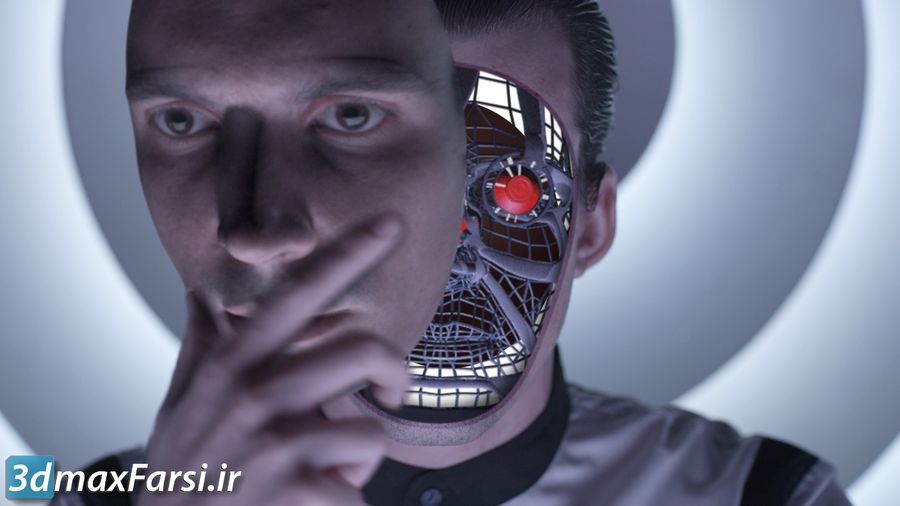
Lynda – After Effects CC 2019 Essential Training VFX
In this After Effects CC 2019 software training course, you can get acquainted with the available features and tools of Aftereffect for creating VFX special effects from Linda site.
Lynda – After Effects CC 2019 Essential Training VFX”, a course or tutorial series focused on teaching visual effects (VFX) using Adobe After Effects CC 2019. This type of training is designed to help users master essential tools and techniques for creating professional-quality VFX in After Effects.
How to Access This Course:
Lynda – After Effects CC 2019 Essential Training VFX
This content is restricted to paid subscribers
What You Might Learn in This Course:
Introduction to After Effects CC 2019:
- Overview of the interface, tools, and workflow.
- Setting up projects and compositions.
Core VFX Techniques:
- Keyframing and animation basics.
- Working with layers, masks, and track mattes.
- Using effects and presets to enhance visuals.
Compositing and Green Screen:
- Chroma keying (green screen removal).
- Blending layers for seamless compositing.
Motion Tracking:
- Tracking motion in footage.
- Applying tracked data to text, graphics, or effects.
3D Effects and Camera Work:
- Working with 3D layers and cameras.
- Creating depth and realism in your compositions.
Advanced VFX Tools:
- Rotoscoping for precise object isolation.
- Using the Roto Brush tool for complex masking.
- Particle effects and simulations.
Color Correction and Grading:
- Enhancing footage with color adjustments.
- Creating cinematic looks.
Rendering and Exporting:
- Optimizing settings for final output.
- Exporting for web, broadcast, or film.
- Tracking masks in Motion
- After Effects Keying training
- Camera and motion tracking training
- Rotoscoping training with MochaAE CC
- How to work with 3D layers Working with 3D layers
- Learn how to make a After Effects destruction with Shatter
- Compositing training in 3D rendering Compositing 3D renders
- Learning to create and use effects in After Effects Using effects
- Complete rendering and output training in After Effects Rendering
- Creating transparent layers and elements After Effects transparency
- Learning to create fire effects with particles Creating fire with particles
- Creating a virtual reality experience in After Effects virtual reality experiences
- Learn the effect of distortion on layers in After Effects with the help of the Distorting layers with the Puppet tool
Learn how to create stunning visual effects with one of the most widely used and highly regarded composite applications called After Effects CC 2019. Then dive into the world of virtual reality as Allen explores features The immersive 360-degree VRs introduced at After Effects CC 2019 are sinking into the world of virtual reality. In the final chapter of the project, you can challenge your new skills by putting the techniques into a real, challenging world.
If you’ve ever seen a bestseller, and I guess you do, then you have some magic that brings the world of visual effects to the screen.
Adobe After Effects is responsible for creating some of this magic and has never had access to it, which means you can also learn to fool visual effects.
In my LinkedIn learning lesson, my goal is to help you visualize effects by learning the necessities behind effects, such as tracking 3D elements for filming, working with the green screen, and destroying everything with a shaky effect. Many, many more, help.
Learn how to make precision and key masks, use rotoscoping to separate foreground from background, perform motion and tracking camera, and add your own 3D elements to a scene and learn how to use effects like particles and heads And sound to create fire, replace the sky, etc. Join us in After Effects CC 2019 software.
Tips for Learning:
Practice Alongside the Tutorials:
- Follow the instructor step-by-step and apply the techniques to your own projects.
Experiment with Your Own Footage:
- Use the skills you learn to create unique VFX for personal or professional projects.
Join Communities:
- Engage with After Effects communities on forums, Reddit, or social media to share your work and get feedback.