Realistic metal and fabric textures for 3D rendering
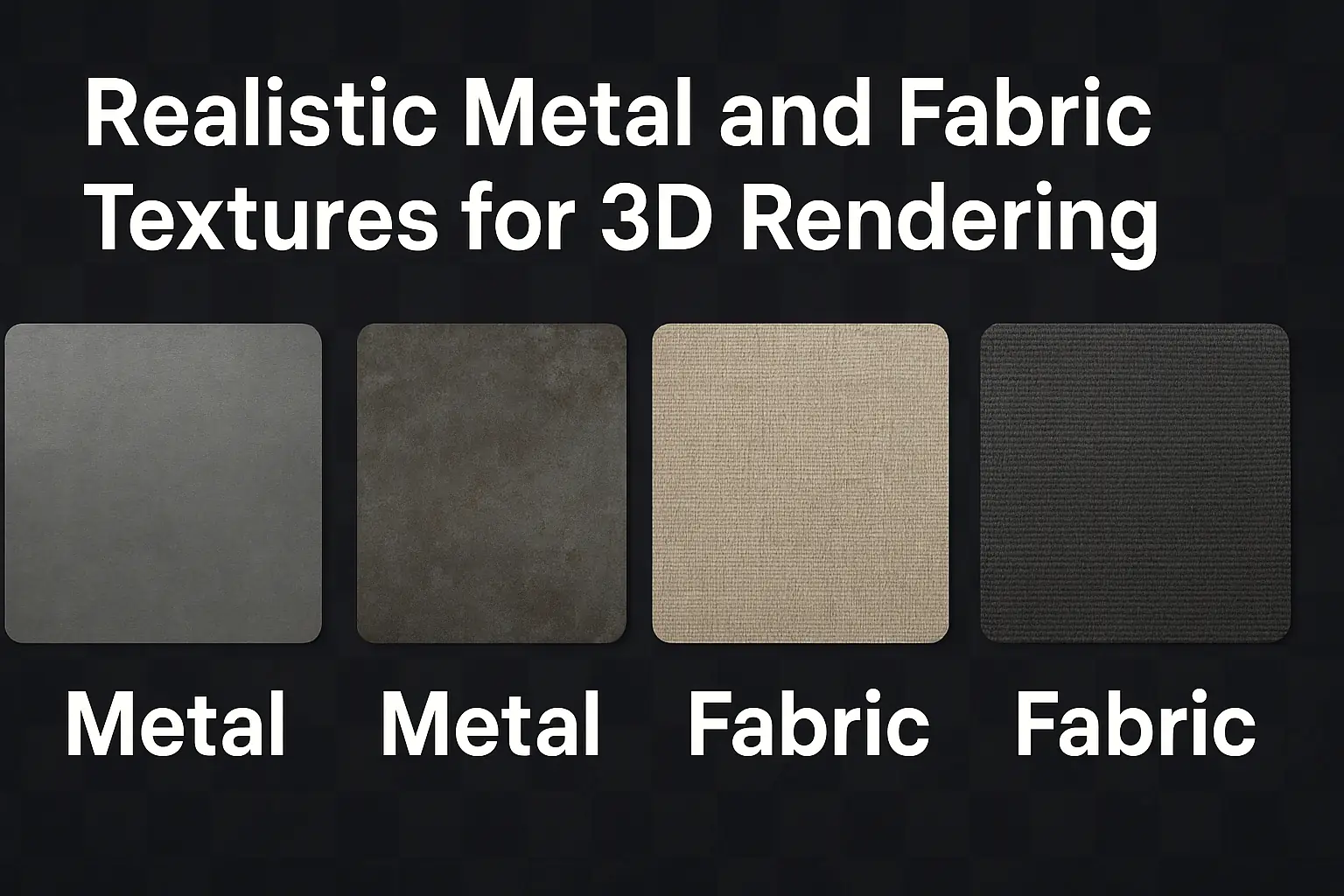
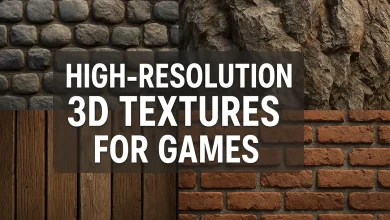
High-Resolution 3D Textures for Games: Crafting Ultra-Realistic Metal & Fabric Textures 🎮✨
Creating lifelike game environments hinges on one crucial element—high-resolution 3D textures. Whether you’re a game developer, 3D artist, or hobbyist, mastering textures (especially metal and fabric) can elevate your renders from “meh” to mind-blowing 🚀.
In this guide, we’ll break down:
✔ Why high-res textures matter
✔ How to create ultra-realistic metal & fabric textures
✔ Common challenges & fixes
✔ Best tools & resources
Let’s dive in!
Why High-Resolution Textures Are a Game-Changer 🖼️
High-res textures (typically 4K or 8K) add depth, realism, and immersion to games. Here’s why they’re essential:
| Feature | Low-Res Texture | High-Res Texture |
|---|---|---|
| Detail | Blurry, pixelated | Crisp, intricate |
| Performance Impact | Lightweight | Requires optimization |
| Realism | Flat, artificial | Lifelike, dynamic |
| Use Case | Mobile games, low-poly art | AAA games, cinematic renders |
Key Benefits:
- Enhanced visual storytelling 🎨
- Better material response to lighting 💡
- More immersive player experience 🕹️
Crafting Ultra-Realistic Metal Textures ⚙️
Metal textures can make or break a scene—rusty iron, polished steel, or futuristic alloys all need distinct properties.
1. Key Characteristics of Metal Textures
✅ Reflectivity (Glossy vs. Matte)
✅ Surface Imperfections (Scratches, dents, fingerprints)
✅ Anisotropy (Directional grain, like brushed metal)
2. Best Techniques for Realistic Metal
- Use PBR (Physically Based Rendering) – Mimics real-world light interaction.
- Add Microsurface Details – Tiny scratches & wear for authenticity.
- Layer Textures – Combine base color, roughness, and normal maps.
Example Workflow:
- Base Color Map (Defines the metal type—gold, steel, copper).
- Roughness Map (Controls shininess—polished vs. rough).
- Normal Map (Adds fake depth for bumps/scratches).
🔍 Pro Tip: Use Substance Painter or Quixel Mixer for dynamic texture painting!
Mastering Fabric Textures for 3D Rendering 🧵
Fabric textures (denim, silk, wool) need subtle details to feel real.
1. Types of Fabric & Their Properties
| Fabric Type | Key Texture Traits |
|---|---|
| Denim | Faded areas, stitching, weave pattern |
| Silk | Smooth, slight sheen, subtle wrinkles |
| Wool | Fuzzy, uneven surface, thicker fibers |
2. How to Make Fabric Look Real
- Use High-Quality References – Study real fabrics under different lighting.
- Simulate Wrinkles & Folds – Gravity affects how fabric drapes.
- Adjust Sheen & Roughness – Silk reflects light differently than burlap.
🎨 Tool Recommendation: Marvelous Designer simulates cloth physics before texturing!
Common Challenges & Fixes 🛠️
❌ Problem: Texture Tiling (Repeating Patterns)
Fix: Use unique UV unwrapping or procedural textures to avoid obvious repeats.
❌ Problem: Performance Drops (Too High-Res)
Fix: Use Mipmaps & texture compression (like BC7 format).
❌ Problem: Flat-Looking Metals/Fabrics
Fix: Add ambient occlusion & height maps for depth.
Best Tools for High-Res 3D Textures 🛠️
| Tool | Best For | Price |
|---|---|---|
| Substance Painter | PBR Texturing | 💲💰 (Paid) |
| Quixel Mixer | Megascans Integration | 💲 (Free/Paid) |
| ArmorPaint | Open-Source Alternative | 🆓 (Free) |
| Photoshop | Custom Texture Editing | 💲💰 (Paid) |
FAQs About High-Res Game Textures ❓
Q: Do high-res textures slow down games?
A: Yes, but optimization (LODs, compression) helps balance quality & performance.
Q: Can AI generate realistic textures?
A: Yes! Tools like NVIDIA Canvas & Diffusion Models help, but manual tweaks are still needed.
Q: What’s the best format for game textures?
A: PNG/TGA (lossless) for quality, DDS/BC7 (compressed) for performance.
Final Thoughts 🎯
High-resolution metal & fabric textures are game-changers—literally! By mastering PBR workflows, detail layering, and optimization tricks, you can create jaw-dropping assets that pull players into your world.
🚀 Ready to level up? Start experimenting with Substance Painter or Quixel Mixer today!
Got questions? Drop them below! 👇💬
(Meta Tags for SEO: #3DTextures #GameDev #PBRTexturing #RealisticRendering #MetalTextures #FabricTextures)
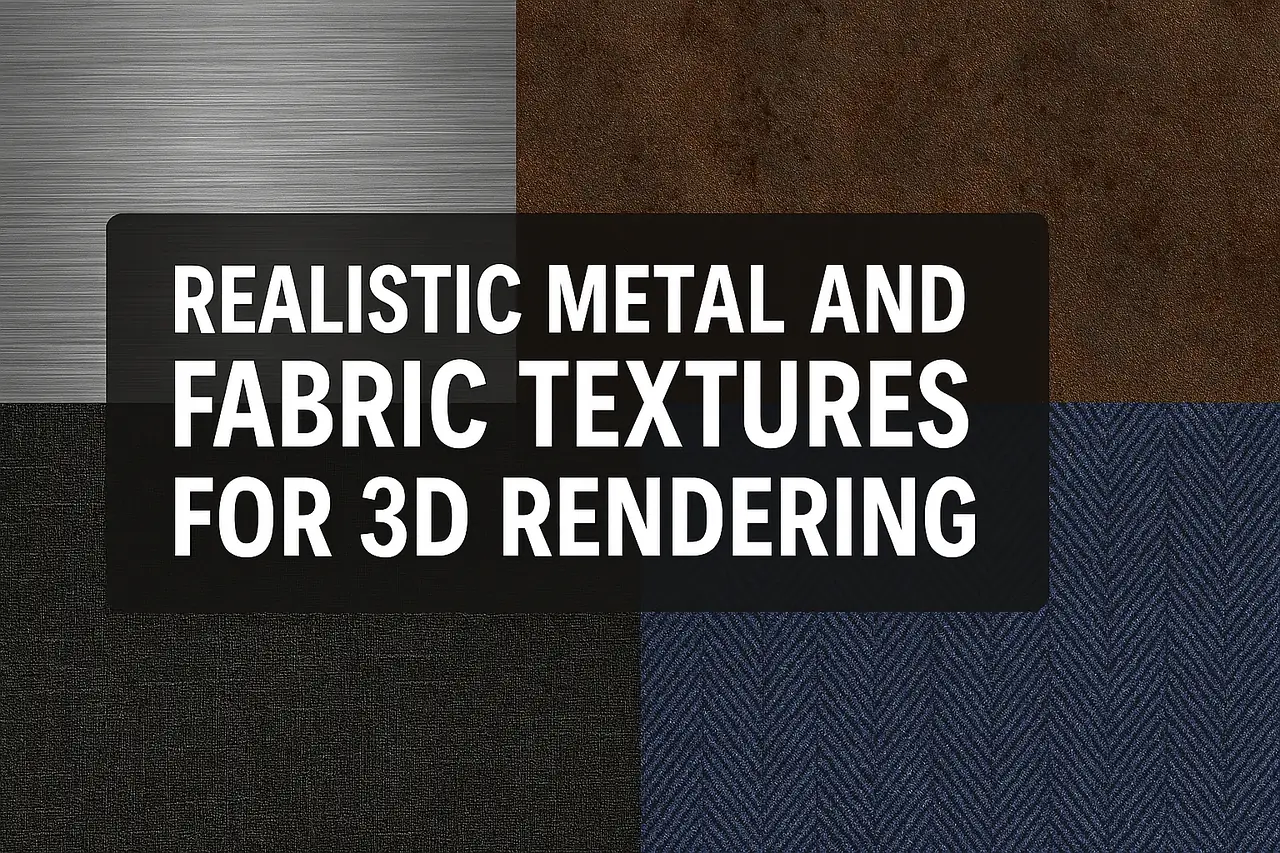
Advanced Tips for Perfecting Metal & Fabric Textures in Games 🔥
Now that we’ve covered the basics, let’s dive into pro-level techniques to make your textures next-level realistic. Whether you’re working on a AAA game or an indie project, these tips will help you stand out from the crowd.
1. Dynamic Wear & Tear: Making Metals Feel “Lived In” 🏗️
Nothing screams realism like weathering effects. Here’s how to add convincing wear to metal textures:
🔹 Rust & Corrosion
- Use procedural rust generators (like Substance Designer).
- Layer grunge maps for uneven decay.
- Edge wear (exposed metal under paint) sells realism.
🔹 Scratches & Dents
- Directional scratches (e.g., sword blades get scratched along the edge).
- Dents should follow physics-based impact zones (like corners).
🎨 Pro Tip: Mask generators in Substance Painter automate wear patterns!
2. Fabric Physics: Beyond Static Textures 🧶
Fabric isn’t just about color & weave—it’s about movement & interaction.
🔹 Simulating Real Cloth Behavior
- Knit vs. Woven Fabrics behave differently under stress.
- Stretching & Folding should follow material tension points.
🔹 Wind & Gravity Effects
- Use dynamic wrinkles in Marvelous Designer.
- Animated normal maps can simulate subtle fabric movement.
📌 Example: A flag needs flowing motion, while leather has stiff creases.
3. Lighting & Material Response 💡
Even the best textures look flat without proper lighting interaction.
🔹 Metal Lighting Tricks
- Anisotropic highlights (for brushed metals).
- Fake reflections (cubemaps for low-performance games).
🔹 Fabric Lighting Tricks
- Subsurface scattering (for thin fabrics like silk).
- Fuzz lighting (wool needs soft, diffused highlights).
⚡ Quick Fix: If metals look too plasticky, tweak the roughness map.
4. Optimization Without Sacrificing Quality ⚙️
High-res textures can murder performance if not optimized. Here’s how to balance it:
| Optimization Trick | When to Use |
|---|---|
| Mipmapping | Reduces texture res at a distance |
| Texture Atlases | Combines multiple textures into one file |
| BC7 Compression | Best for PBR textures (minimal quality loss) |
🎮 Game Engine Tip:
- Unreal Engine: Use Virtual Textures for massive worlds.
- Unity: Try GPU Instancing for repeated textures.
5. Free vs. Paid Texture Resources 🆚💰
🔹 Best Free Texture Sites
-
-
- AmbientCG (CC0 PBR textures)
- Texture Haven (High-res scans)
- Poliigon Free Section (Limited but high-quality)
-
🔹 Premium Texture Libraries
-
-
- Quixel Megascans (Industry standard)
- Substance Source (Procedural & hand-painted)
- TextureXYZ (Photorealistic scans)
-
💡 Smart Move: Use free textures for prototyping, then upgrade to paid for final assets.
Final Pro Tips for Texture Artists 🏆
✔ Always use real-world references (Photos > Imagination).
✔ Layer details (dirt, scratches, fingerprints) for depth.
✔ Test in-engine early (textures look different in renders vs. gameplay).
Your Turn! 🚀
What’s your biggest struggle with textures?
- Getting scratches to look natural?
- Optimizing for mobile?
- Making fabrics drape realistically?
What’s Next?🎮
Drop a comment & let’s troubleshoot together! 👇💬
(SEO Tags: #GameArt #3DRendering #TextureDesign #RealisticGraphics #PBRMaterials #GameDevTips)